Emails Tallyfy Sends > Process activity
Tallyfy sends process-level emails covering guest invitations, assignment changes, collaborator…
This is the biggest group, and the one people ask about most. Anything that happens to a task you own can reach you here: a new assignment, a nudge, a moved deadline, an edit.
Not the one you’re after? The full gallery covers all 53.
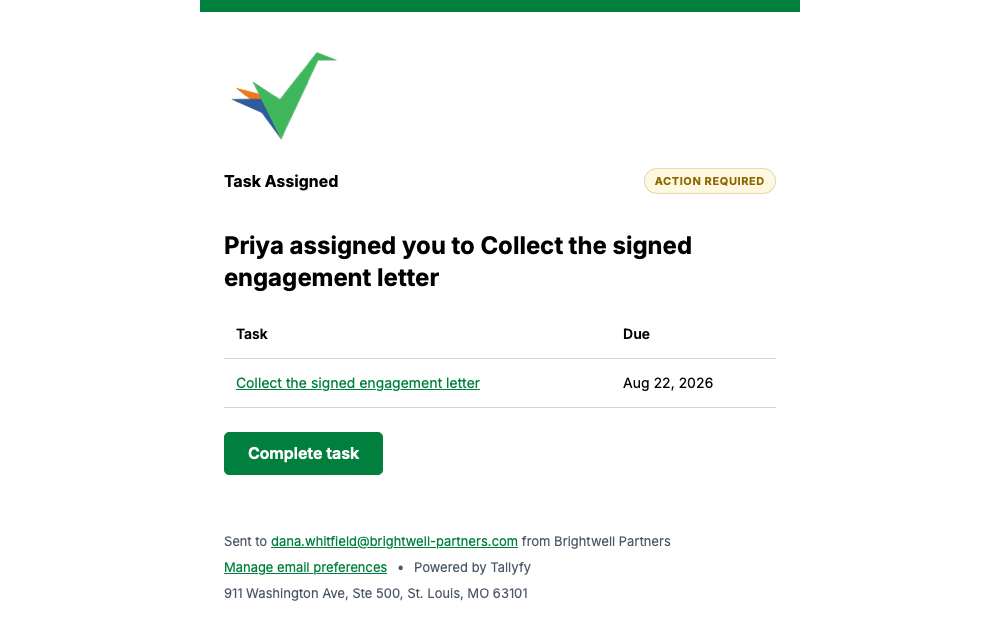
Somebody assigning you a task that isn’t part of a process sends this, with the task name and its due date.
Some steps in a process are built to reach you by email rather than in the app, and this is what one looks like.
No picture here yet. Look for Email Task in small type near the top of the message.
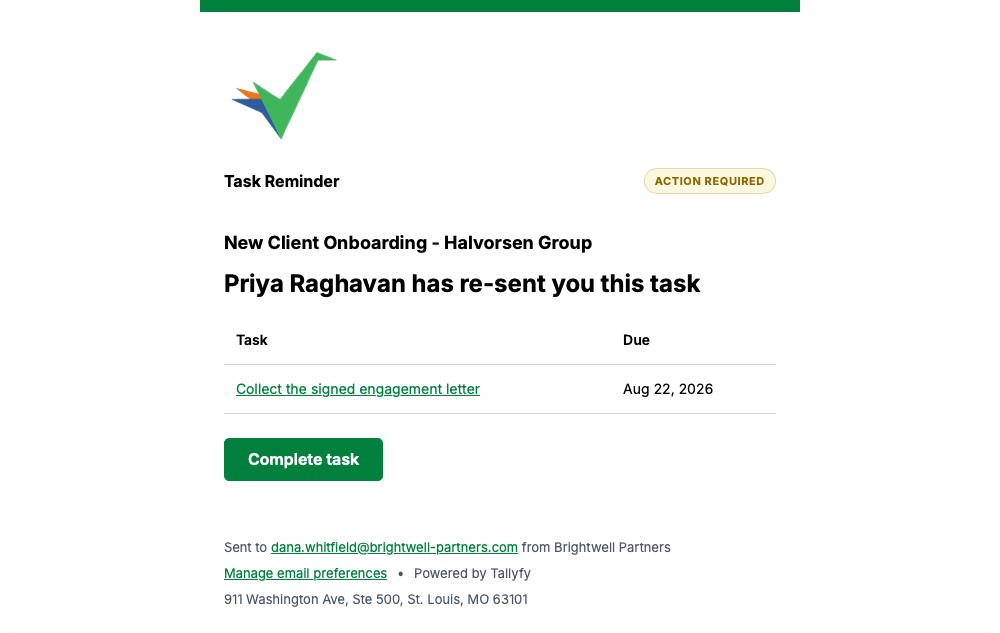
Anyone can re-send you a task you haven’t finished, and this reminder is what lands in your inbox.
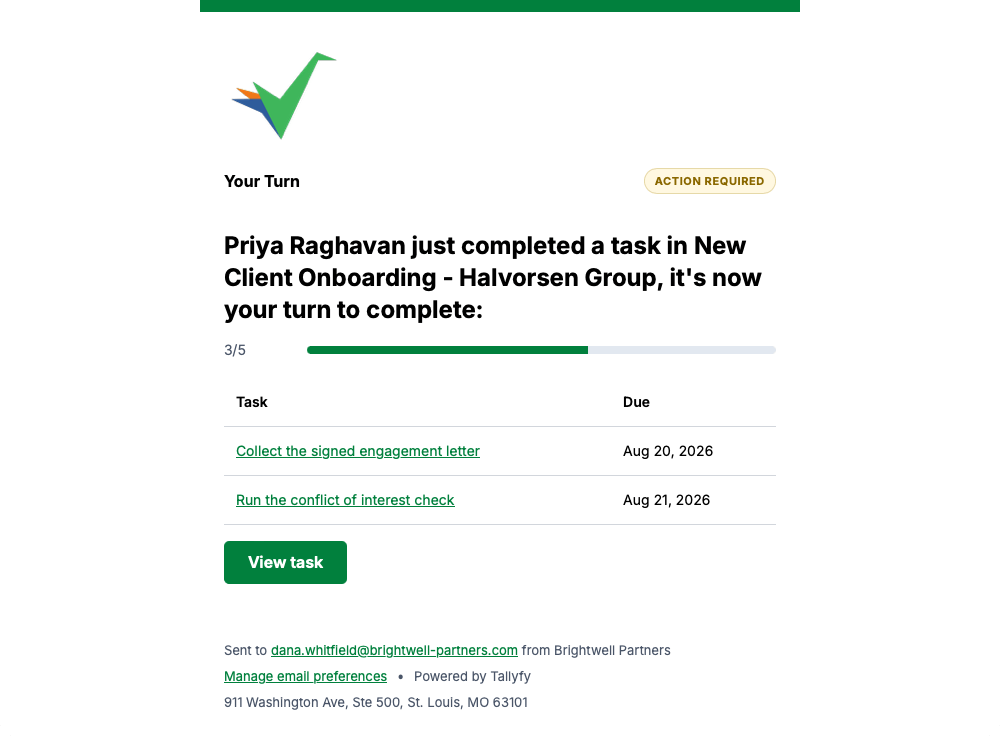
When a colleague finishes their step and an automation hands the next one to you, Tallyfy tells you it’s your turn and shows how far the process has got.
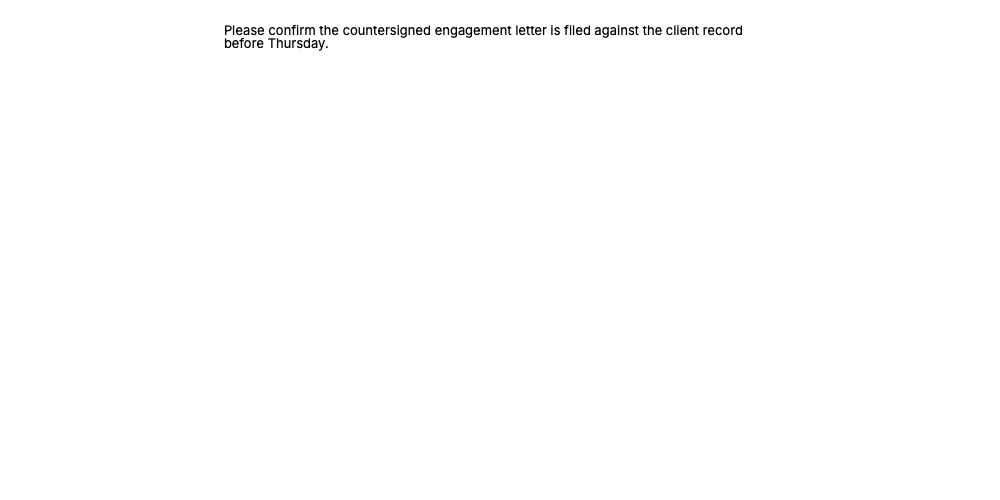
A few task emails are sent as plain text with no logo, header or footer, which is why one can look unbranded next to the rest.
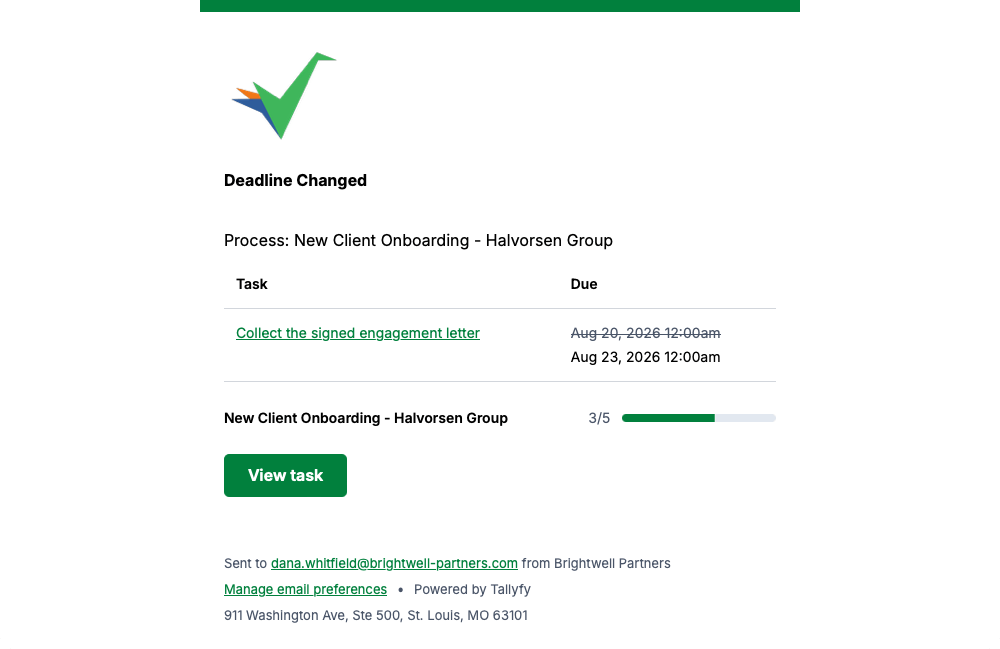
If the due date on one of your tasks changes, Tallyfy shows the old date crossed out beside the new one.
Tallyfy sends this when a new task appears in a process you’re already part of.
No picture here yet. Look for Process Linked in small type near the top of the message.
Completing a task isn’t always the end. If somebody reopens one, this tells you it’s back on your list.
No picture here yet. Look for Task Reopened in small type near the top of the message.
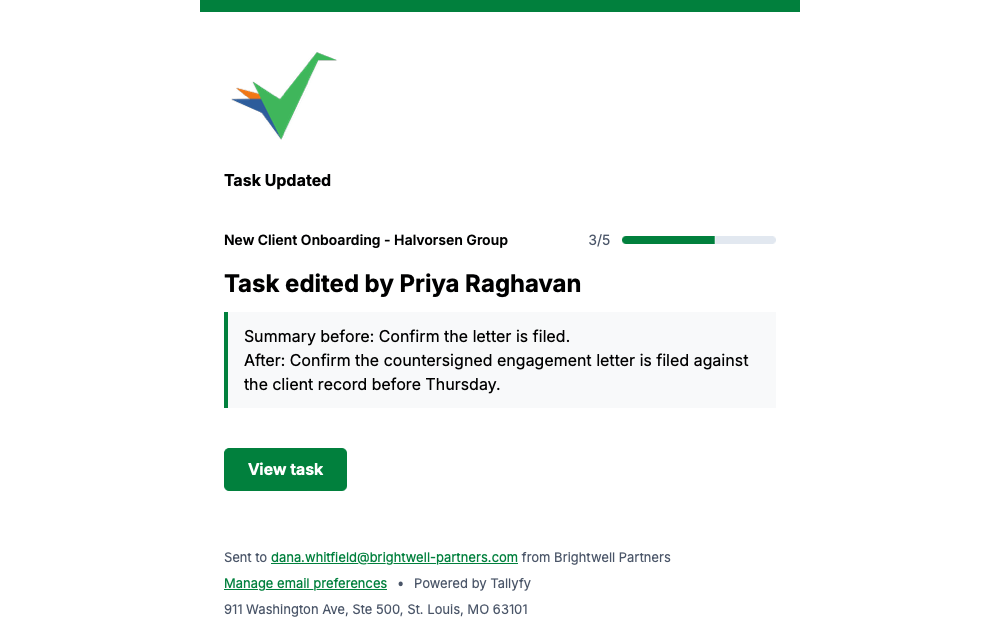
When somebody edits a task assigned to you, Tallyfy shows the wording before and after so you can see what actually changed.
Watching a task means Tallyfy emails you when it changes, and this is that alert.
No picture here yet. Look for Watch Alert in small type near the top of the message.
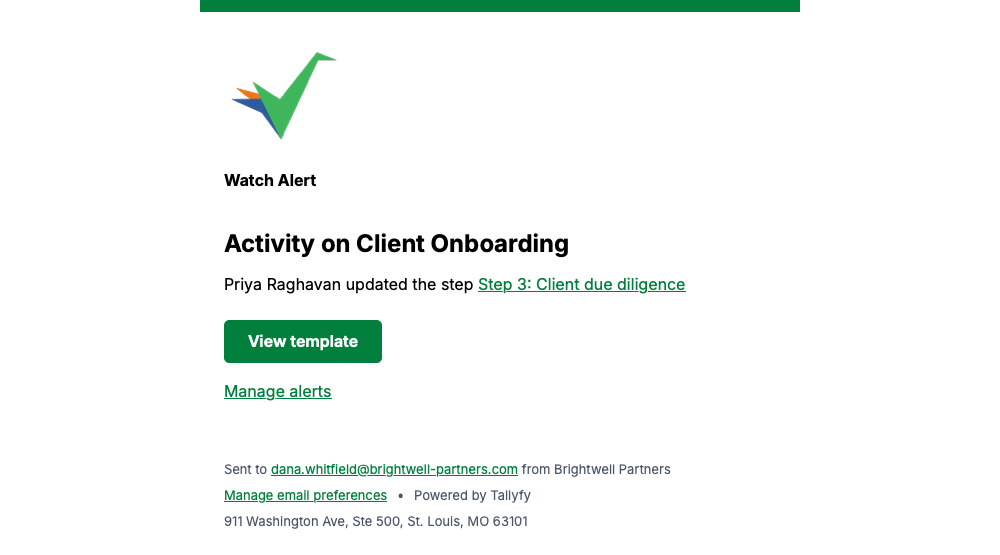
Watching a template means you hear about edits to it, including which step somebody changed.
Every message on this page carries a Manage email preferences link in its footer, so you can change how often Tallyfy emails you whenever you like.
Emails Tallyfy Sends > Process activity
Emails Tallyfy Sends > Watching and subscriptions
Emails Tallyfy Sends > Membership and reassignment
Email > What Tallyfy emails look like