Emails Tallyfy Sends > Passwords and single sign-on
Tallyfy sends a membership confirmation email once your account is set up and the version you…
These cover the trip from an invitation landing in your inbox to you being a member. Both sides of an invitation get a message, so you and the person who invited you each hear what happened.
Not the one you’re after? The full gallery covers all 53.
You get this right after you accept an invitation, confirming you’re in and naming the person who invited you.
No picture here yet. Look for Invitation Accepted in small type near the top of the message.
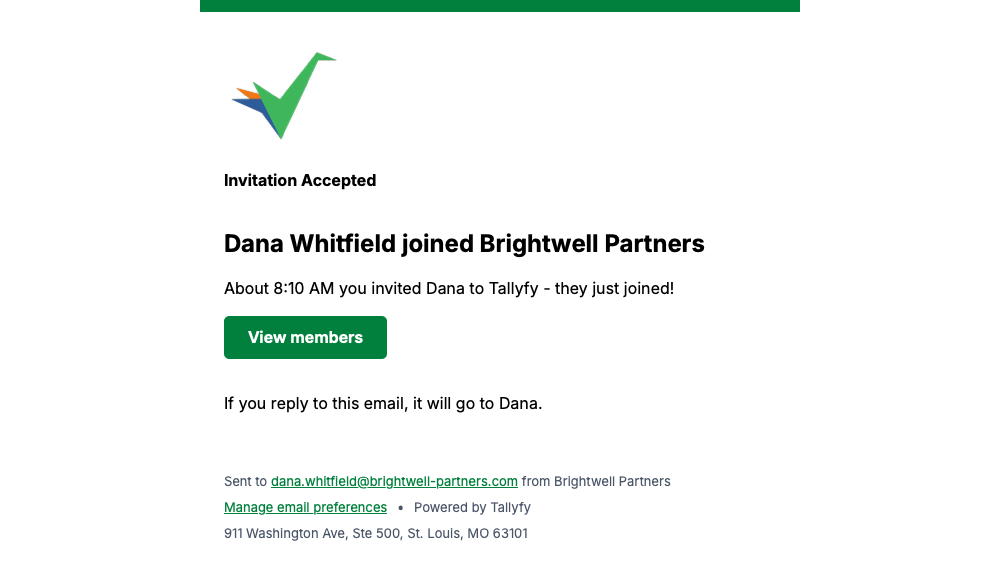
Tallyfy sends this to whoever invited a new person, letting them know the invitation was taken up.
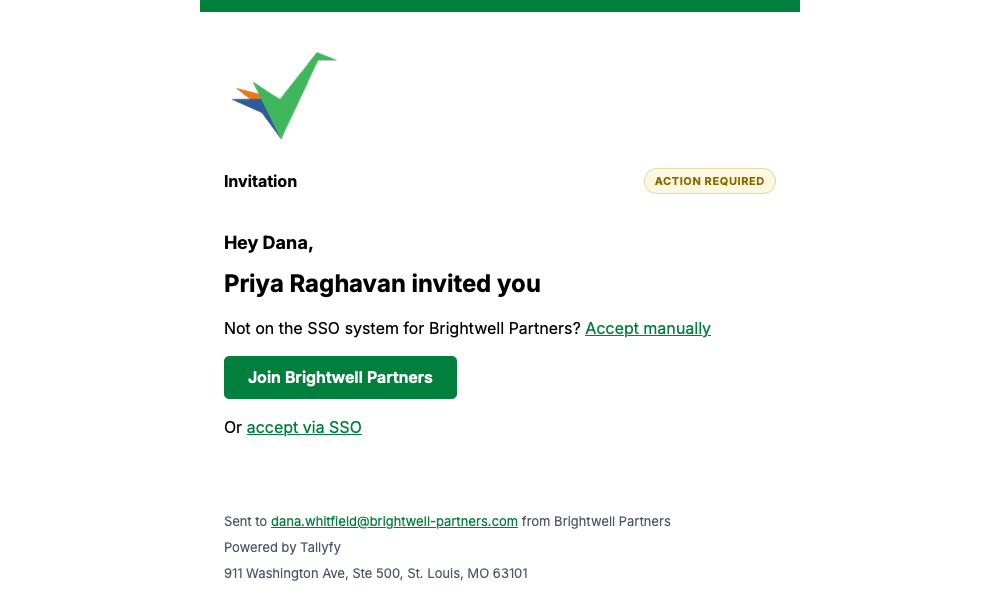
A colleague inviting you to their Tallyfy organization triggers this, with a button to join and a separate link for companies that use single sign-on.
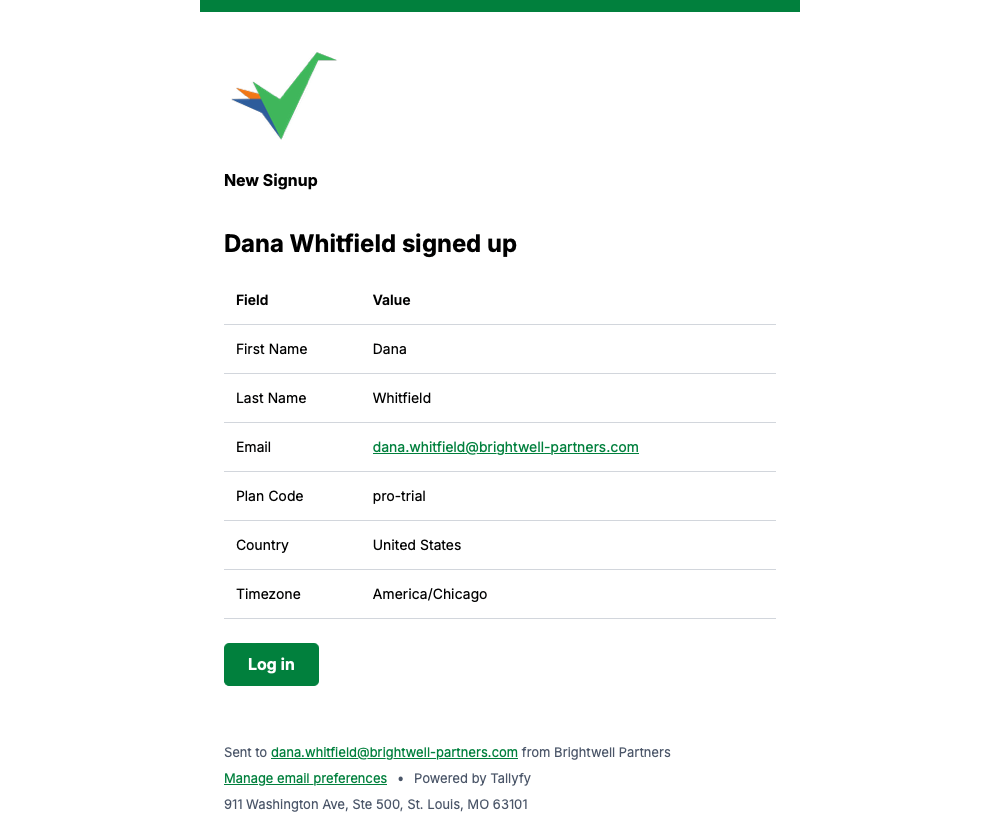
This goes to your administrators when somebody new registers, listing the details that person entered.
Every message on this page carries a Manage email preferences link in its footer, so you can change how often Tallyfy emails you whenever you like.
Emails Tallyfy Sends > Passwords and single sign-on
Email > What Tallyfy emails look like
Members > Invite and activate members
Emails Tallyfy Sends > Account change notices