Emails Tallyfy Sends > Account change notices
Tallyfy automatically sends you confirmation emails whenever key account changes happen, like…
These arrive when you’re getting into Tallyfy, or when something about your access changes. Two of them carry a link that expires, so check the timestamp before you worry that a link is broken.
Not the one you’re after? The full gallery covers all 53.
Tallyfy sends this when a suspended account is switched back on by itself. You can sign in again straight away, and you don’t need a new password.
No picture here yet. Look for Account Reactivated in small type near the top of the message.
You get this when someone in your company turns your suspended account back on. Your old password still works.
No picture here yet. Look for Account Reactivated in small type near the top of the message.
This arrives the moment your account goes live, with a sign-in link and a short guide to building your first template.
No picture here yet. Look for Account Activated in small type near the top of the message.
You get this when you ask to reset your password. The link inside works for one hour, and ignoring the email leaves your password alone.
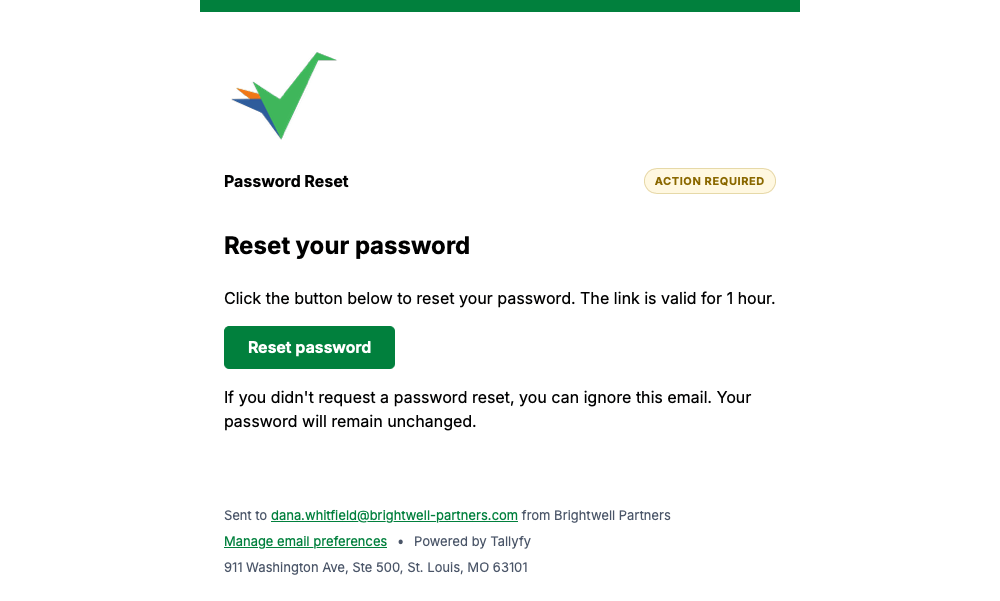
Tallyfy sends this once your reset is complete, so you know you’re able to sign in with the new password.
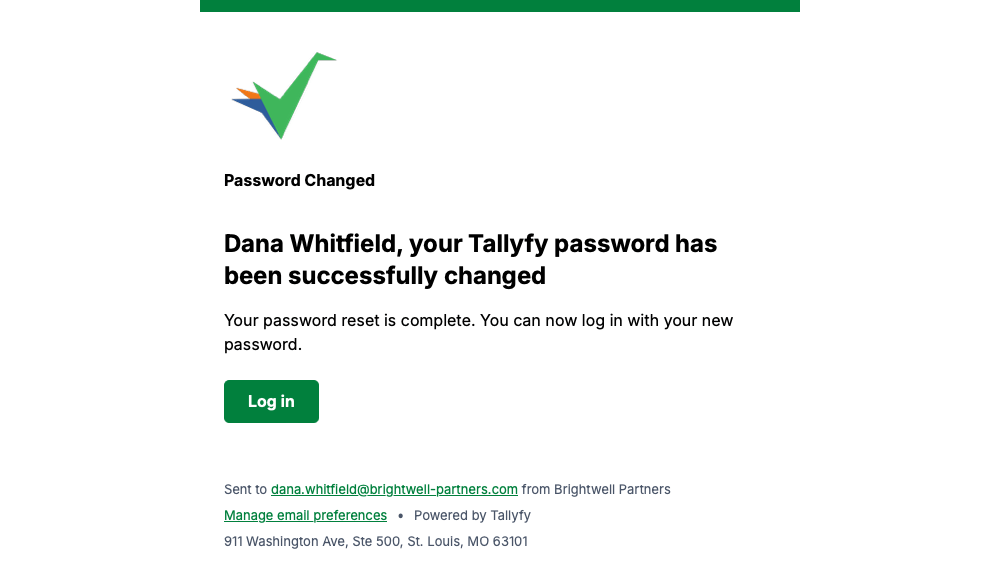
This goes out when you sign up. Confirm your address and the account’s ready to use.
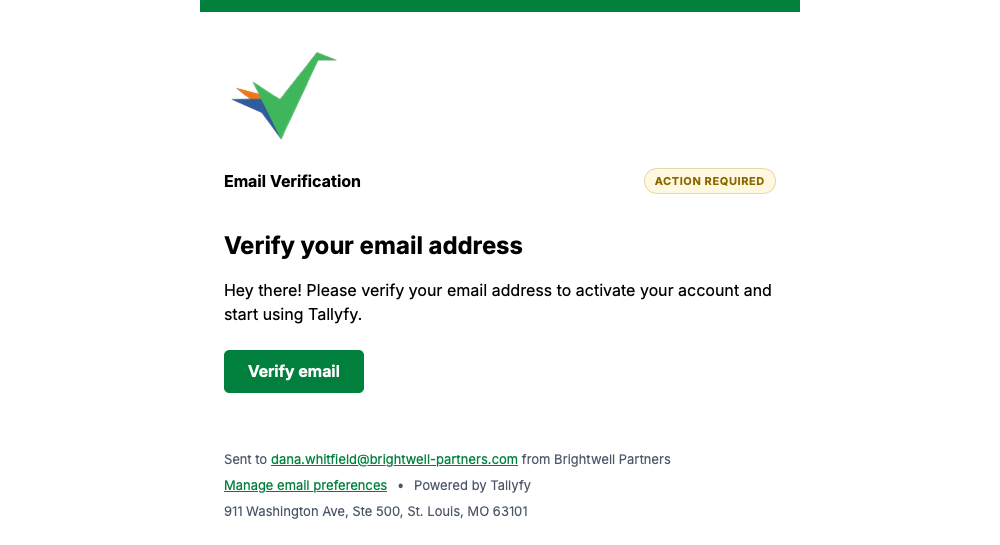
Every message on this page carries a Manage email preferences link in its footer, so you can change how often Tallyfy emails you whenever you like.
Emails Tallyfy Sends > Account change notices
Email > What Tallyfy emails look like
Emails Tallyfy Sends > Passwords and single sign-on
Emails Tallyfy Sends > Membership and reassignment