Emails Tallyfy Sends > Joining an organization
Tallyfy sends specific emails to both the inviter and the invitee during the invitation process…
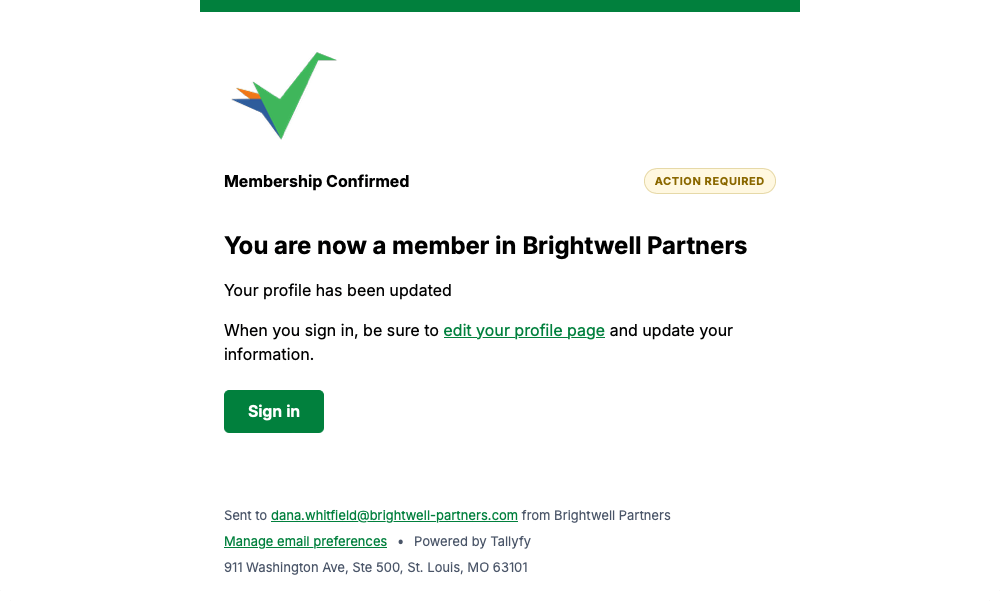
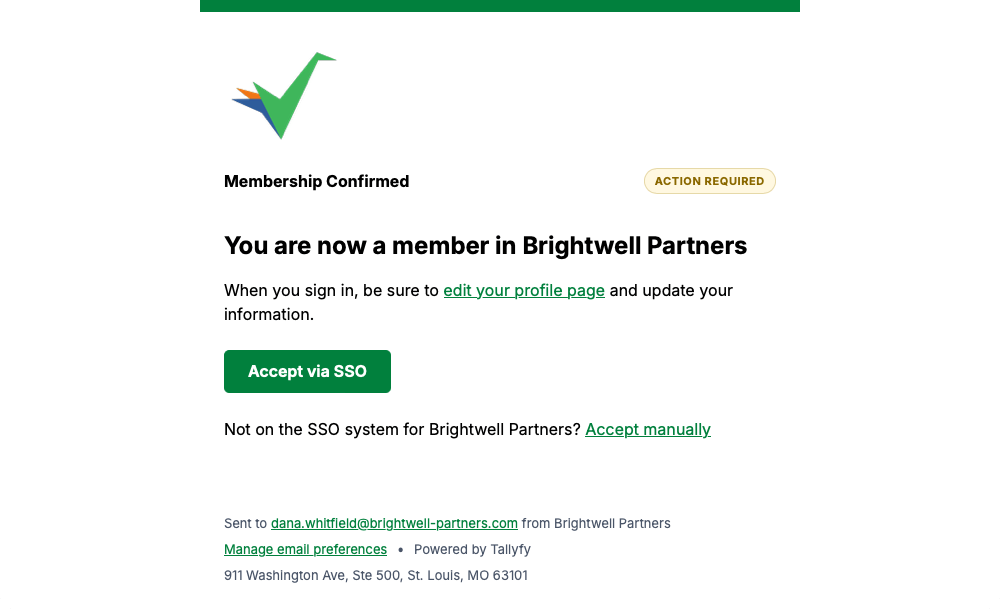
Both of these confirm the same thing, that your membership is live. Which one you get depends on whether your company signs in with its own login system.
Not the one you’re after? The full gallery covers all 53.
Tallyfy sends this once your membership is set up, pointing you at your profile page to fill in your details.
This is the same confirmation for companies that sign in through single sign-on, so the main button uses your company login.
Every message on this page carries a Manage email preferences link in its footer, so you can change how often Tallyfy emails you whenever you like.
Emails Tallyfy Sends > Joining an organization
Emails Tallyfy Sends > Signing in and account access
Email > What Tallyfy emails look like