Emails Tallyfy Sends > Signing in and account access
Tallyfy sends six account-related emails covering account reactivation, welcome messages…
Tallyfy tells you when something on your account changes, even when you’re the one who changed it. That’s deliberate. A message you didn’t expect is the fastest way to spot a change you didn’t make.
Not the one you’re after? The full gallery covers all 53.
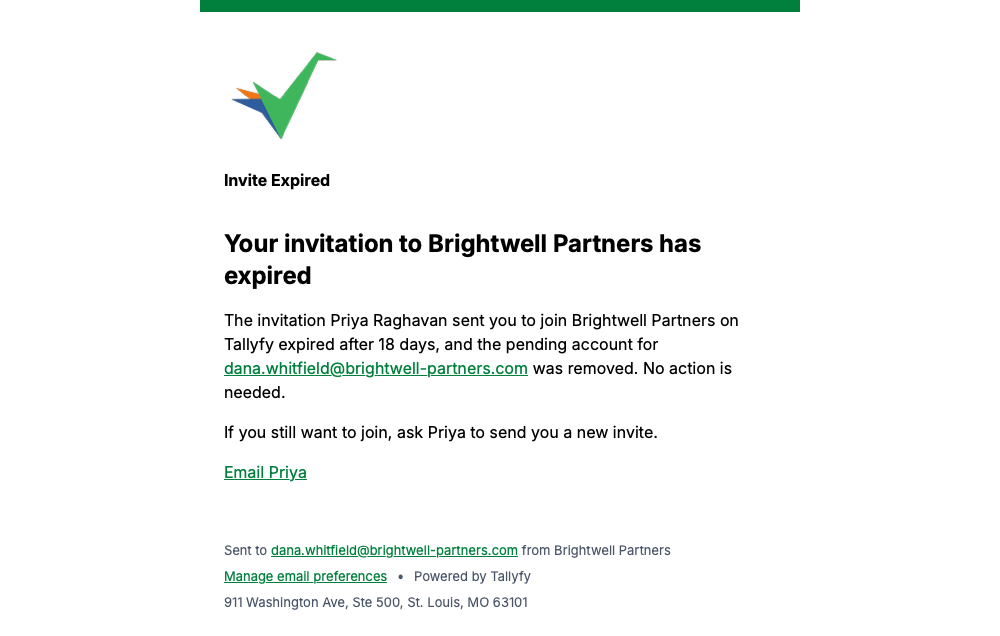
If you never accept an invitation, Tallyfy tells you when it runs out and removes the pending account. Nothing is needed from you.
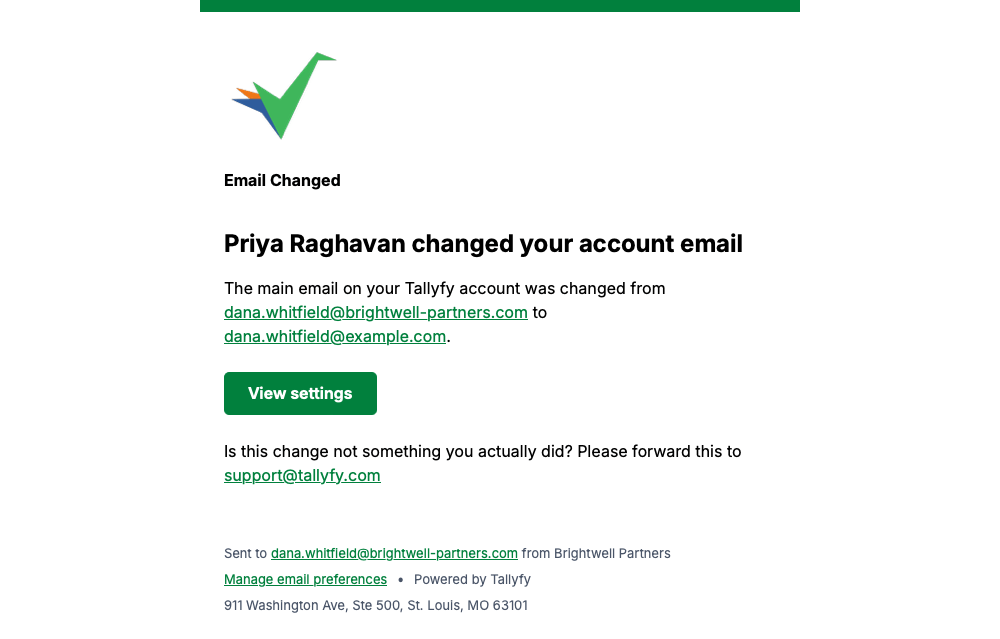
Tallyfy sends this when the main email address on your account changes, showing both the old and the new address so an unexpected change stands out.
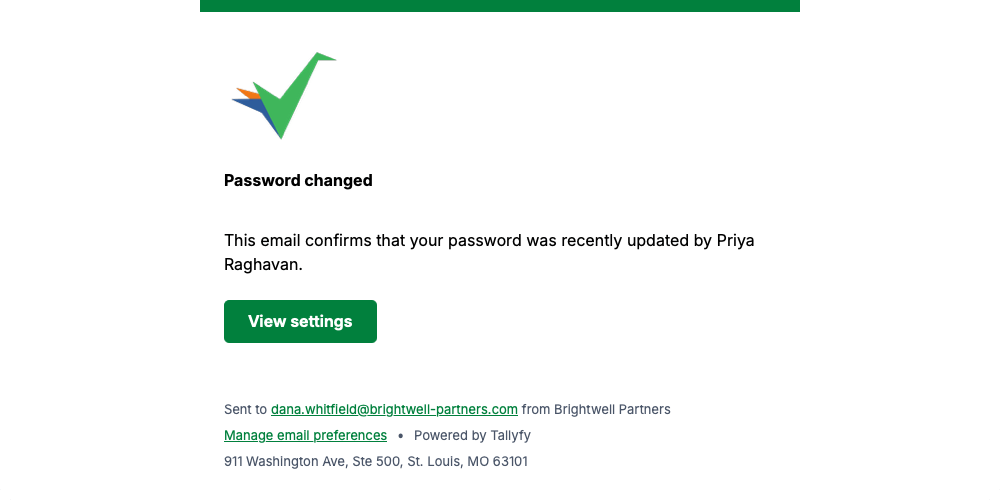
Any password update on your account triggers this, so a change you didn’t make gets noticed quickly.
A Tallyfy support agent resets your password only when you ask them to, and this confirms it. You can’t trigger it yourself.
No picture here yet. Look for Password reset in small type near the top of the message.
When somebody edits your profile, Tallyfy lists exactly which fields moved.
No picture here yet. Look for Profile Updated in small type near the top of the message.
Tallyfy sends this when an administrator changes your role, naming the old role and the new one.
No picture here yet. Look for Profile Updated in small type near the top of the message.
Every message on this page carries a Manage email preferences link in its footer, so you can change how often Tallyfy emails you whenever you like.
Emails Tallyfy Sends > Signing in and account access
Email > What Tallyfy emails look like
Emails Tallyfy Sends > Joining an organization
Emails Tallyfy Sends > Membership and reassignment