Personal Settings > Personalization settings
Personalize your Tallyfy experience through Settings > My Account. Adjust display preferences…
Your profile picture appears next to tasks you’re assigned to and in system emails. It helps teammates recognize you at a glance.
Here’s how to add or change your photo:
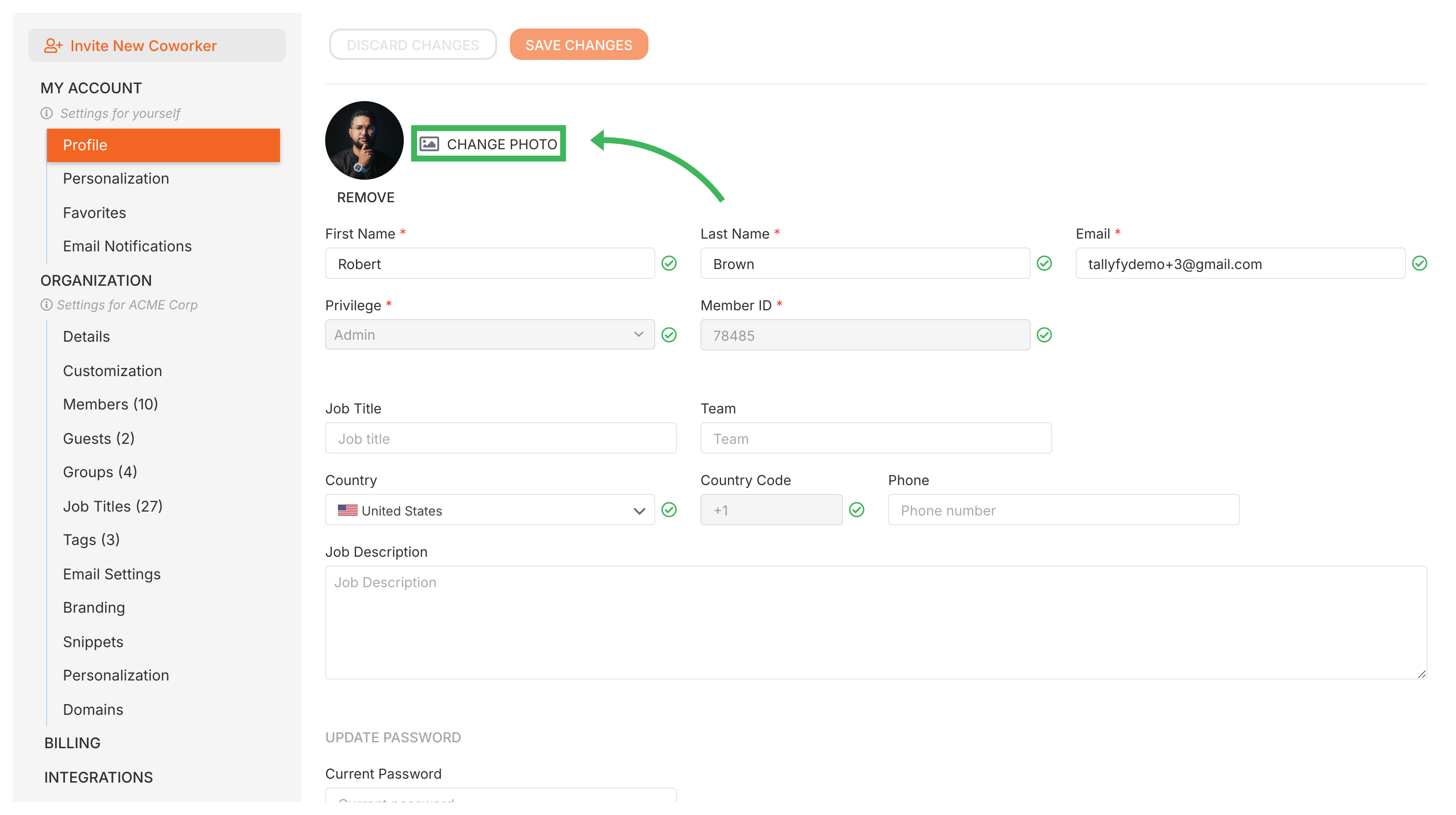
Your new photo appears across Tallyfy right away. You don’t need to click SAVE CHANGES separately for the photo.
Personal Settings > Personalization settings
Personal Settings > Switch between organizations
Personal Settings > Change my email address