Examples > Multi-level approval loops
Build multi-level approval chains where rejections automatically reopen earlier steps for…
Status actions in Tallyfy do one thing - they automatically re-open a step (task) that was already marked as complete. The target task must already be complete for this to work. If it’s still open or hasn’t started yet, nothing happens.
They’re particularly handy for:
Status is one of five action types you can add to an automation. The others toggle visibility, change deadlines, update assignments, and fire a webhook, which you can add only through the API today.
Example 1: Re-open task after rejection
Re-open task after rejection
If
Then
AUTOMATION Re-open task after rejection
IF field "Approval Decision" is "Requires changes"
THEN reopen "Make changes for next draft"
When reviewers request changes, that draft task opens right back up.
Example 2: Loop back if quality check fails
Loop back if quality check fails
If
Then
AUTOMATION Loop back if quality check fails
IF field "Quality Check" is "Failed"
THEN reopen "Review product specifications"
This sends the process back to specification review whenever quality doesn’t pass.
Example 3: Handle document corrections
Handle document corrections
If
Then
AUTOMATION Handle document corrections
IF field "Manager Approval" is "Rejected"
THEN reopen "Update documentation"
Manager says no? The documentation task re-opens automatically.
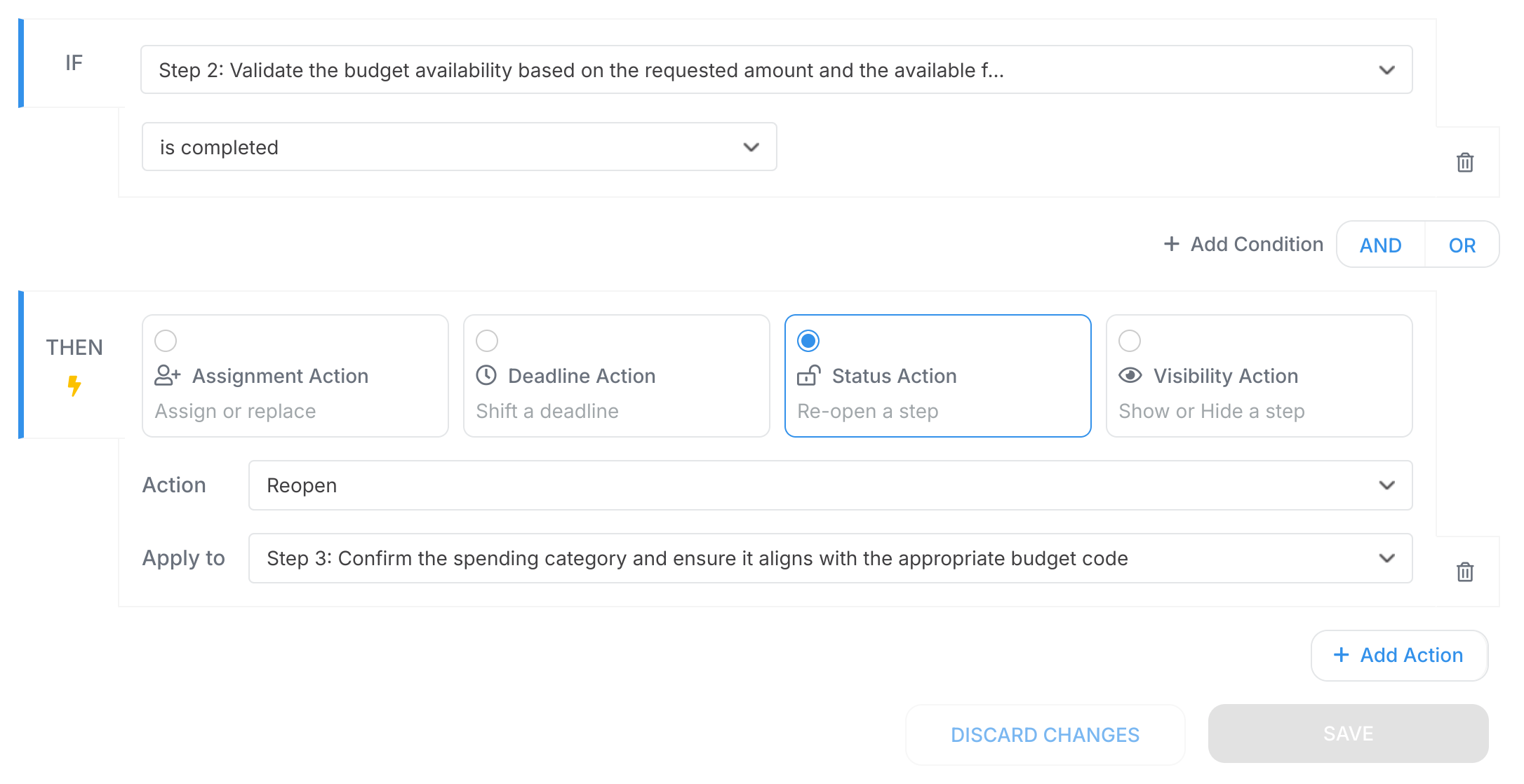
Completing step 2 automatically re-opens step 3 - that’s your process loop in action.
Examples > Multi-level approval loops
Actions > Automate hiding or showing tasks