Use Cases > Find anything across your workflows
Tallyfy’s AI-powered search lets you type plain-language questions to find tasks, processes, and…
Tallyfy’s universal search helps you find anything across your workspace - templates, running processes, tasks, and snippets.
Type what you’re looking for into the search bar at the top of your interface.
Here’s what universal search indexes across your Tallyfy organization:
Results show all matching items with contextual information. For templates in folders, you’ll also see the folder path so you can find the right template.
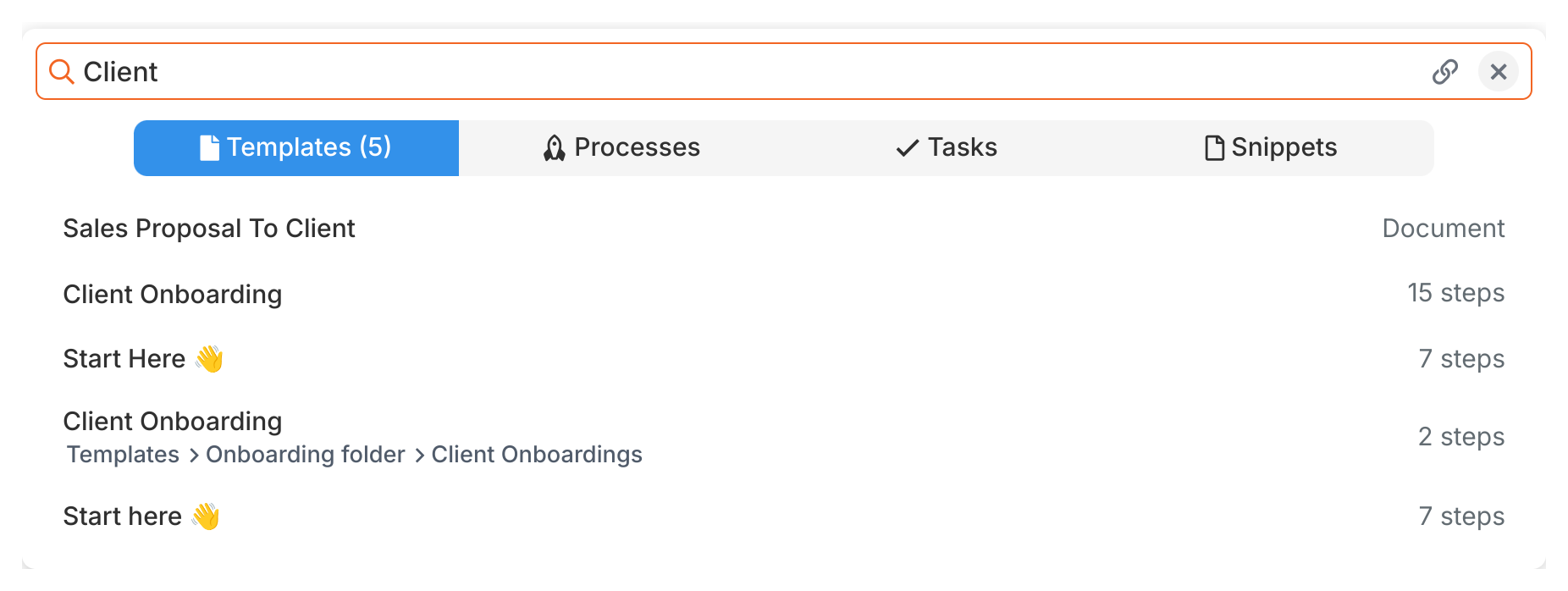
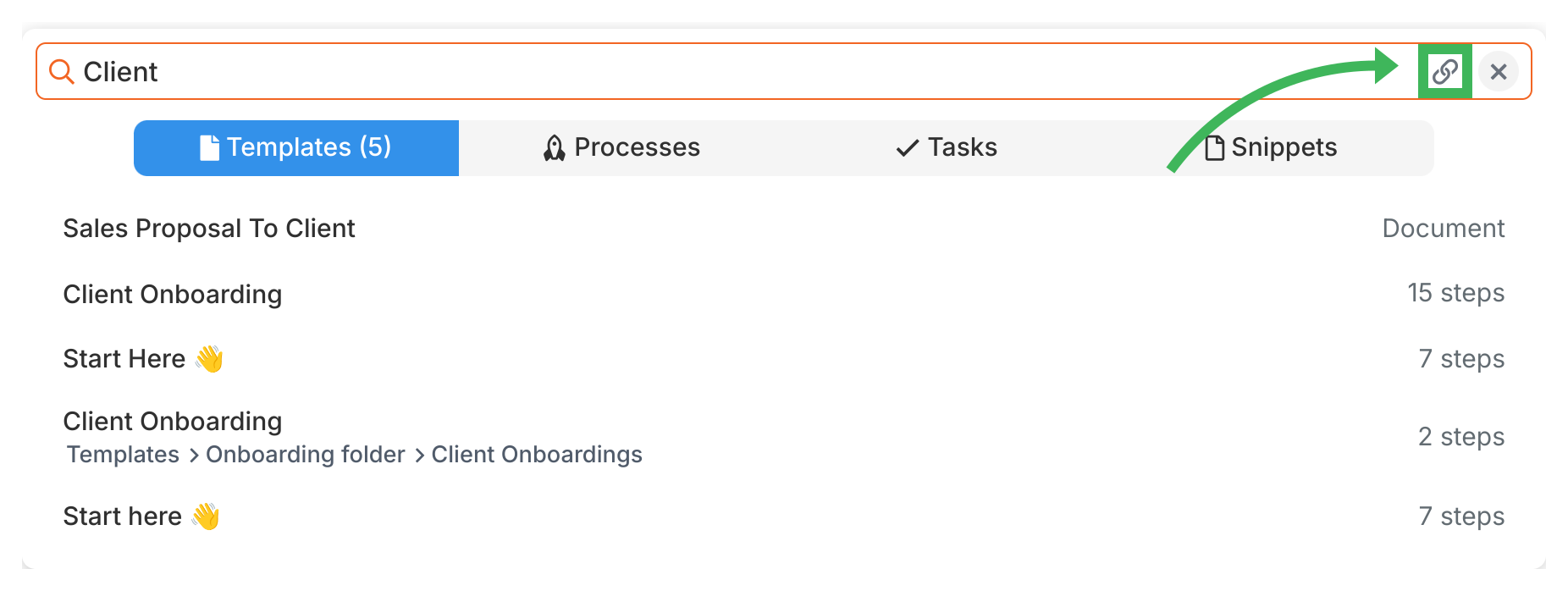
To share a direct link to any search result, click the share icon next to it. This copies a link to your clipboard that you can send to team members.
Use Cases > Find anything across your workflows
Templates > Organizing templates