Process Improvement > Understanding your current processes
Documenting existing workflows in Tallyfy eliminates tribal knowledge by letting teams capture…
Tallyfy helps you fix the process first, then let AI help. Move your SOPs, flowcharts and checklists into Tallyfy. Your team and AI then work through each process step by step, and you can see every step in real time. You don’t need to code or draw flowcharts.
Turning a process into a running workflow takes minutes. Tallyfy is built for non-technical people.

Your problem might be small papercuts. It might be big, wasteful processes. Either way, Tallyfy turns them into workflows your team can run and track.
Simple workflow is a basic human right. Tallyfy makes AI useful and practical for your everyday processes.
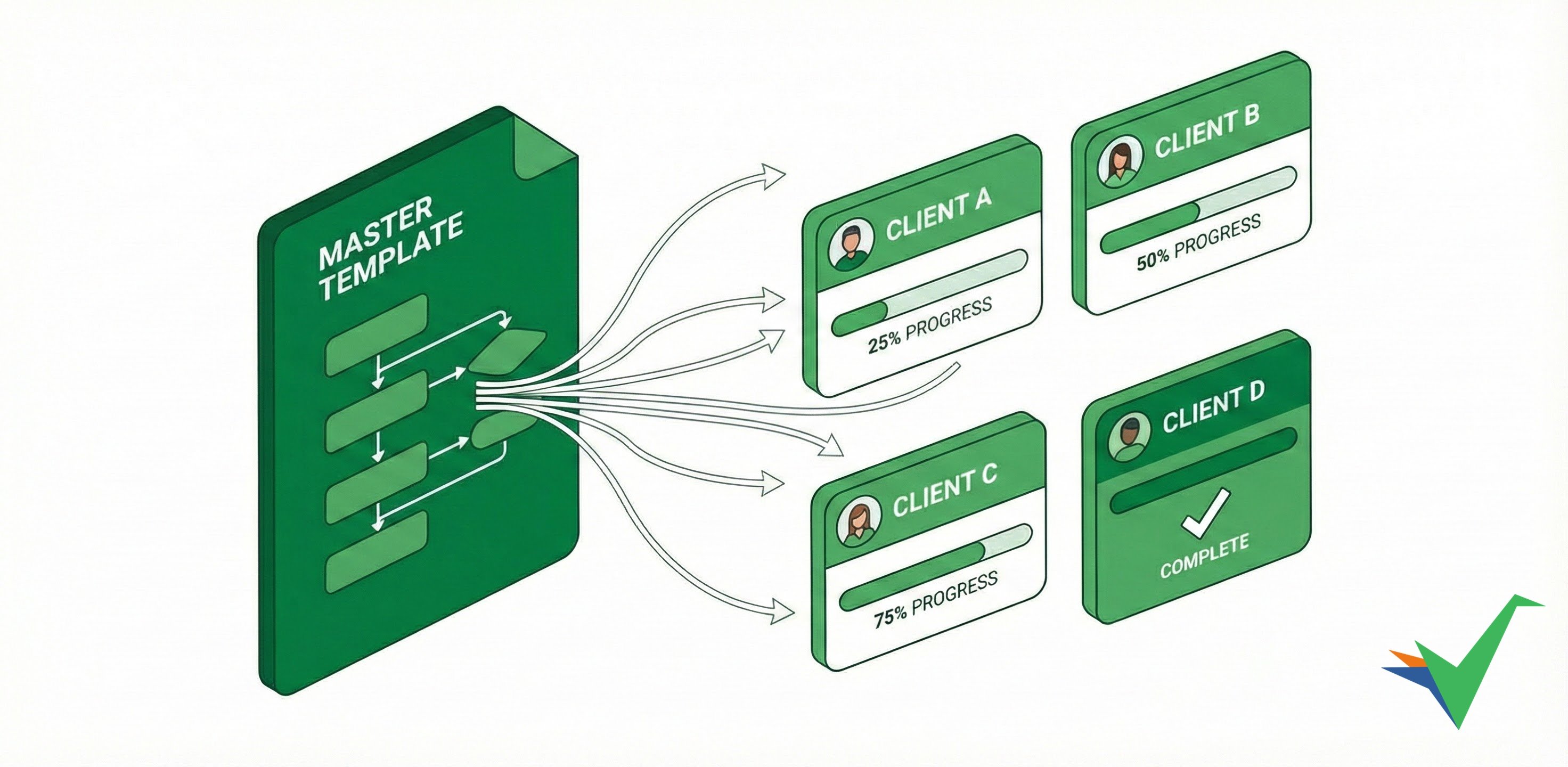
Do you hear any of these phrases at work? That’s busywork. It’s hidden time you pay for that produces nothing. Our ROI calculator ↗ measures what that gap costs.
| If you hear this… | What Tallyfy does instead |
|---|---|
| ”How do I do this?” | Step-by-step guidance sits inside every task. There’s no manual to read. |
| ”What’s the status?” | Everyone sees progress in real time, including clients. |
| ”I forgot” | Reminders and assignments are automatic. Nothing slips. |
| ”What’s next?” | The next task goes to the right person automatically. |
| ”See my reminder?” | No chasing. Tallyfy assigns and notifies. |
| ”Where’s that file?” | Files, comments, and decisions live inside the workflow. |
| ”Did anyone approve this?” | Approvals happen in context, with a clear audit trail. |
| ”Who’s doing this?” | Every task has one clear owner and a deadline. |
We’ve set up Tallyfy with customers for a decade. When those busywork phrases stop coming up day to day, your team gets that time back. They can use it to sell more and improve how things get done. They can also invest in research and the kind of work that builds a lasting advantage.
People forget training quickly unless it’s reinforced. It’s called the forgetting curve1. Tallyfy gets around it by putting guidance right inside each task. Together, those workflow failures add up to the hidden drain on your team’s time described above. That’s a massive waste hiding in plain sight.
You can’t hand tasks to AI without agreed processes that people already follow. Without standardized processes, AI becomes guesswork. Tallyfy gives AI the foundation it needs to be useful in practice.

A form collects answers. Tallyfy turns each answer into work someone owns and finishes.
Turn forms into tasks. Split one long form so each person fills their part, with a deadline and reminders.

Show the right task at the right time. A short kick-off form, then rules that show only the steps that apply.

Your AI updates Tallyfy from email and chat. Connect the AI you already use. It fills in fields and completes tasks.

Your AI updates Tallyfy from meetings. Give it the meeting transcript. It updates the tasks and fields that came up.

Direct your other apps through AI. Instructions saved in each step tell your AI what to do, the same way every time.

Write it once, run it every time. Each run follows the same steps, and every change you make improves the next one.

Three steps: document your processes, track them as live workflows, then improve them over time.
Tallyfy keeps all your business procedures in one place, right where they’re used: inside active workflows. Capture every task, how to do it, who’s doing it, and by when. Write your process down in minutes, like a recipe. AI can draft it, or you can import the SOPs you already have.
Turn what you wrote down into a running workflow right away. Launch it with one click, and the process runs itself. Track task progress and capture data in real time (clients love this). You see every step, whether a person or AI does it. Tallyfy handles reminders automatically. Everyone can see where each workflow stands, so you don’t need a status meeting to find out. You can assign work to your clients, and they can see progress too.
Hand selected tasks to automations, scripts, or AI. You do it with simple “if this then that” automations that any business user can set up. Each improvement to a process you repeat keeps adding value over time. You can’t improve or automate chaos. Tallyfy makes processes visible and measurable.
Tallyfy works best for workflows that:
Many business processes live in email, chat, and spreadsheets. Tallyfy replaces that mess with workflows that run themselves:
Get your first workflow running:
Templates are your workflow blueprints in Tallyfy:
Two types cover everything:
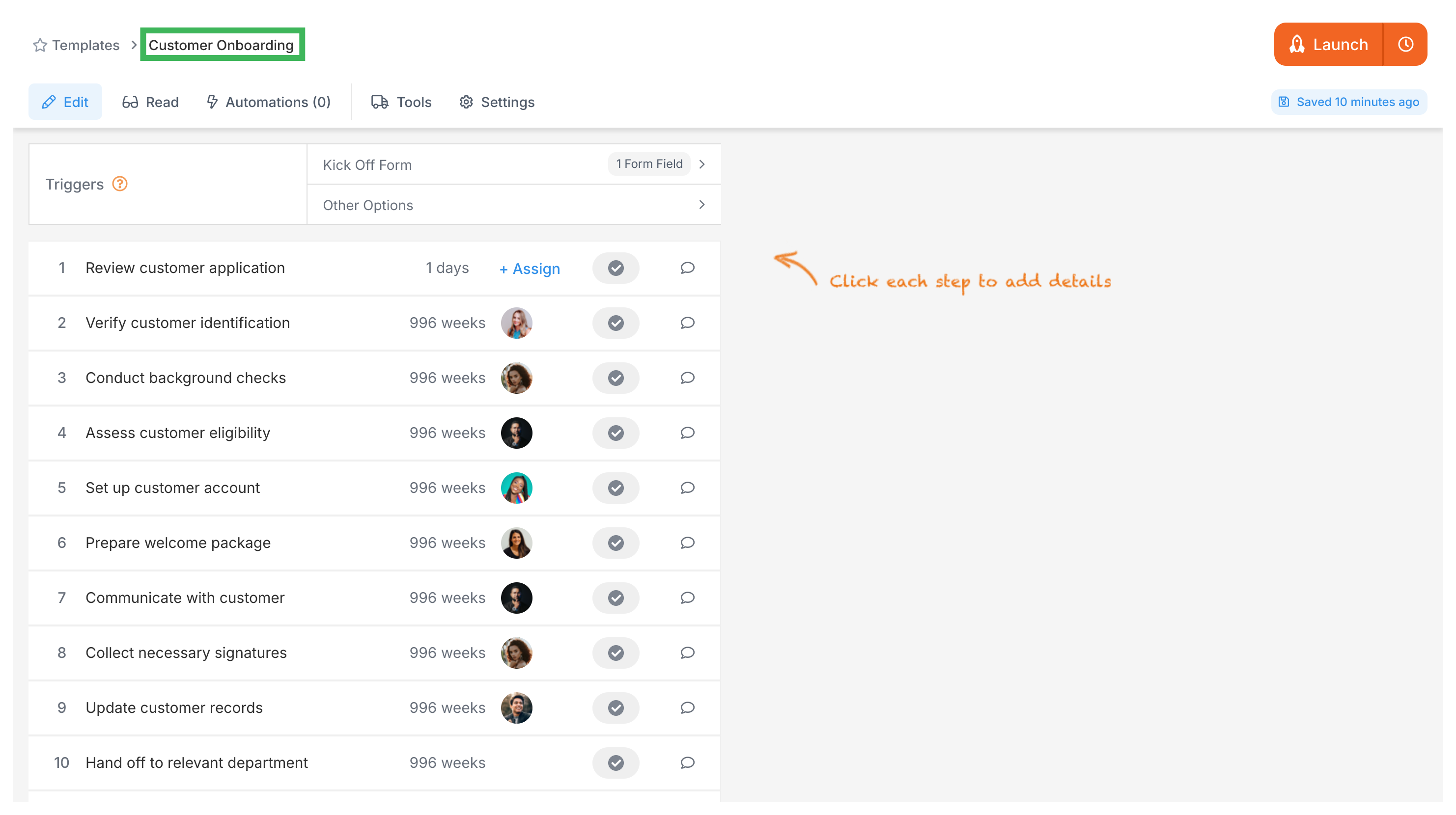
Launch live workflows called processes. It’s that simple:
Once a process is running:
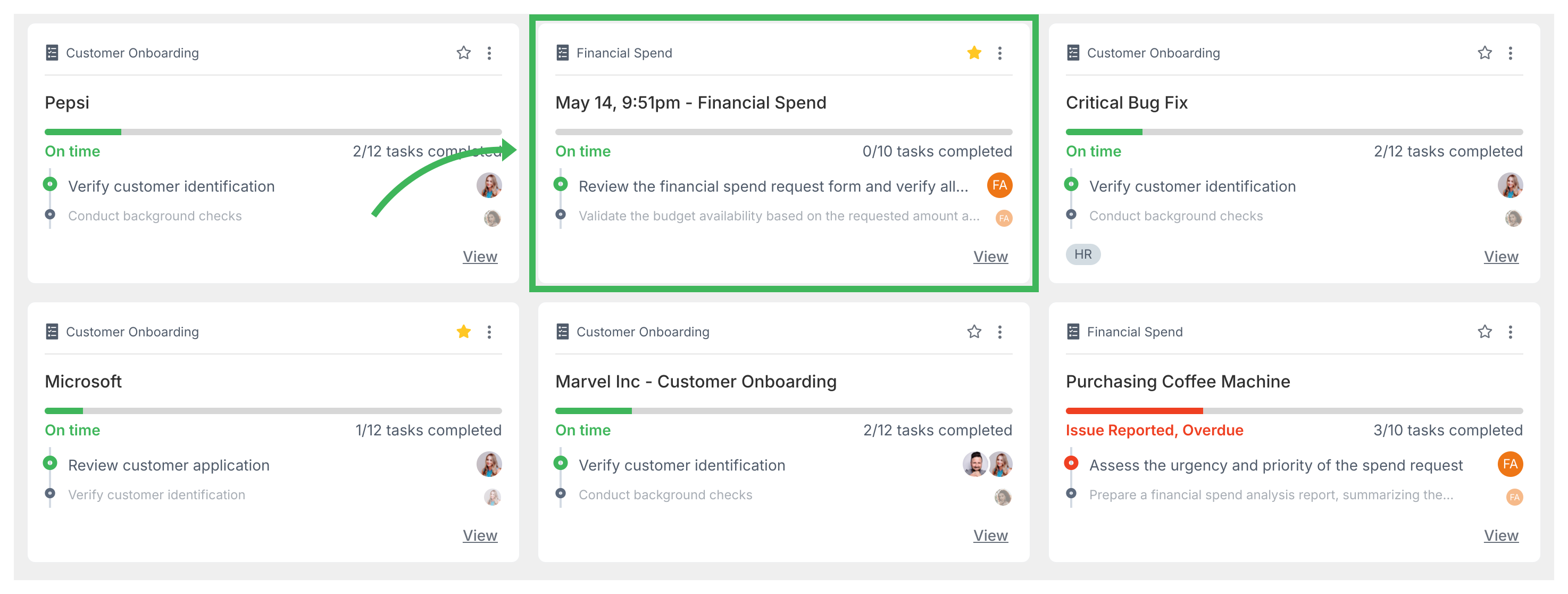
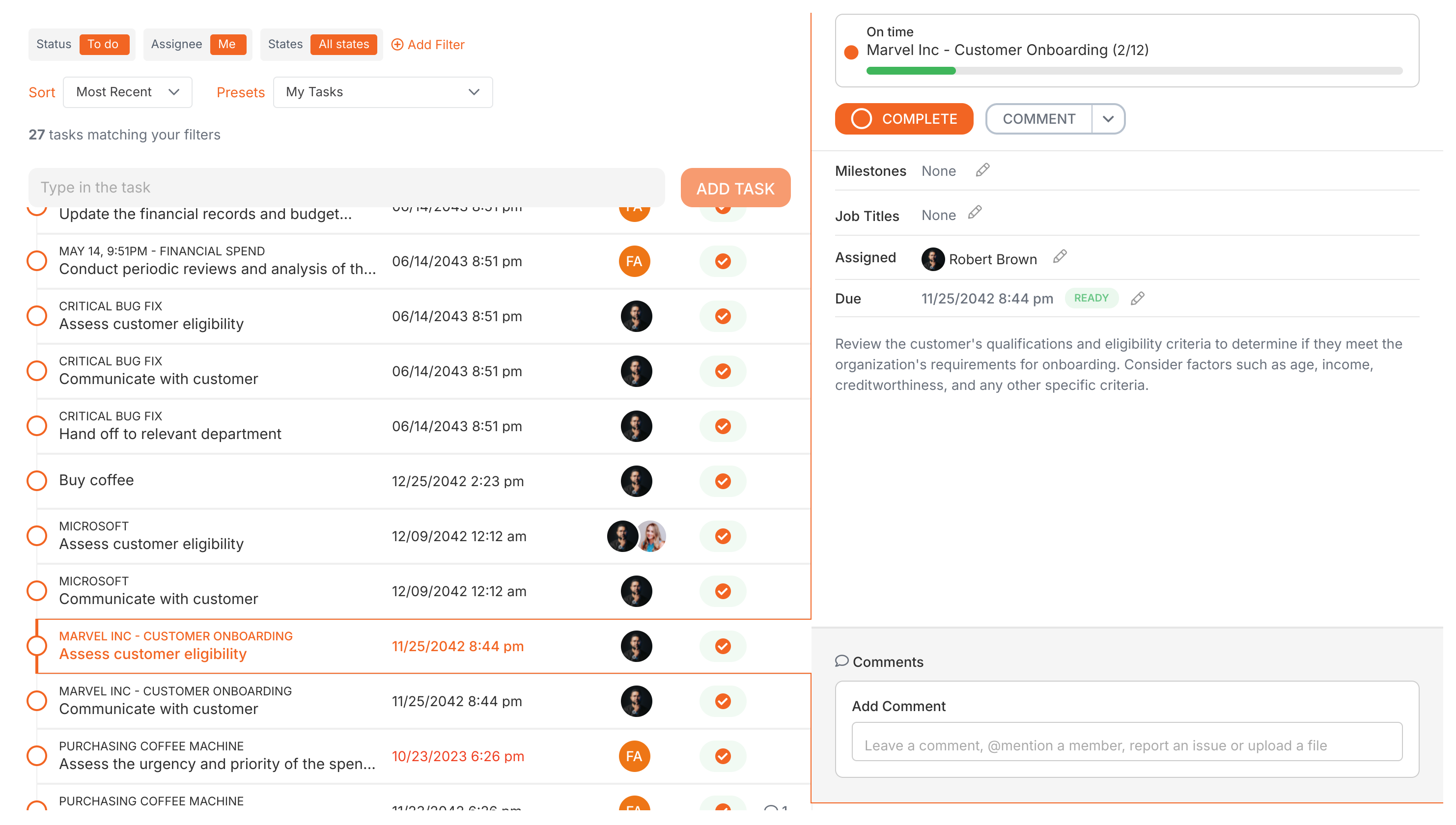
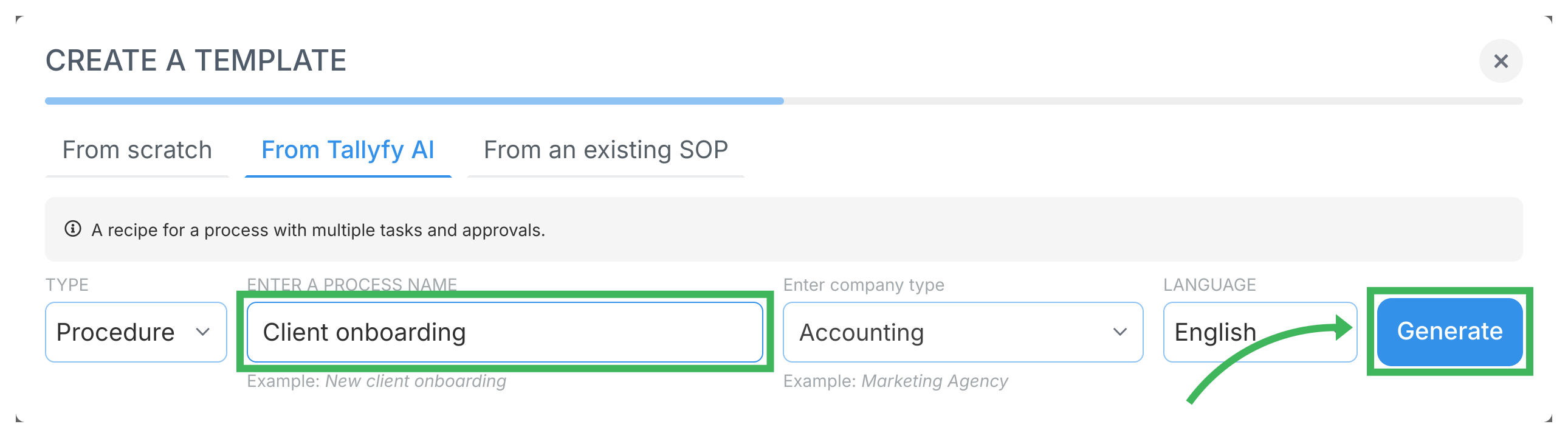
Outline main steps first. Tallyfy’s AI fills in the details in seconds:
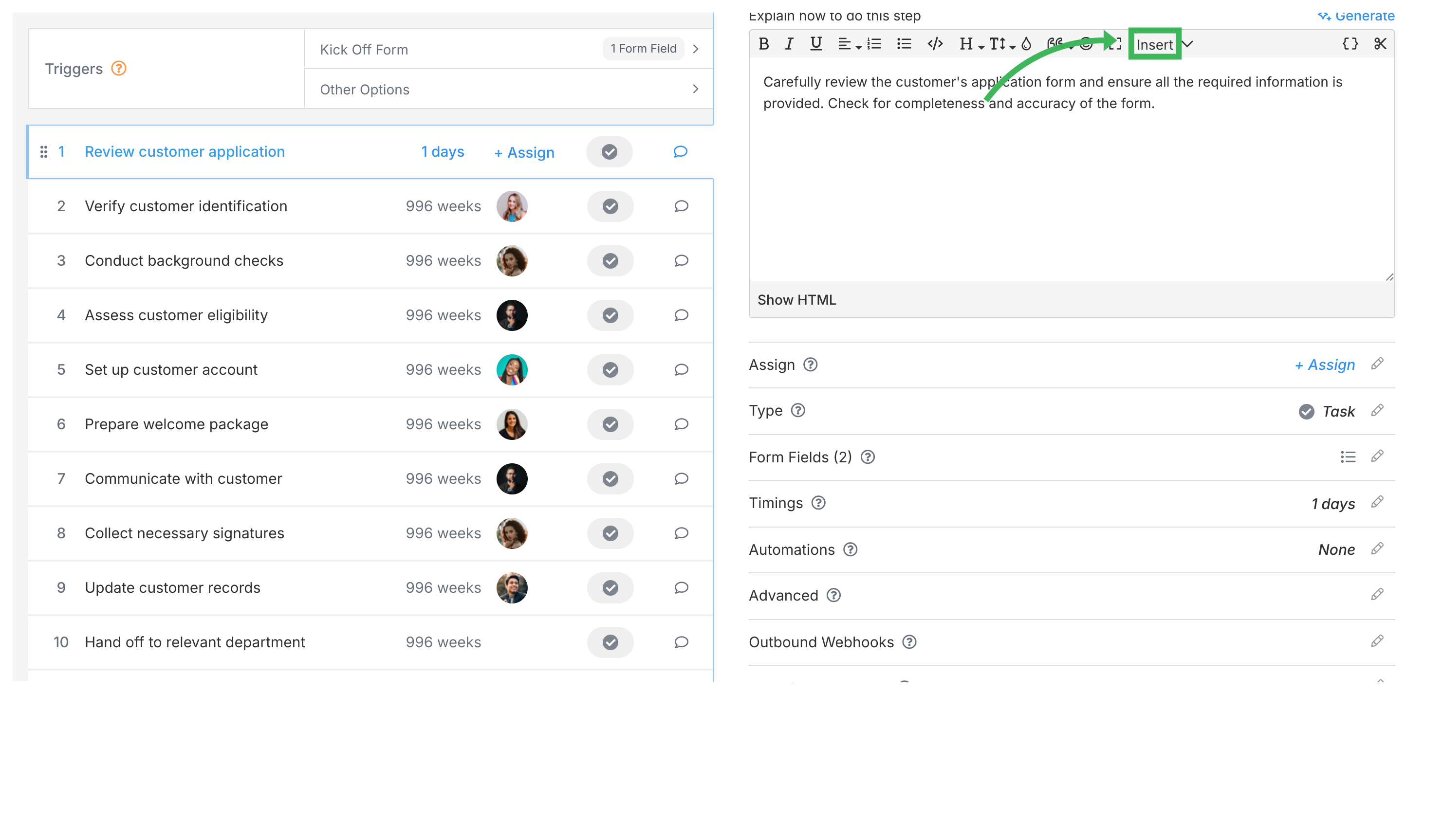
Start each step with an action verb:
Include images or videos for complex instructions:
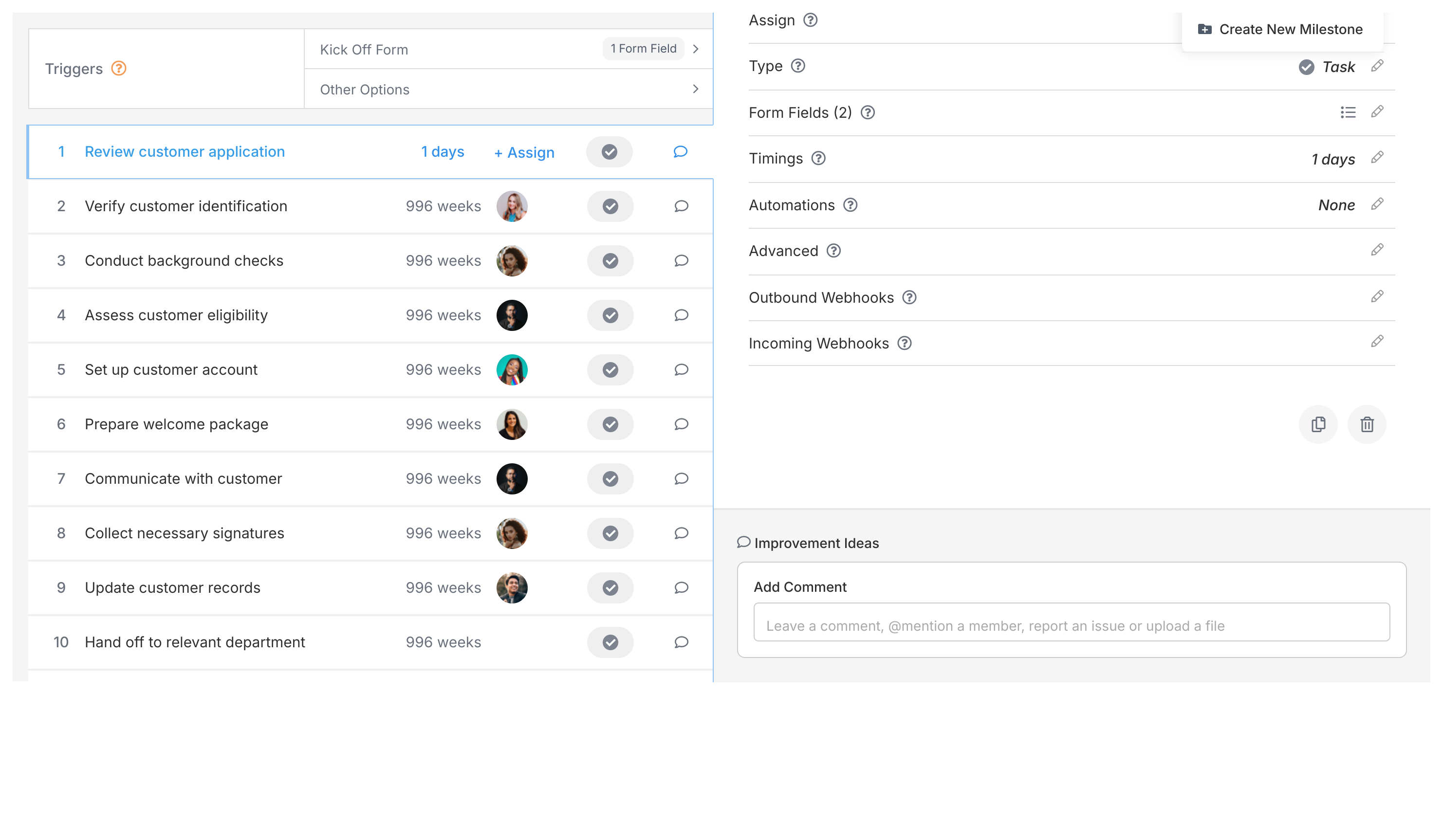
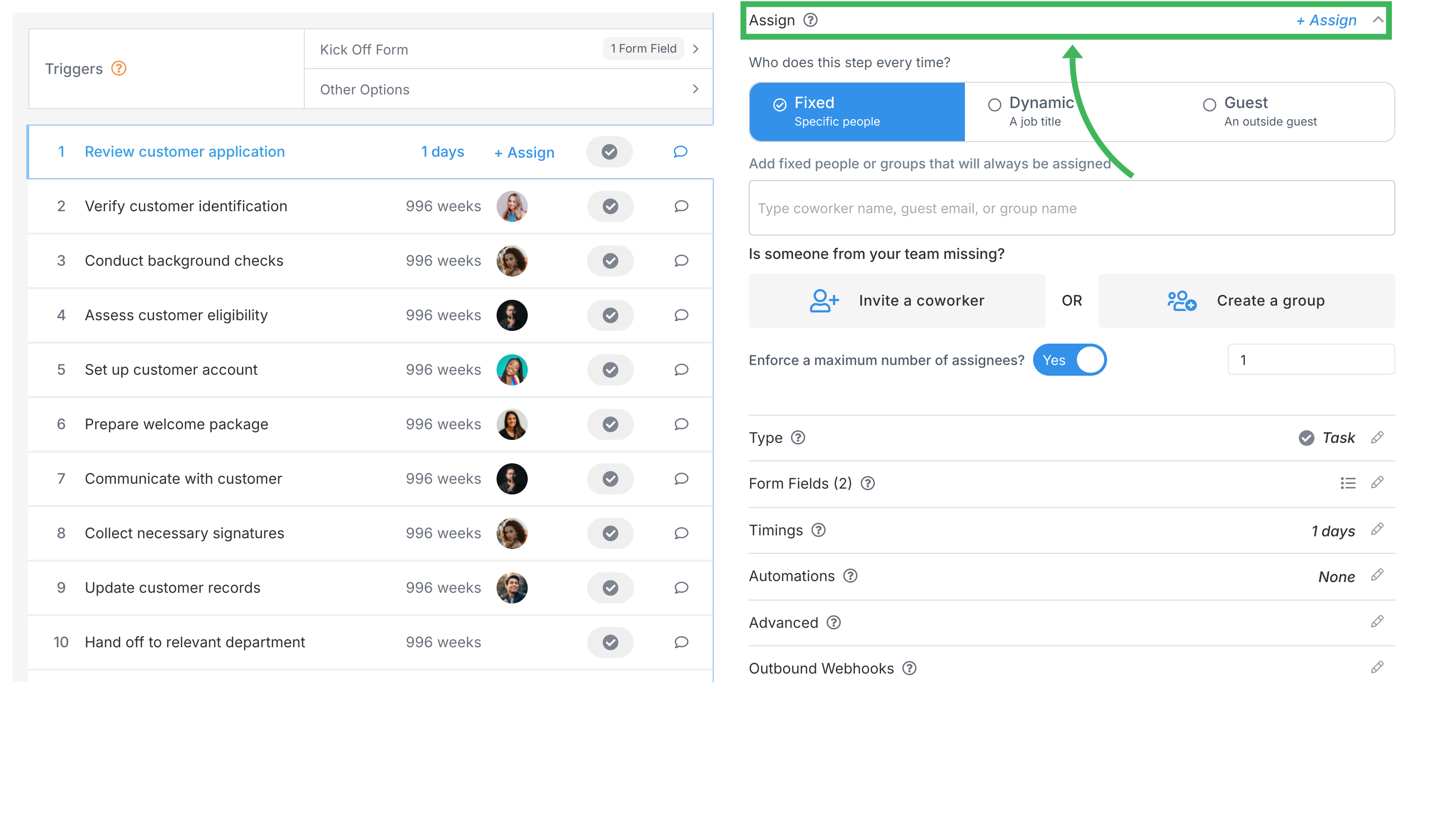
Pick the type that fits (Task, Approve/Reject, Email Draft):
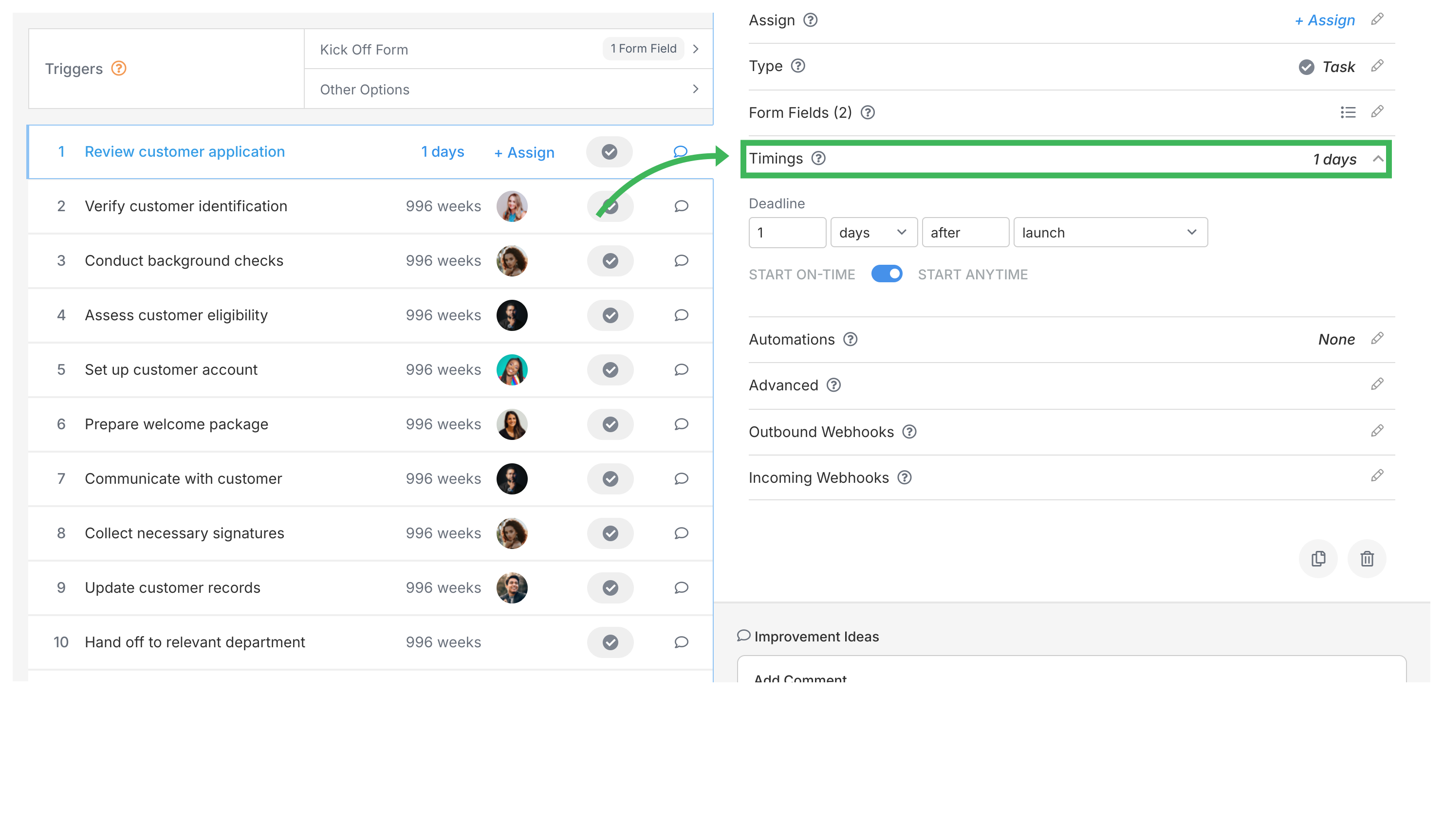
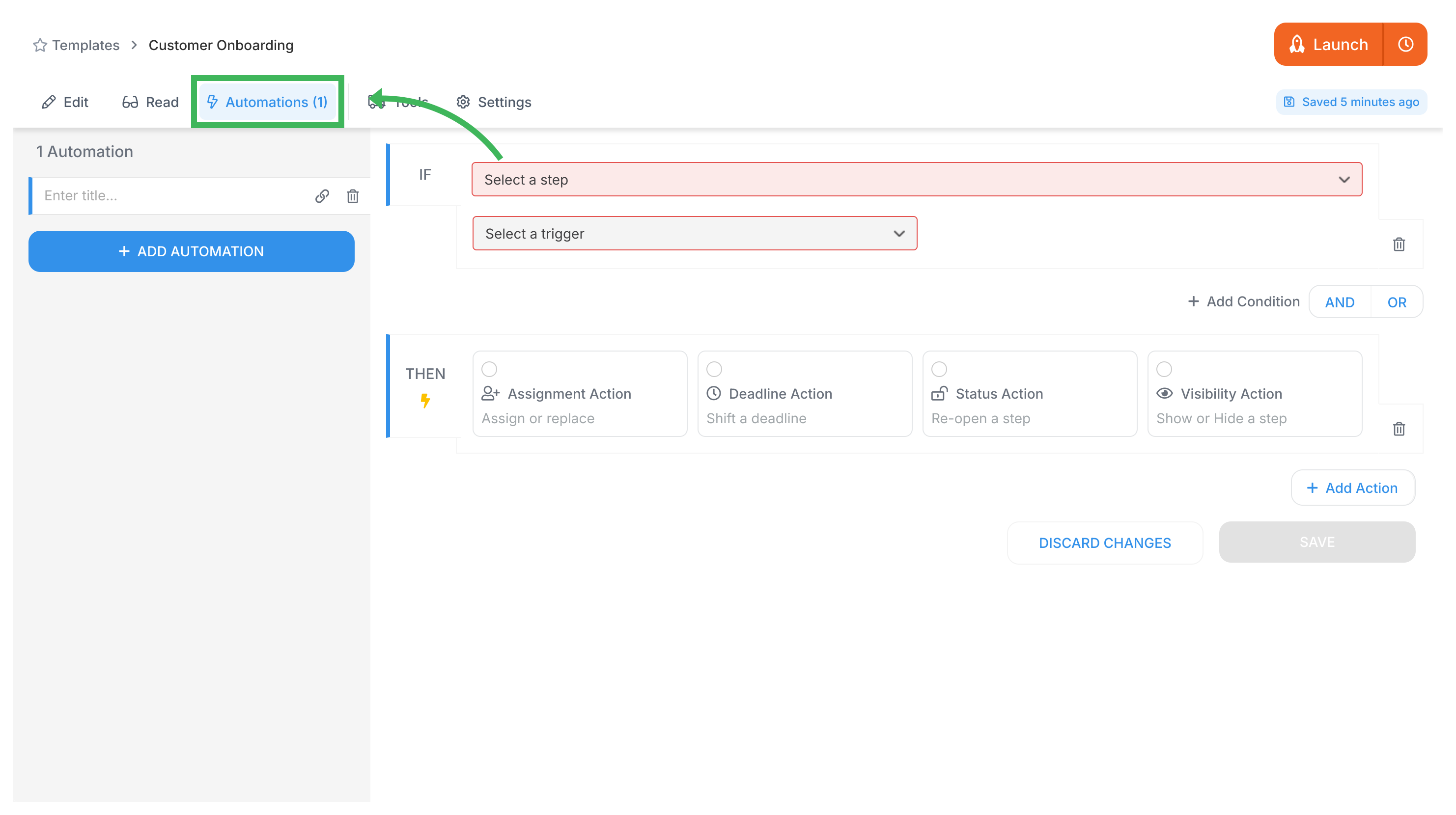
Apply conditional logic:
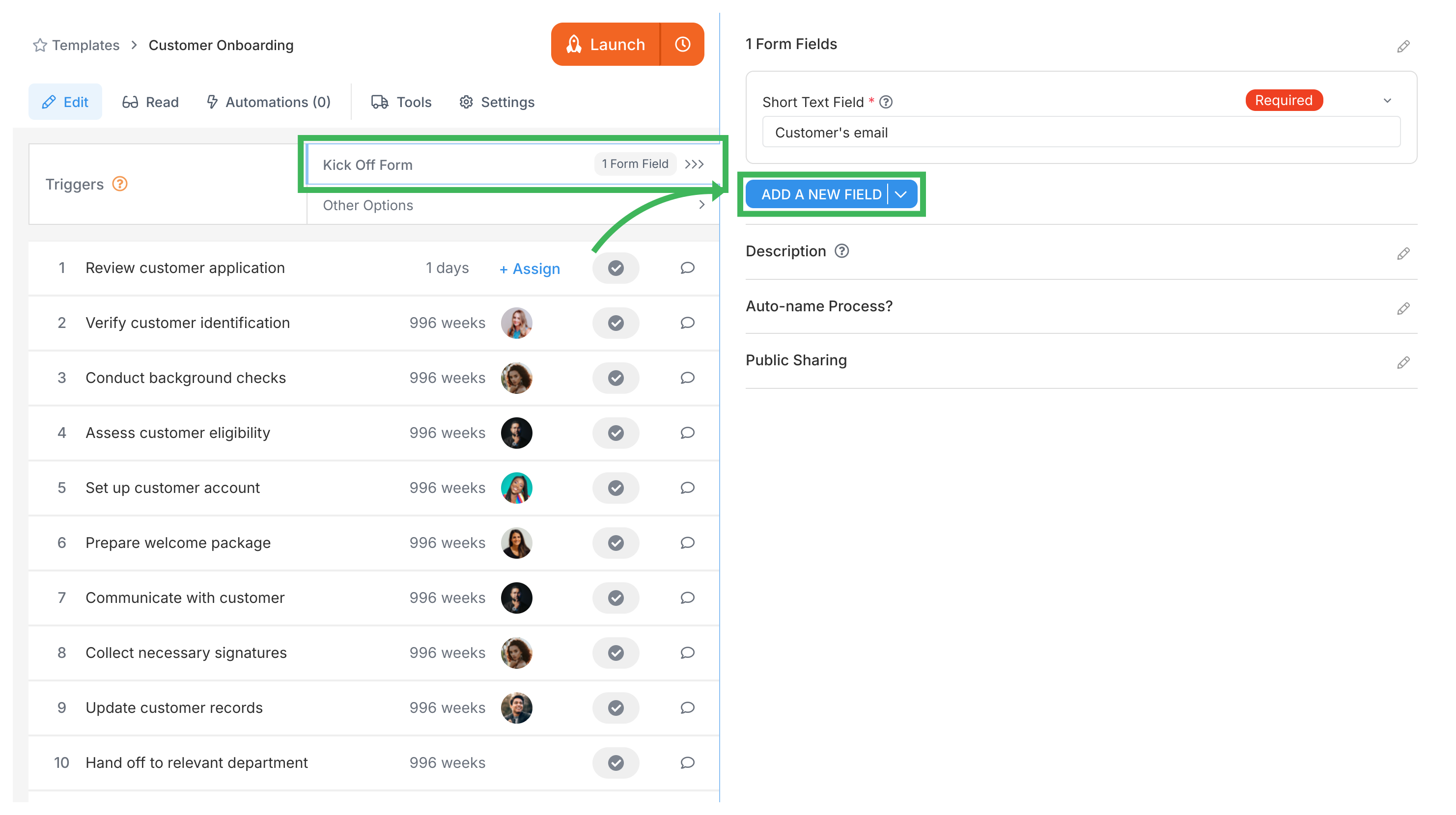
Use kick-off forms:
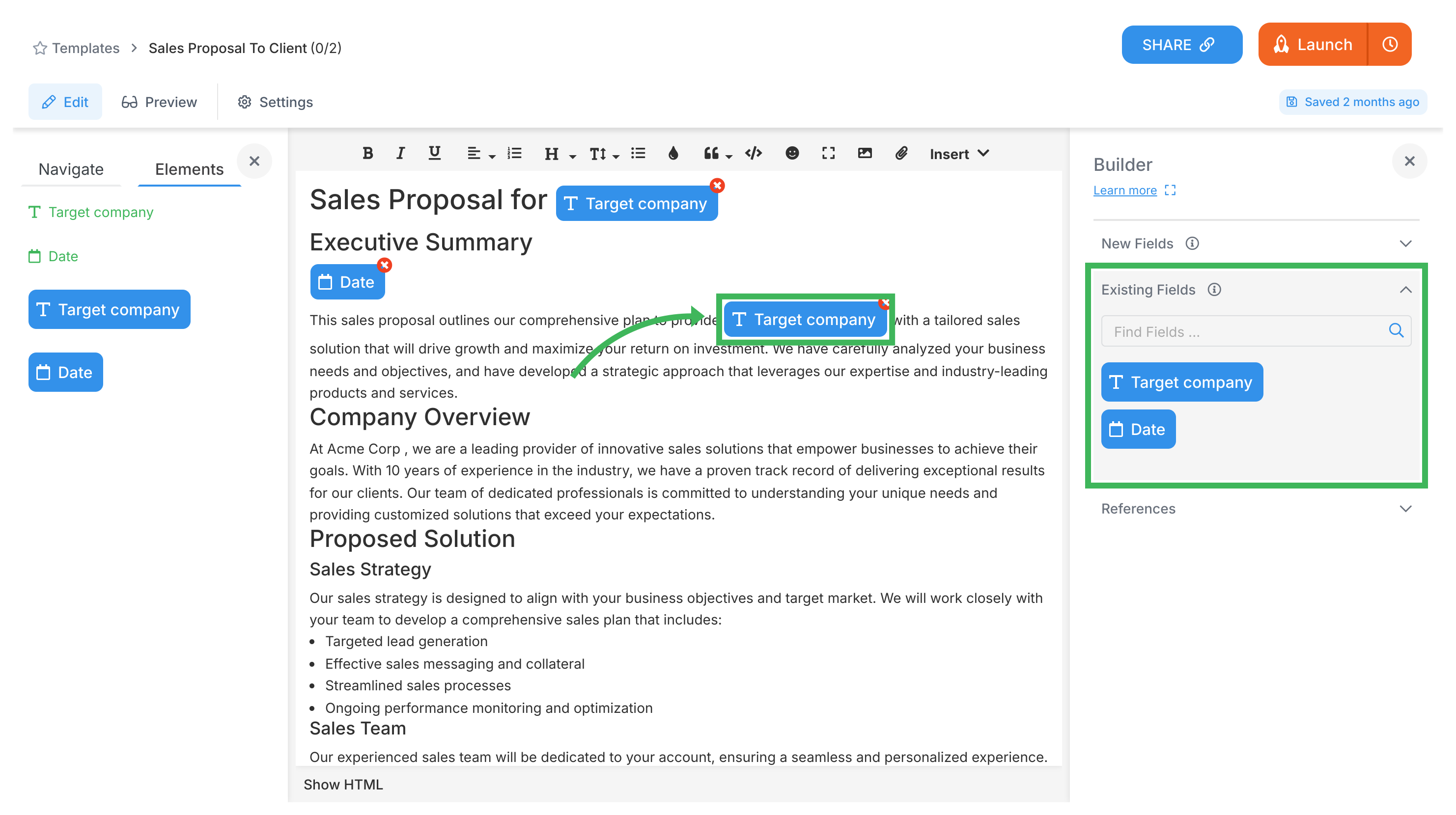
Document templates let you create forms to use across Tallyfy.
Click New Field for various form fields:
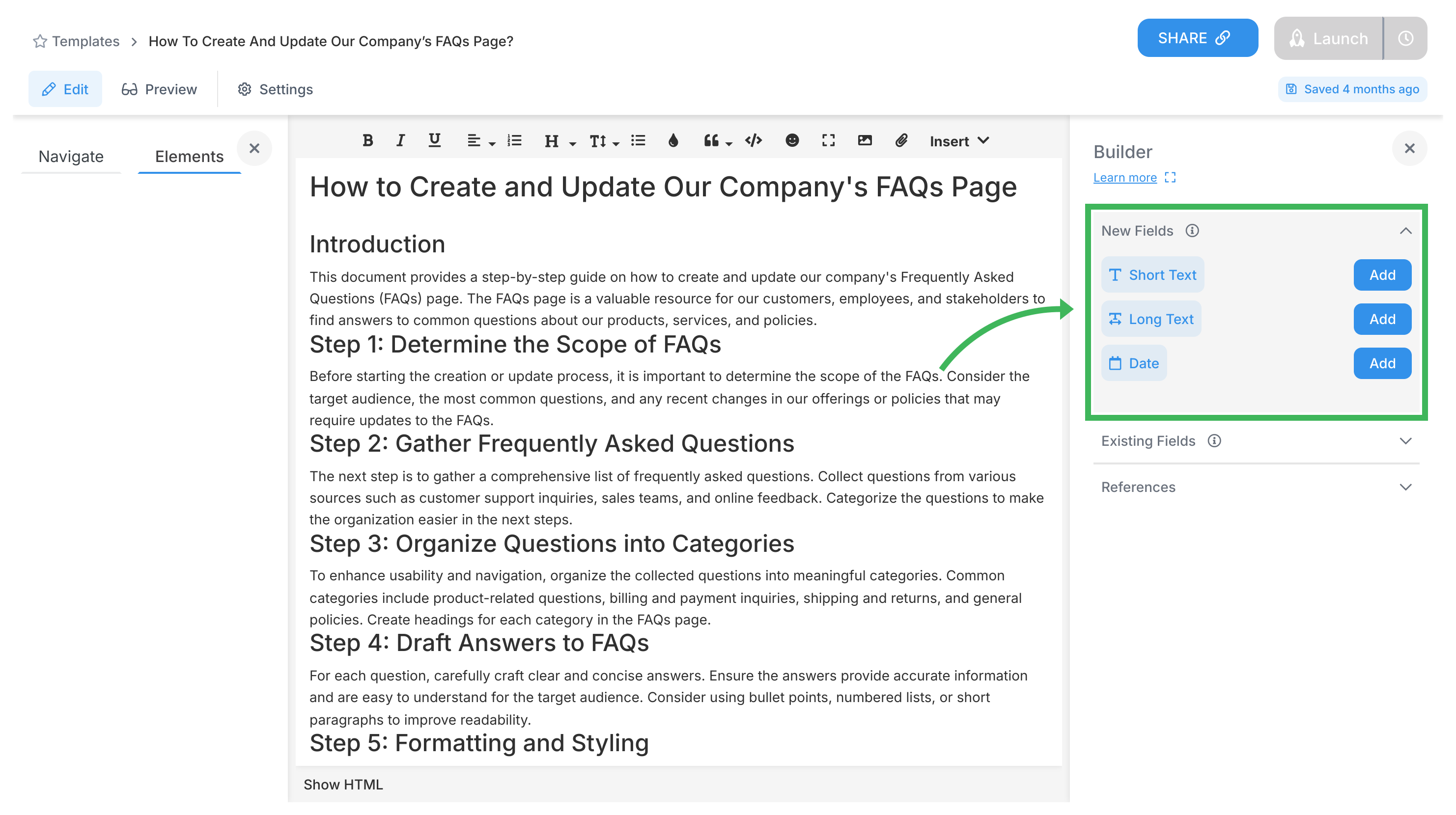
Keep your forms consistent:
Word, Google Docs, wikis, and Notion create static documentation. Here’s how Tallyfy’s active workflows compare:
| Static Documentation | Tallyfy Active Workflows |
|---|---|
| Reads like a manual | Runs like software |
| People must remember to check | Notifications bring work to people |
| No accountability tracking | See exactly who did what, when |
| Manual status updates | Real-time progress visibility |
| Copy-paste for each use | Launch once, runs automatically |
| Hope people follow it | Enforces the process |
| Separate tools for forms | Forms built into workflow |
| Email chains for approvals | Approvals happen in-context |
Key differences:
Key differences:
Create your first template.
Process Improvement > Understanding your current processes
Tracking And Tasks > Problems with flowcharts
Process Improvement > Using comments and AI for process improvement
Miscellaneous > Differentiation
Hermann Ebbinghaus published it in 1885, and a 2015 replication found a very similar curve. Tallyfy solves this by embedding training directly into the workflow. ↩
Unlike traditional workflow tools that need IT departments for setup, Tallyfy’s automations can be configured by any business user in a few clicks using simple if-then logic. ↩
Document routing uses conditional logic to send forms to the right approvers based on field values - for example, purchase orders over $10,000 go to senior management while smaller amounts route to department heads. ↩
Snippets are reusable text blocks that update everywhere when changed once. Updating a compliance disclaimer in one place automatically updates it across all documents and active processes. ↩
Uses your organization’s own Azure translation service to translate task instructions and form labels into each person’s chosen language. Technical terms may not translate well. ↩