Personal Settings > Change my email address
Tallyfy lets email/password users update their login email through Settings > My Account > My…
If your Tallyfy login email is tied to more than one organization (e.g., your company and a client’s account), you can switch between them without logging out. The Switch Organization option only appears when you belong to two or more organizations.
Click your profile picture in the top-right corner.
Select Switch Organization from the dropdown menu.
You’ll see all organizations where you’re a member or guest.
Click the organization you want to switch to.
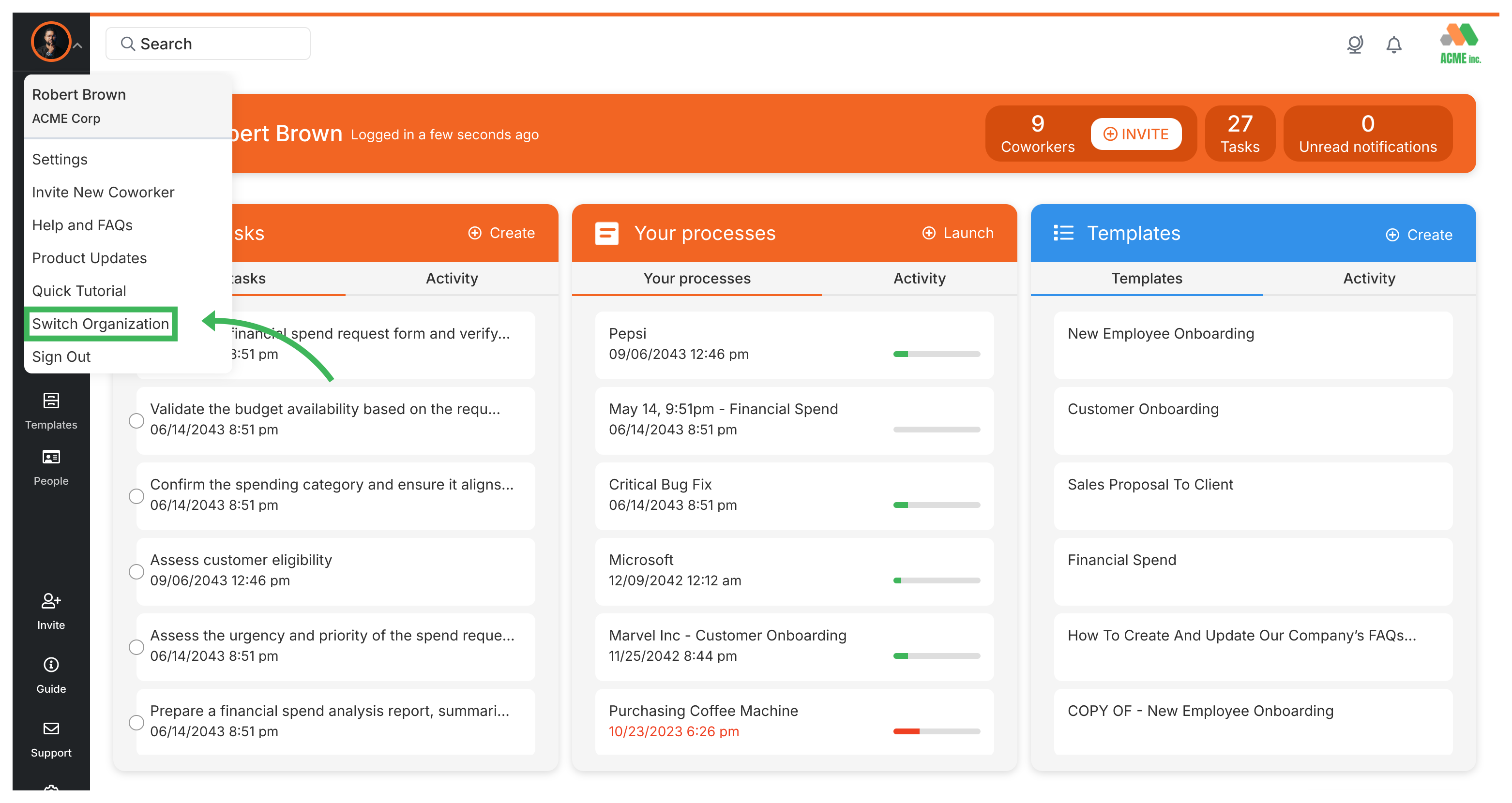
One login handles all your organizations - you don’t need separate credentials.
Personal Settings > Change my email address
Tutorials > Create an organization
Org Settings > Update organization details