Personal Settings > Manage email notifications
Control which email notifications Tallyfy sends you for task assignments, comments, deadlines…
If you’d rather not hear about every single comment, the digest gathers the day into one message instead.
Not the one you’re after? The full gallery covers all 53.
Tallyfy emails a new comment to the people assigned to that task, and to anyone who’s @mentioned in it. Members get it only if the matching switch in their email settings is on. Guests assigned to the task get it whenever the comment is visible to guests. People watching the task hear about comments from other members too, either straight away or in a digest.
When you post a comment, Tallyfy doesn’t email you about it, even one where you @mention someone else. If you watch the task on a digest schedule, your own comment can still appear in that digest.
Launching or owning a process doesn’t add you either. If you want a process’s comments, get assigned to its tasks, or ask people to @mention you.
When someone marks a comment as an improvement, Tallyfy also posts a copy on the matching step of the template and @mentions the template’s owner, so the owner hears about it if their @mentions switch is on.
To check this works, ask a second person to comment on a task you’re assigned to and @mention you. If you test on your own, no email arrives right away, because every comment is yours.
Typing your name into a comment pulls you in, and Tallyfy sends you the comment itself so you don’t have to go looking.
No picture here yet. Look for @Mentioned in small type near the top of the message.
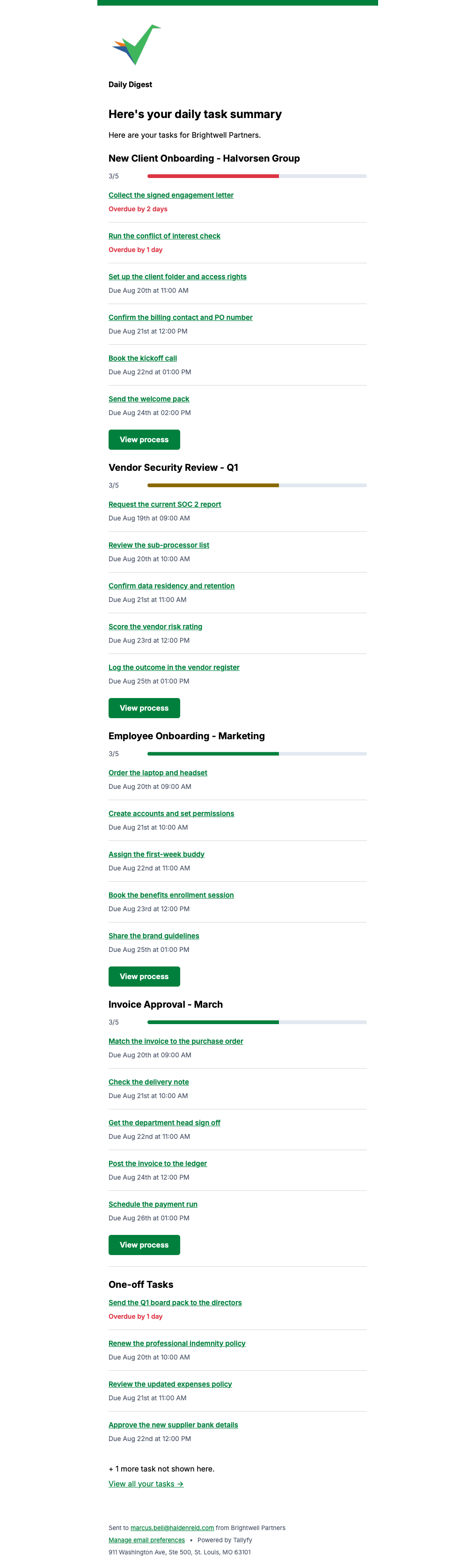
Rather than emailing you about every task, Tallyfy can send one summary a day grouped by process, with overdue items called out in red.
No picture here yet. Look for Daily Digest in small type near the top of the message.
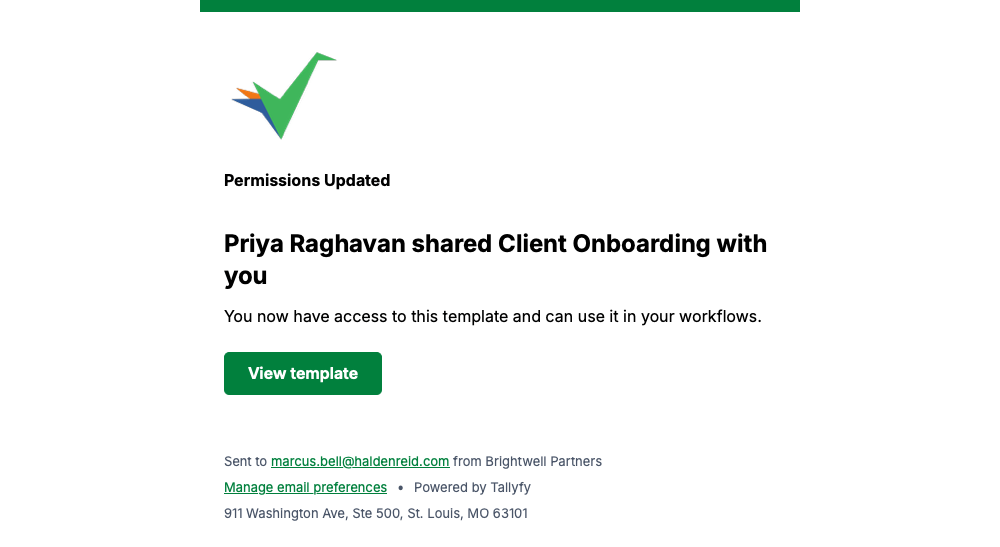
Tallyfy sends this when somebody gives you access to one of their templates.
Guests get one summary a day instead of a message per task, grouped by process with overdue work flagged in red.
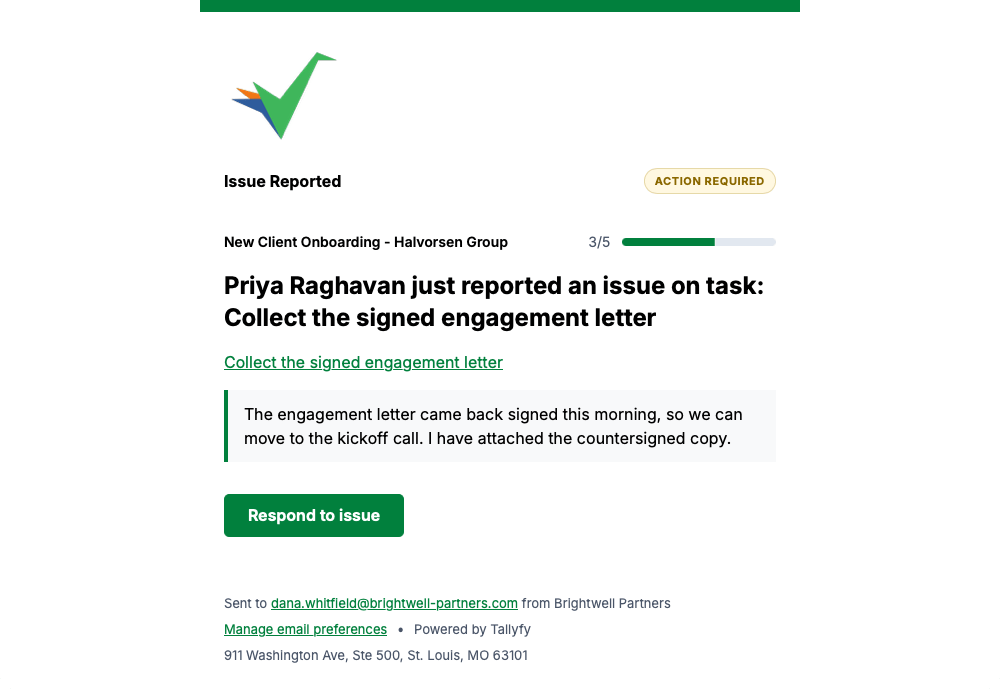
Anyone can flag a problem on a task, and this brings you the task, the process and what they wrote.
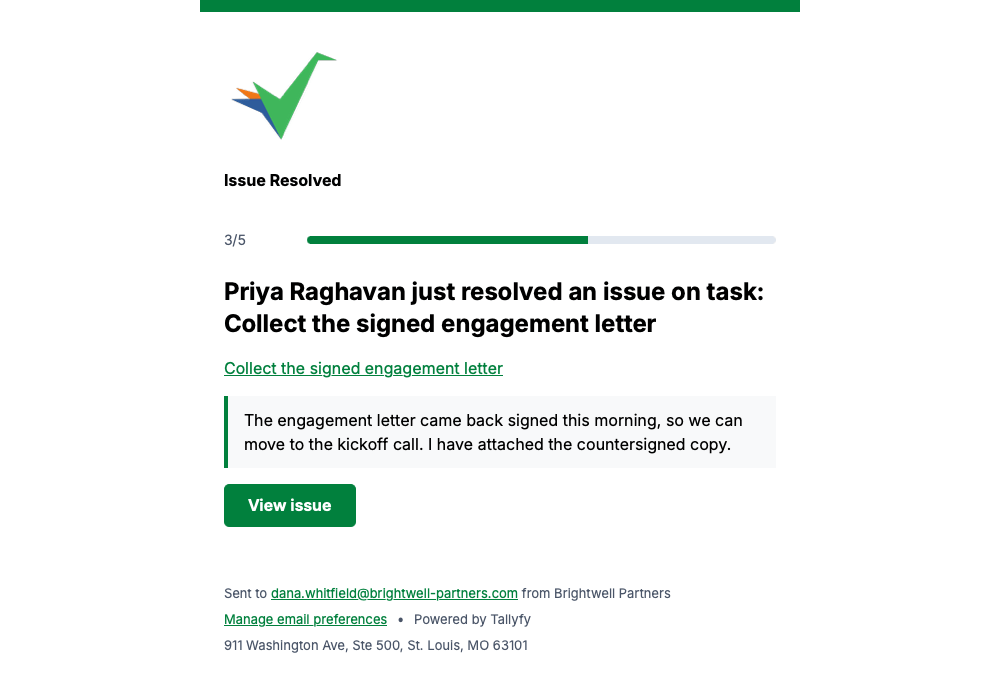
When a reported problem is cleared, Tallyfy closes the loop with the original text still attached.
Tallyfy sends the comment text itself, with the process and step it belongs to, so you can judge it without opening anything.
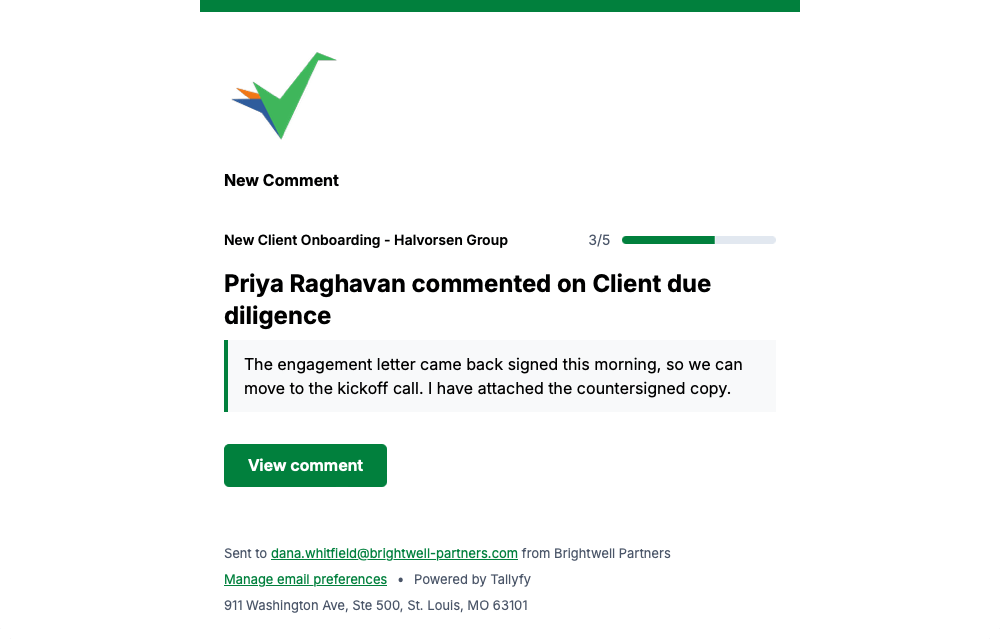
Somebody commenting on a task assigned to you sends this, with the comment text included.
No picture here yet. Look for New Comment in small type near the top of the message.
Every message on this page carries a Manage email preferences link in its footer, so you can change how often Tallyfy emails you whenever you like.
Personal Settings > Manage email notifications
Email > What Tallyfy emails look like
Emails Tallyfy Sends > Task activity
Emails Tallyfy Sends > Process activity