Emails Tallyfy Sends > Task activity
Tallyfy sends task-related emails for every event that affects your work, including new…
A process is a template that somebody launched and is now running. These messages track it as a whole rather than a single task, so most of them carry a progress bar.
Not the one you’re after? The full gallery covers all 53.
Guests get this when somebody invites them into a process and assigns them specific tasks.
No picture here yet. Look for Guest Invitation in small type near the top of the message.
Tallyfy sends this when the people assigned to a task change, listing who was added and who was taken off.
No picture here yet. Look for Owner Changed in small type near the top of the message.
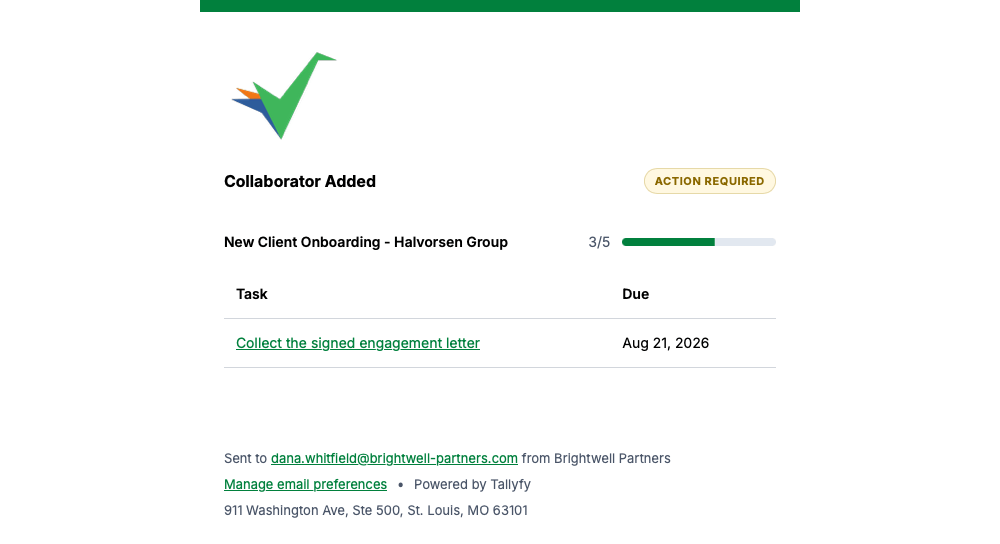
Being added as a collaborator on a live process triggers this, with the tasks that are now yours.
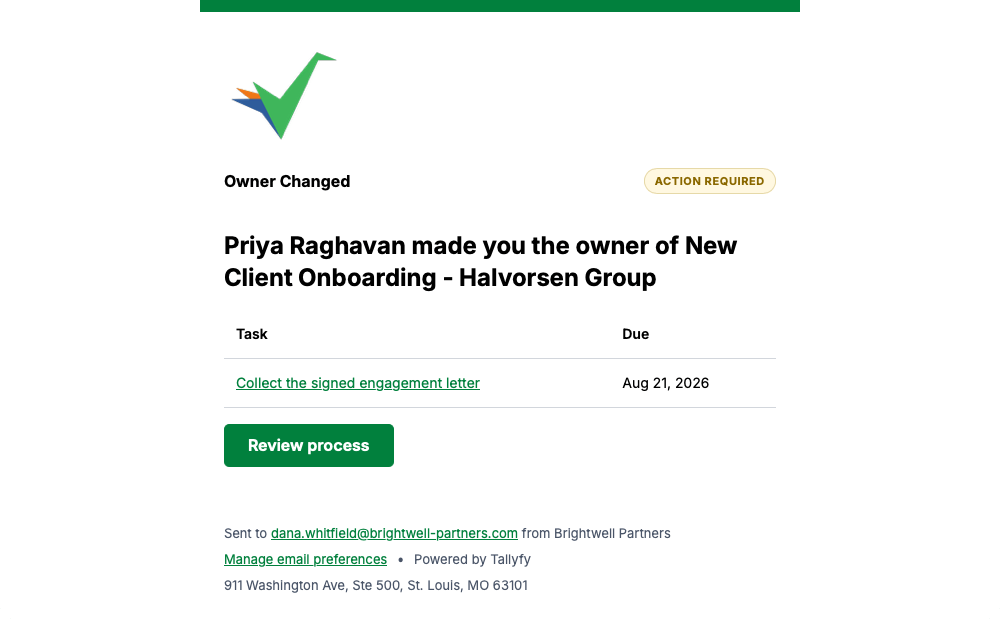
When somebody makes you the owner of a running process, Tallyfy tells you and shows what’s outstanding.
Tallyfy sends this when somebody changes a process you’re part of.
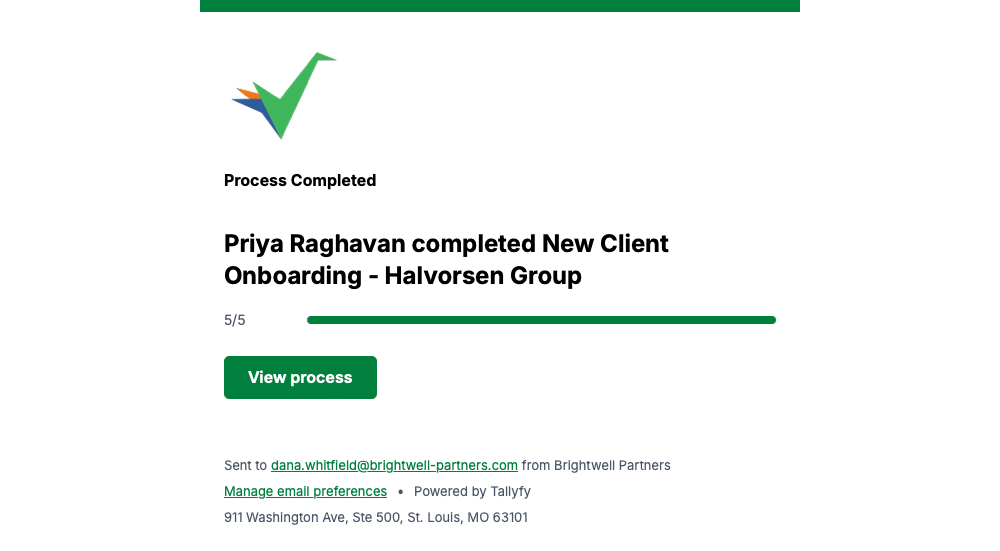
Once every task in a process is done, Tallyfy closes the loop with this and a full progress bar.
If you watch a template, Tallyfy tells you each time somebody launches a new process from it.
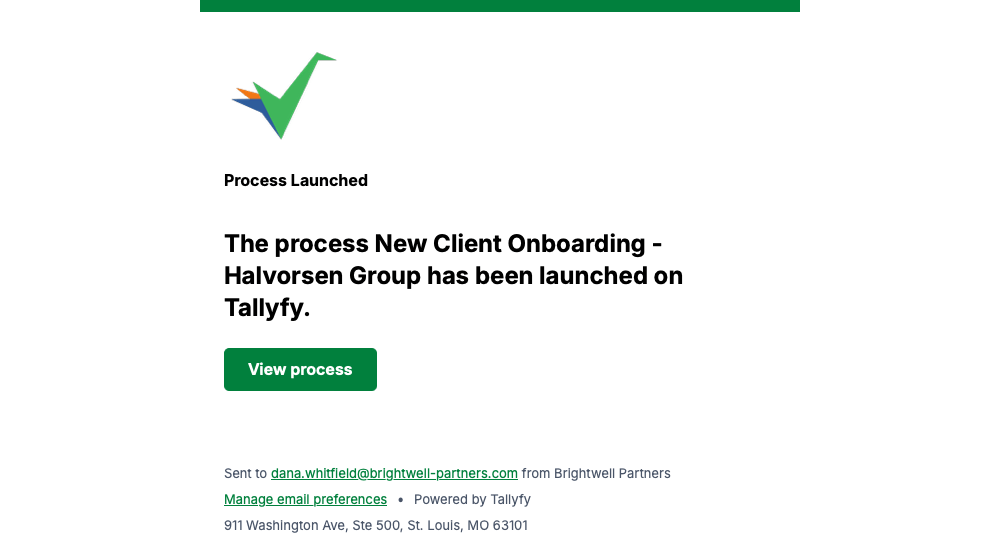
Watching a process means Tallyfy emails you when something happens on it, and says what happened.
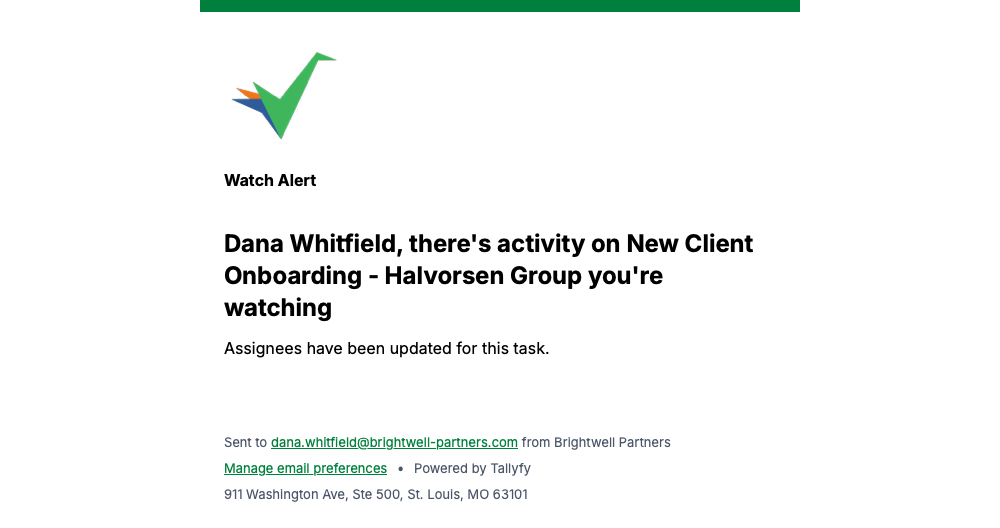
Tallyfy sends this when somebody finishes a task in a process you follow, with the process progress underneath.
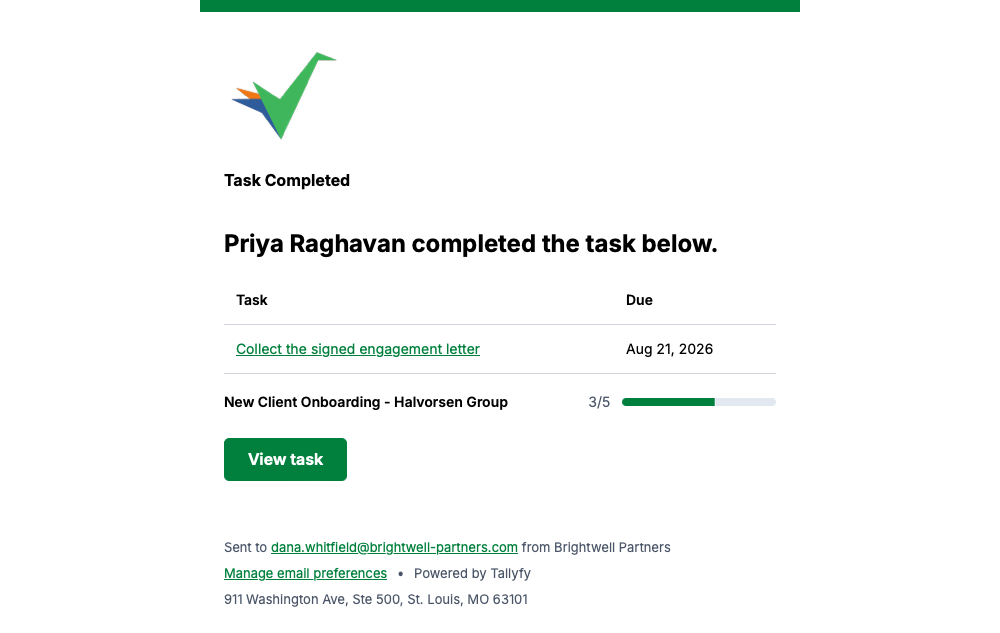
Every message on this page carries a Manage email preferences link in its footer, so you can change how often Tallyfy emails you whenever you like.
Emails Tallyfy Sends > Task activity
Emails Tallyfy Sends > Watching and subscriptions
Email > What Tallyfy emails look like
Emails Tallyfy Sends > Membership and reassignment