Tracking And Tasks > Problems with flowcharts
Tallyfy replaces static flowcharts, spreadsheets, and documents by running and tracking your…
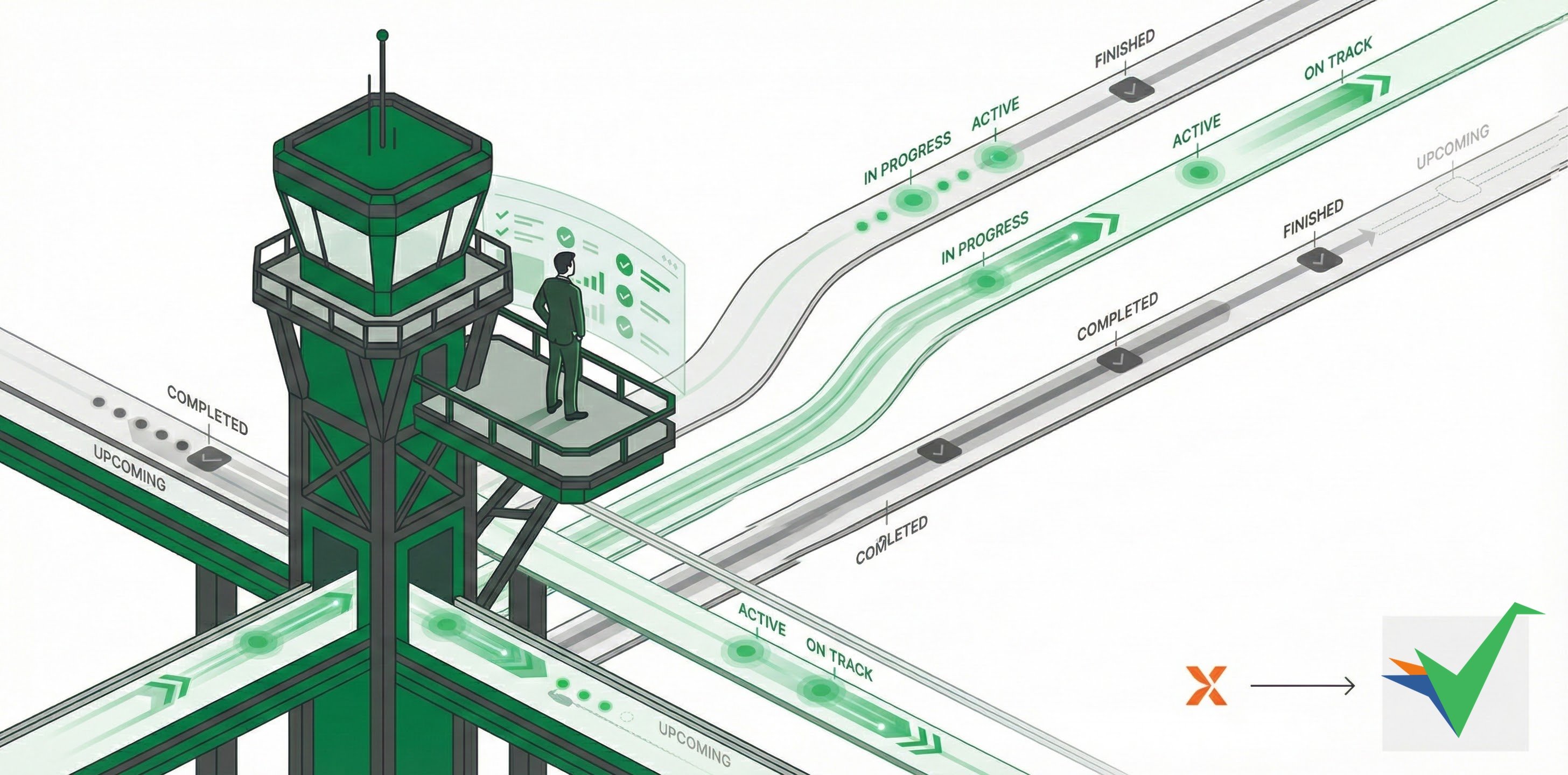
Tallyfy gives you automatic, live status monitoring for all running processes - so you can stop chasing people for updates. You’ll see exactly where things stand at any moment, which eliminates status meetings entirely.
Traditional workflows depend on frequent status meetings where managers ask “What’s the status of this?” These meetings exist partly because people forget process details. Tallyfy’s real-time visibility makes them unnecessary.
Instead of status meetings, you get:
Real-world impact:
Tallyfy instantly updates process status whenever someone completes a task. You’ll see completed work, active tasks, and upcoming activities - all without anyone sending email updates or chat messages. No information delays, no stale status reports.
Tallyfy automatically alerts team members when tasks become available - through both email and in-app notifications. No manual follow-up needed. Workflows keep moving without managers having to chase people down.
Because Tallyfy uses standard templates, tracking how long processes and steps take is far more consistent than emails or spreadsheets. That consistency helps you:
Documented, trackable processes in Tallyfy lead to more consistent outcomes than scattered emails or simple to-do lists. Standardized workflows, clear accountability, and systematic execution remove the variability that comes with ad-hoc work management.
Tracking And Tasks > Problems with flowcharts
Process Improvement > Understand process flow without flowcharts