
Summary
- Top-performing teams automate while everyone else drowns in manual work - Research consistently shows that businesses using automation tools grow faster, run leaner, and create more value than competitors stuck doing things by hand
- Workflow automation creates real accountability - Every step has a designated person performing specific actions, so nobody can say “no one told me” when something falls through the cracks
- The future is describing what you want, not dragging connectors - Stop paying per-zap. Describe what you want. AI builds it. That shift is coming faster than most people realize
- Automation kills repetitive work and makes teams happier - When tedious tasks disappear, people focus on worthwhile work. See how Tallyfy automates workflows
- Want to see how this cuts your costs? Schedule a demo.
Here’s a truth most automation vendors won’t tell you: buying tools doesn’t fix broken processes. It just makes them break faster. And more expensively. I’ve spent over a decade building Tallyfy, and the pattern I keep seeing is the same. A team buys five different tools, duct-tapes them together, and then wonders why things still feel chaotic. The tools aren’t the problem. The process is. But when you get the process right? Automation is transformational. One media production team we’ve talked to saved $57,480 per year by automating their 60-task podcast workflow. Previously, that workflow required a dedicated $5,000/month resource. That’s not a marginal gain from tweaking a dashboard - that’s an entire salary eliminated from repetitive work that nobody enjoyed doing in the first place.
It’s not that the goals of marketing have changed, but the means to achieve them.
Thomas Davenport
You’re still driven by the same goals in business:
- Acquire new users and grow your teams
- Build lasting relationships with the people you serve
- Nurture leads and improve conversions
- Expand social reach and brand visibility
A mid-sized property management company running 400+ daily workflows cut their processing times by 75% after consolidating their scattered tools into automated workflows. That’s not a marginal improvement. That’s a fundamental shift in how work gets done.
Instead of costly advertising, endless manual processes, and intense busywork, there are now automation tools designed to make things run more efficiently and more effectively.

Automation is one of the cornerstones of accelerated growth. Well, that oversimplifies it a bit. Without it, startups and SMBs couldn’t run as lean as they do.
If you want a single platform that ties together workflow automation without juggling dozens of point solutions, here’s how Tallyfy approaches the problem.
Workflow Automation Software Made Easy & Simple

Umbrella for people, AI, integration. Not plumbing.
Automation tools fall into plumbing or workflow. Most blur the line. Here's the clean map.
Tools that matter most
From marketing to operations, there’s a growing list of business automation tools to help simplify your workflows, save your team’s time, and create real value.
Top-performing businesses lean on automation to fuel their growth, and the gap between teams that automate and teams that stay manual only widens. Look, that shouldn’t surprise anyone, but it’s worth remembering when budgets get tight and automation feels like a “nice to have.”
Here are the categories worth paying attention to.
Social media tools
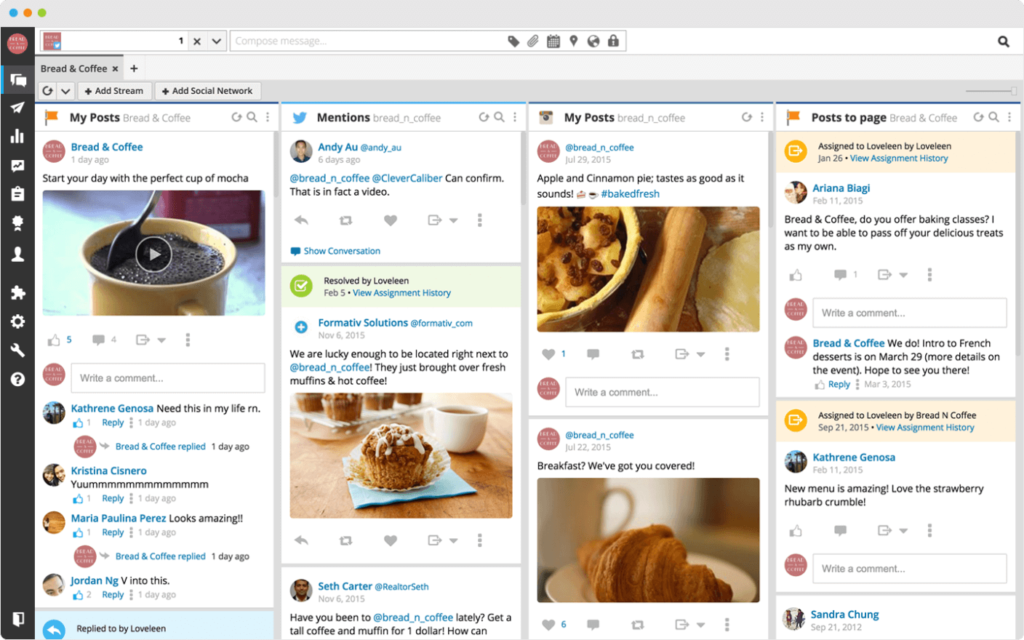
Ryan Holmes’ Hootsuite has been around since the early days of Twitter and Facebook. Rather than posting to individual accounts and juggling logins, it gives you every social channel in a single dashboard. Scheduling becomes less painful.
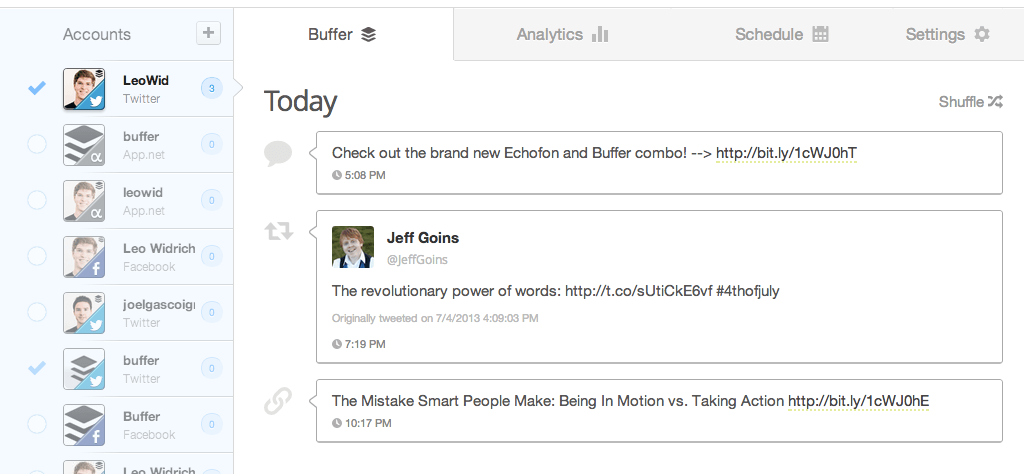
Buffer takes a similar approach but focuses more on content curation. You can grab content from around the web and throw it into scheduled posts without checking in multiple times a day. At Tallyfy, we’ve seen teams save hours each week just by batching their social media work this way.
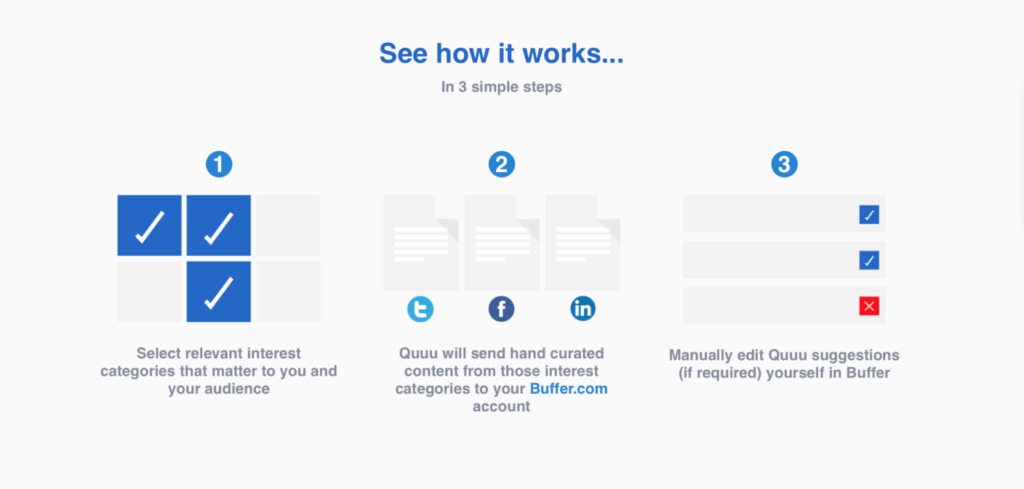
Quuu connects business owners with content creators. You select interests for your audience, pick the number of posts, and either go automatic or manually curate. Quuu removes the “what do I even post today?” problem.
99 Dollar Social takes a hands-off approach. For a flat monthly rate, they handle your social media end-to-end. They share the right type of content for your audience once every day. Not glamorous, but it works.
Project and workflow management
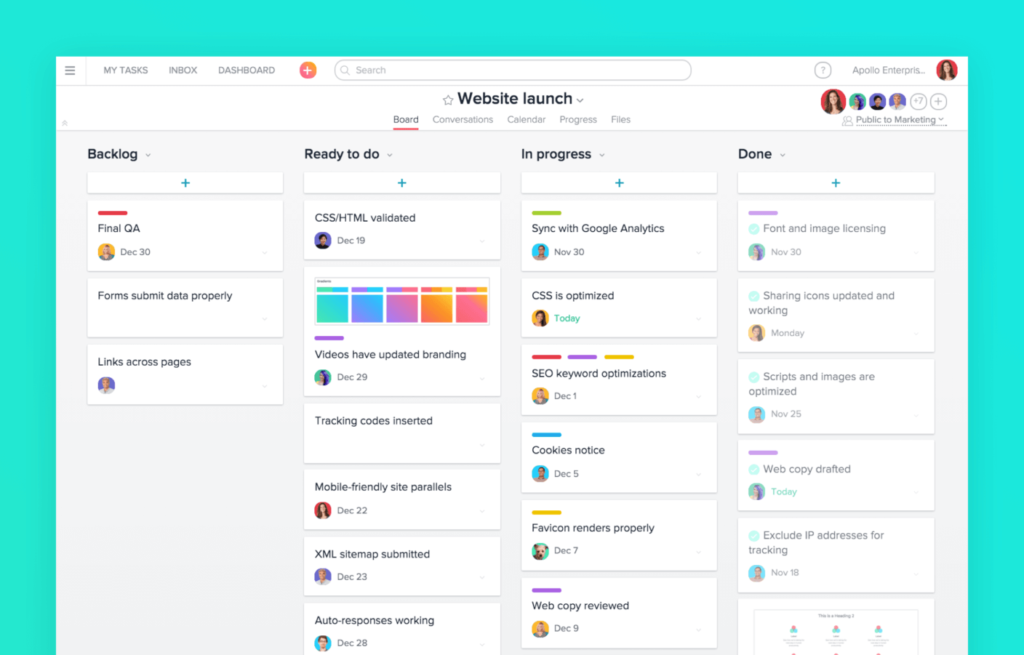
Asana is the go-to for project management. You can create and assign tasks and communicate with teams without drowning in email. It’s good for both local and remote teams and keeps departments on the same page.
Tallyfy is different because it’s built specifically for managing workflows, not projects. Managing workflows can be time-consuming, inefficient, clunky, and prone to errors. It’s a real headache.
Workflow management software like Tallyfy lets you map out business processes using reusable templates and keep track of them step by step. It communicates tasks to the right people and makes sure all important steps are carried out. There’s no room for error. You can also add automations to handle routine decisions automatically.
Read - Make fewer mistakes at work
Want to learn more about workflow software? Check out our complete guide!
Ready-to-use workflow templates
Start automating common business processes today
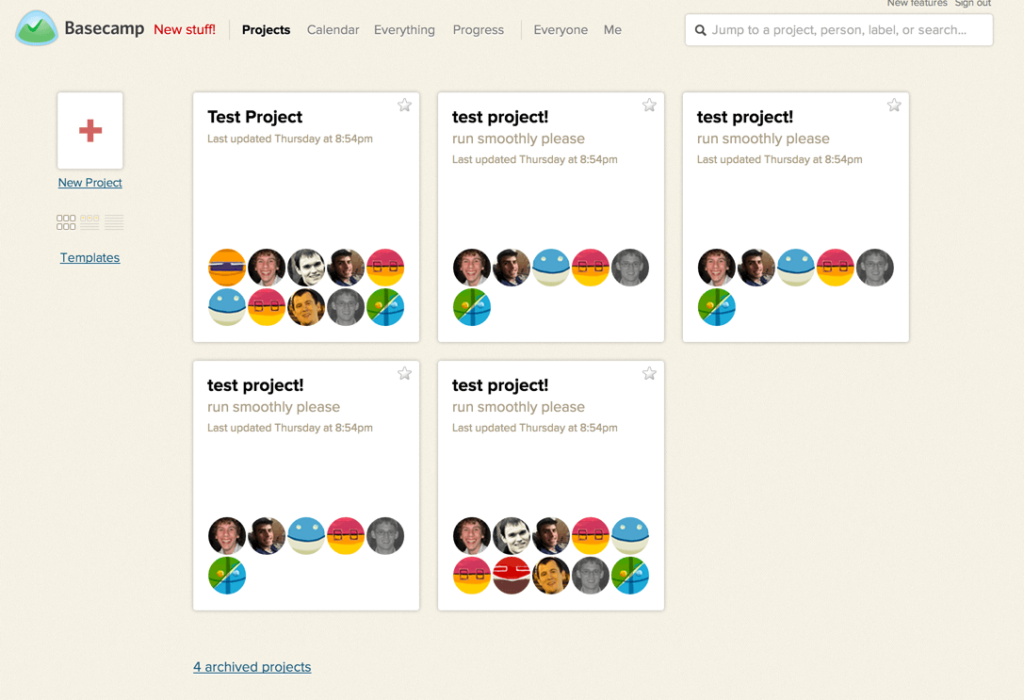
Jason Fried’s Basecamp focuses on simpler team communication and project management. It offers a free tier for one project, and its paid plans scale by active project count and storage. What it stands out with is simplicity. Sometimes that’s exactly what you need.
E-commerce and sales
Shopify is probably the easiest way to take a brick and mortar business online. No technical know-how needed, and it offers thousands of possible business process integrations including dropshipping apps.
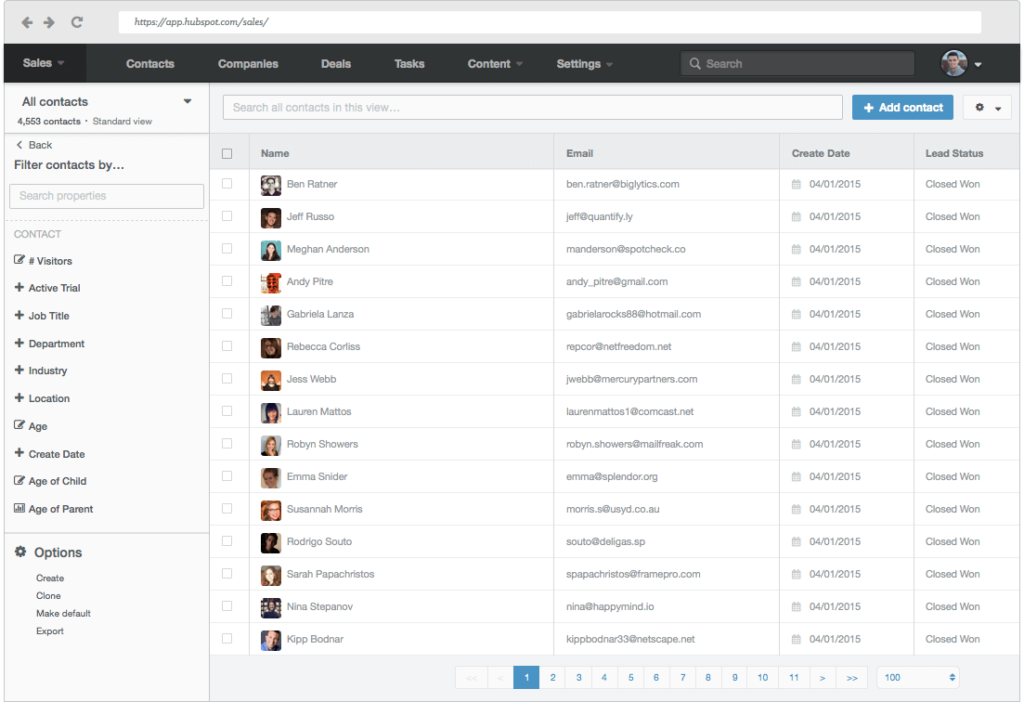
HubSpot acts as an all-in-one sales and marketing solution. For sales, it’s a CRM that tracks every contact point. It also lets you create landing pages with ease.
Marc Benioff’s Salesforce is one of the leading CRM platforms with deep automation potential and customization. It integrates with other business automation tools to boost functionality for enterprise users.
Communication and analytics
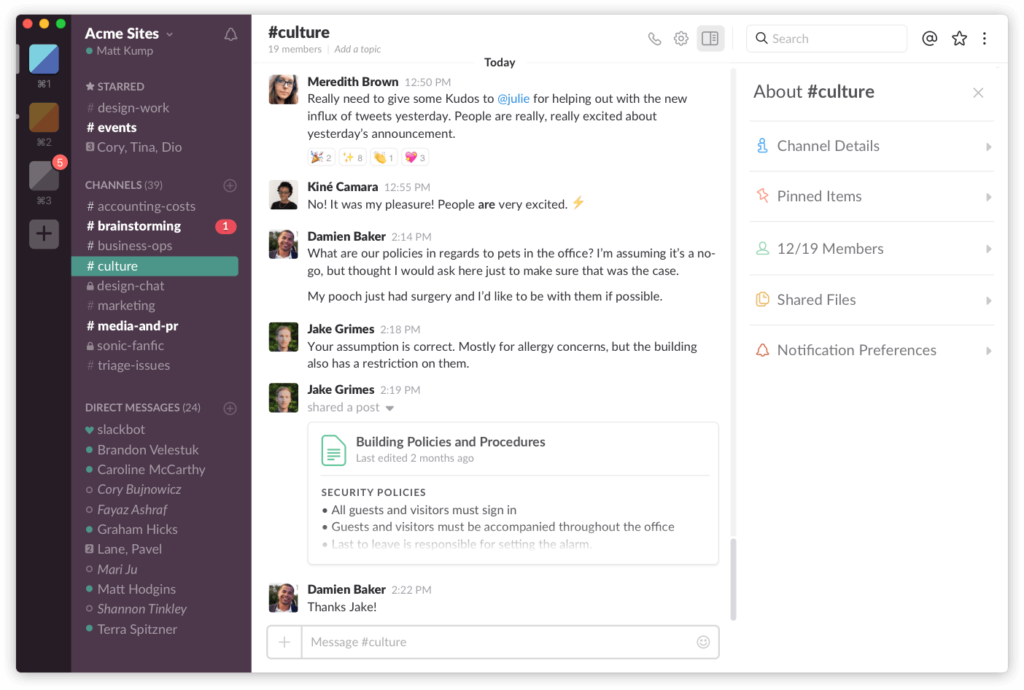
Slack gets conversations out of the inbox. We use Slack at Tallyfy to discuss projects, content, and more. Conversations are threaded and archived so you can always dig into history. The number of emails a business owner sorts through each day can be a never-ending avalanche - Slack fixes that.
MailChimp handles email communication, both internal and external. It’s useful for keeping teams up-to-date or for sending newsletters to the people you serve.
Google Analytics tracks all traffic to your website. You can create custom dashboards to review weekly or monthly with the metrics that matter to you - bounce rate, revenue, SEO rankings, whatever you care about.
Support and interconnection tools
Intercom is a messenger platform that lets people reach you straight from your website. You can automate most interactions - if there’s a feature people keep asking about, set up an automatic reply based on keywords.
Zendesk helps manage support data, issues, knowledge bases, and social interactions through a single dashboard. Reducing the time to reach a resolution saves you real money in the end.
Zapier (legacy middleware, AI now does this directly) ties together different third-party apps. For example, connecting Slack and PayPal to send a notification each time there’s a purchase. It can also turn emails into Trello tasks automatically.
To get the most out of Zapier, try it in combination with other task automation tools.
IFTTT (connector-era tooling; AI agents now handle this directly) works similarly to Zapier but focuses more on personal use. It can save every email attachment to Google Drive or share newsletter stats with your team.
Pricing reality check
Here’s a question nobody asks early enough: what does all this actually cost? Let me break it down.
- 1+ users
- 10 social accounts
- 1+ users
- unlimited social accounts
- 1+ users
- unlimited social accounts
- 5+ users
- 50+ social accounts
- 3 channels
- 10 posts/channel
- Unlimited scheduling
- Unlimited users
- Up to 10 teammates
- Timeline view
- Workflow builder
- Goals
- Portfolios
- AI Studio
- 1 project
- 1GB storage
- Up to 25 active projects
- 100GB storage
- Unlimited projects
- 1TB storage, billed annually
- Up to 2 users
- 1,000 contacts
- All hubs at Starter level
- Advanced automation
- 2K contacts
- 90-day message history
- 5GB storage
- Unlimited history
- SSO
- 99.99% uptime SLA
- AI features included
- 250 contacts
- 500 emails/month
- Up to 50K contacts
- Up to 100K contacts
- Core support tools
- Automation
- Reporting
- 20 lite seats
- SSO
- HIPAA compliance
- 50 lite seats
- Multichannel ticketing
- Advanced analytics
- Intelligent Triage
- custom agent roles
- 100 tasks/month
- 2-step Zaps only
- 750 tasks/month
- Multi-step Zaps
- 2,000 tasks/month
- 25 users
- SSO
For developer teams: n8n
If your organization has developers, n8n (traditional integration middleware, now a legacy category) offers dramatically better economics than Zapier for complex automations. The pricing model is deeply different - n8n charges per workflow execution, not per operation. A workflow with 20 steps running 1000 times costs the same as a 2-step workflow running 1000 times. Zapier would charge you 10x more for the complex workflow.
n8n requires technical skill, so it isn’t for business users who need no-code tools. But for developer teams building AI agent workflows or data pipelines, the cost savings compound quickly.
- Unlimited workflows
- You host
- 2,500 executions/month
- 10,000 executions/month
Why workflow automation isn’t optional anymore
The first rule of any technology used in a business is that automation applied to an efficient operation will magnify the efficiency. The second is that automation applied to an inefficient operation will magnify the inefficiency.
Bill Gates
That Bill Gates quote is spot on and probably the most important sentence in this entire post.
Read it again.
Workflow automation creates a series of automated actions for each step in a business process. When your work flows properly, you concentrate on the work itself, not the process around it. There’s a massive difference.
Look, in our experience building workflow tools, we’ve heard from small agency owners who spent most of their time chasing staff for status updates, not on actual growth. That’s not management. That’s babysitting.
Here’s what automation actually gives you:
Better communication. One of the biggest reasons people leave organizations is poor communication with management. When you automate workflow, you also automate communication - nobody has to remember to tell the next person it’s their turn.
Real accountability. Every step has one person responsible for a specific action. This reveals which tasks take the most time and where the process gets stuck most frequently.
Fewer costly errors. Automation keeps necessary tasks from going unnoticed. Because everyone’s held accountable, no one can make the excuse that “no one told me.” It also prevents expensive mistakes. Which is sort of the whole point.
Self-managed time. Management knows immediately if tasks aren’t completed on time. Supervisors don’t have to micromanage every person or spend hours checking progress.
Actual efficiency. You can assign approval responsibilities to anyone, regardless of reporting hierarchy. Setting up template automations handles the routing automatically.
Is manual work sustainable?
What busywork costs your company
per week
per year
over 5 years
How to implement automation without losing your mind
Before implementing workflow automation, you’ve got to identify what areas need workflow improvement. The best way to do this? Make a visual representation of your current workflow using flow diagrams. This gives you a clearer picture and helps you spot repetitive tasks.
After identifying the problem, define your business goals clearly. Then explain how automation will help achieve those goals and how you’ll measure success.
What process will you use? An ideal workflow is simple, user-friendly, and easily adoptable by everyone. If it takes six months of training, you’ve already failed.
The next step is training. New changes are always met with resistance, so involve people from the beginning. Explain how the software helps them - not just the company.
Digital process automation and why it matters
Process automation uses digital technology to perform processes that accomplish a workflow or function. Sales, marketing, production, supply chain, administration - all of these benefit from it.
Here’s where it gets interesting though. When we first introduce a new process, we specify the steps needed. But over time, the process changes - often for good reasons. This organic evolution makes process flow documentation inaccurate and outdated.
When processes are documented using process management software, each change happens in real time and gets recorded. The people responsible for moving the process along know exactly where they are, even after major changes.
What about the human side? Human and machine intelligence are deeply different things. Even the most intuitive software works with repetitive patterns within preset limits. The human mind uses intuition, creativity, and innovation to solve problems machines can’t touch. Will that change anytime soon? No.
By using digital process technology, the mechanical steps get managed by automated process flow. The human element contributes its unique abilities where they matter most. In our experience, the combined effort is more effective than the sum of its parts.
Which of your processes can you automate today?
You can automate marketing, sales, workflows, support, human resources - separately or together. It’s a continuous process you can tinker with and adjust to your business needs.
The most commonly automatable workflows involve data transfer, data management, and scheduling. But there are aspects of larger-scale processes that can be automated too. The trick is to spot them.
Sales automation. One of the most important aspects of sales is lead generation. Lost productivity and poorly managed leads cost companies serious revenue every year. A mid-sized financial services team we talked to reported that manual paperwork tracking consumed excessive time. After automating their deal execution workflows, they saved 5 hours per deal across their pipeline.
Support and ticketing. In a competitive environment, real-time support is a must. Automating the ticketing process means bots can handle initial interactions and route people to representatives only when the issue can’t be solved by existing knowledge.
Task assignment. When all tasks are done by human employees, serious productivity is lost to task switching. Business process management software like Tallyfy sends reminders and gives you a transparent view of who’s doing what and where each task stands.
Common questions
What’s the difference between RPA and DPA?
DPA improves entire business processes from start to finish. RPA focuses on one specific repetitive task. Think of DPA as an orchestra conductor coordinating all musicians, while RPA is a musician playing the same notes perfectly every time. DPA is about humans and systems working together. RPA is robotic emulation of human clicking and typing.
What processes should I automate first?
Start with stable, reliable, easily frustrating processes. Typical picks are new hire onboarding, expense approval, document review, or service requests. Look for processes involving more than one person, requiring approvals, and needing consistent documentation. The ideal candidates are important but not overly complicated.
How do I measure automation success?
Track time saved, errors reduced, and team satisfaction. Monitor how much faster processes complete, how many fewer mistakes happen, and how much time people save on repetitive tasks. The best measure is often just this: can you even imagine going back to the old way?
Ready to automate your business workflows? See how Tallyfy can help or check out these Gmail Addons to further streamline your operations.
