
Run the work, not just document it

Document any process once. Assign each step to people or AI. Track every task to done, without status meetings or chaos.

People-powered workflow

People-powered workflow on Tallyfy

How a workflow runs

Document the steps once. Assign each one to a person, a group, or an AI agent. Set deadlines and conditions so the workflow routes itself. Then watch it run, with every task tracked and every handoff visible.

Here is the part most tools miss. AI amplifies whatever process it follows, so a workflow you have actually defined is what makes AI useful instead of risky. Define the process first. The speed comes after.

Three ways every task gets done in Tallyfy

1

People

Anyone can do their step, even guests with no login.

Explore workflow →
2

AI

Hand the boring steps to AI, one task at a time.

Explore Tallyfy AI →
3

Apps

Your other apps do their part, no glue.

All integrations →

More on running workflows

Read the workflow blog »

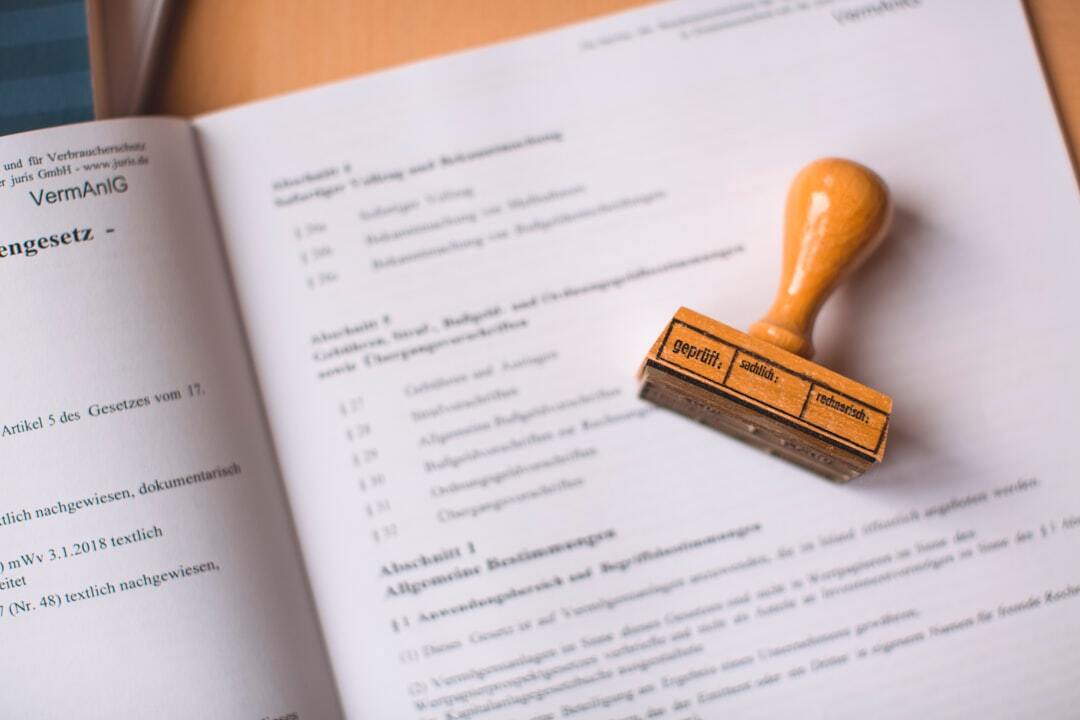
What is process documentation and how to do it

Process documentation captures the exact steps to complete a business process. First formalized by the National Irrigation Agency in the Philippines during the 1970s, it preserves institutional knowledge and reduces errors during staff turnover.
How to create an approval process workflow

Email-based approval process workflows create bottlenecks that grow with your organization, with pending requests piling up for weeks while teams sit idle. Tallyfy centralizes every request, automates routing to the right approver, and stops sign-offs from getting lost in overloaded inboxes.

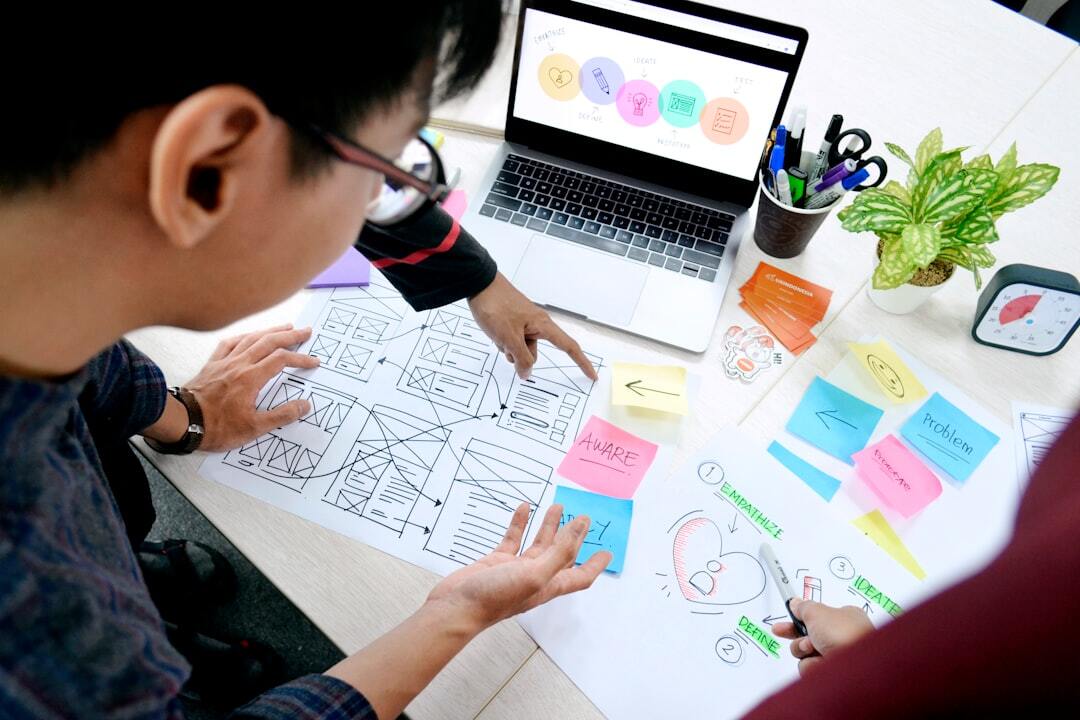
Business process design - what it is and how to do it

Business process design means building new workflows from scratch with clear steps and responsibilities. As W. Edwards Deming showed, undefined processes cannot be improved, making design the foundation for consistency, efficiency and AI readiness.

Ready to run your first workflow?

Document one recurring process and watch it run itself