
How AI agents manage workflows through Tallyfy MCP
Tallyfy MCP server gives AI agents 100 plus tools to manage real business processes. Here is how it works with ChatGPT, Claude, Gemini, and Copilot Studio.
One open connection lets Claude, ChatGPT, and other AI assistants work inside your Tallyfy processes. No connector maze, no per-task billing.
MCP server

MCP is the Model Context Protocol, an open standard for connecting AI assistants to the tools and data they need. Tallyfy runs a live server for it at mcp.tallyfy.com. Point a supported assistant at it, sign in once with OAuth, and the assistant can work in your account as you, within your permissions. It stays model-agnostic on purpose, so you're never locked to one vendor.
100+ tools across 17 categories. Here are the everyday ones.
Look up templates, running processes, and tasks in plain language, without hunting through menus.
Kick off any workflow and fill in the kickoff form as it goes, so the run starts clean.
Hand work to the right person, or finish a task itself when finishing is the job.
Draft a new procedure or edit an existing one, step by step, then hand it back for review.
Pull live progress, comments, and a clear read on who's holding things up.
Every call runs through your process, so an agent can move fast without skipping an approval.
Add Tallyfy as a connector in the assistant of your choice. One MCP server, many clients.
Setup guides walk you through Claude, ChatGPT, Google Gemini, and Microsoft Copilot, plus the full MCP server docs.
Connect the AI you already use. It fills in fields and completes tasks.
Give it the meeting transcript. It updates the tasks and fields that came up.
Instructions saved in each step tell your AI what to do, the same way every time.
Classic middleware wires one app to another with brittle point-to-point links, and it charges a fee for every task that runs through them. The MCP approach flips that around. You document a process once in plain English, and people, AI, and apps work through it step by step inside the workflow you defined. One connection instead of dozens. Plenty of teams are busy connecting AI to their tools right now. The piece most of them are missing is the process that tells it what to do next.
That process is also the guardrail. Branches, gates, and approvals are enforced server-side, so an agent can move quickly without going off-script. See how the guardrails work.
It is a live endpoint at mcp.tallyfy.com that speaks the open Model Context Protocol. Any MCP-compatible AI assistant can connect to it and work inside your Tallyfy account, with your permissions, once you sign in.
Claude, ChatGPT, Google Gemini, Microsoft Copilot, and any other client that supports MCP. Because it isn't tied to any one model, you can switch assistants later without rebuilding the connection.
Yes. The assistant signs in with OAuth, so it acts as you and only within your permissions. Each request has a cap on how many actions it can take, bulk changes get stopped and questioned, and the workflow itself blocks anything that would skip a step or an approval.
No. You connect a supported assistant to the MCP server and build your workflows visually. Plain-English custom connections that need no developer are on our roadmap, not a claim about today.
Three ways every task gets done in Tallyfy
Tallyfy MCP server gives AI agents 100 plus tools to manage real business processes. Here is how it works with ChatGPT, Claude, Gemini, and Copilot Studio.
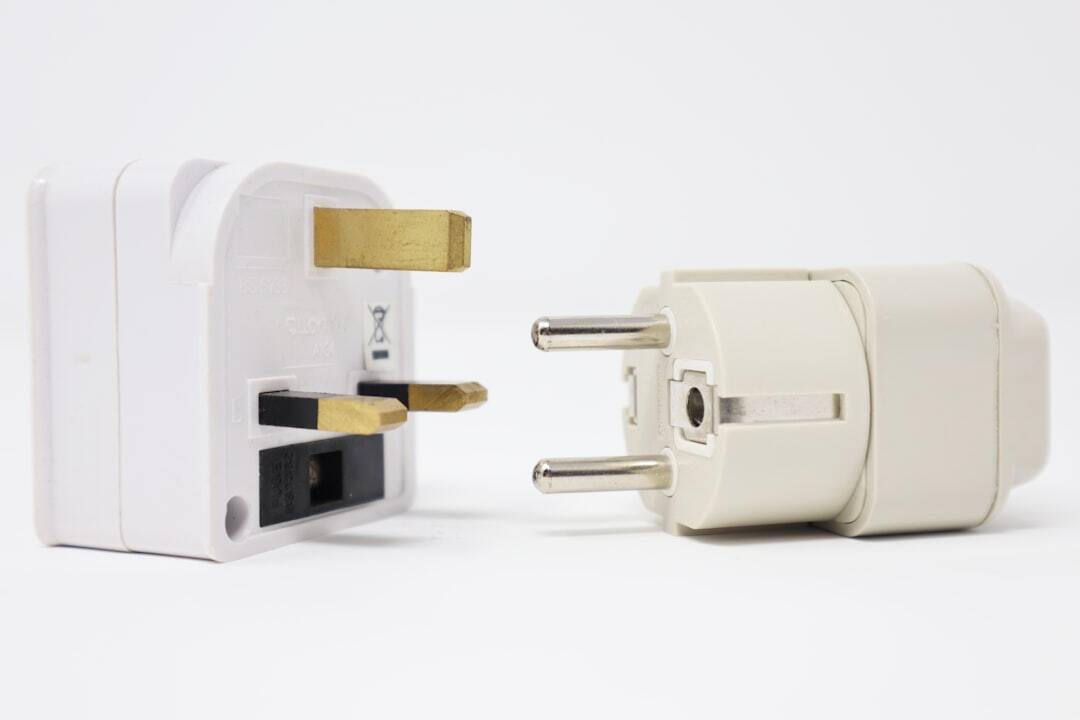
Anthropic donated MCP to the Linux Foundation in 2025, creating a standard way for AI agents to use tools. REST APIs still handle the heavy lifting underneath. Here is how all three compare and why defined workflows matter most.

A developer shipped 22 separate MCP servers, and a year into the protocol there are already tools built just to manage the sprawl. The right count isn't the number of tools your agents need. It's the number of processes you want them in. One workflow can expose a dozen tools through a single governed server.
Connect the MCP server and let AI clear the repetitive work, safely inside your process