The smarter alternative to Power Automate
Power Automate locks you into Microsoft with vague errors, API limits, and licensing nobody understands.
- No middleware - AI writes integrations now - skip the connector licensing maze
- Human workflows - Track tasks between people, not just data between apps
- AI beats connectors - AI agents and MCP are replacing the entire connector licensing model
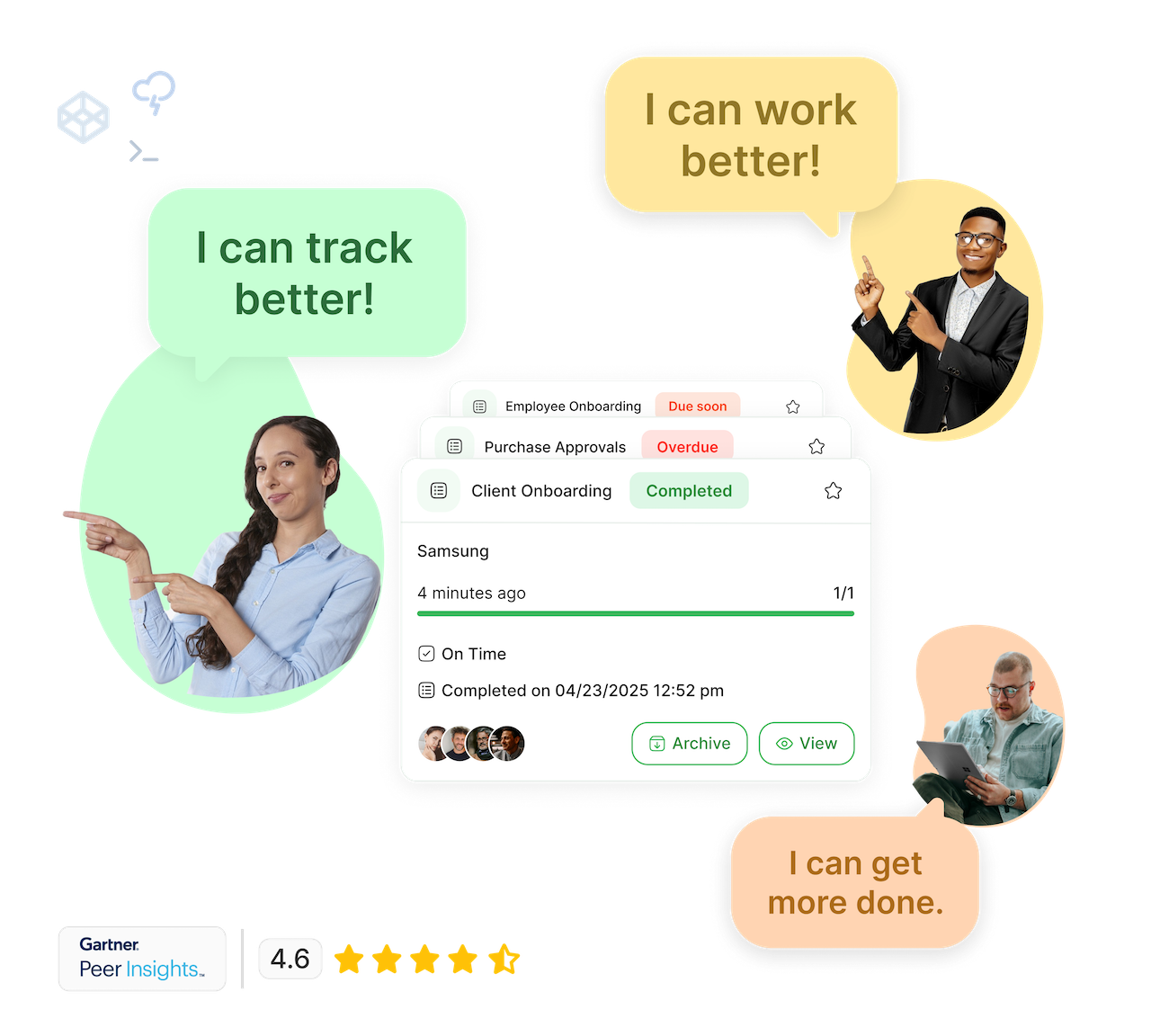
People ❤️ Tallyfy
Simple for everyone. Robust for champs.
"We can finally delegate work with confidence and focus on growing the business.

"A paper-based approval for critical purchases could take a couple of days before if someone was waiting for a director to be available for a signature. Now approvals are often completed in minutes.
"Tallyfy has been transformative for us. It's reduced manual errors, sped up processes like onboarding, and helped us document workflows that are critical as we grow. The ability to track tasks and aggregate them in one place saves us so much time and ensures that nothing falls through the cracks.

"Tallyfy is intuitive, fun and visually appealing. We can quickly gather every detail we need from our client in order to finish it on time. All the documents, specific details and comments are in one place.

"It has become a regular thing that people say 'put that in Tallyfy'. They know it by name. It has become the executive approval tool for our company. We have bi-weekly Tallyfy calls where we review what needs approval and what is pending - it keeps everyone aligned.

"It used to take us two days to run monthly client campaigns, now, with the help of Tallyfy, we complete them in just a few hours!

"Tallyfy is a very reliable way to delegate and track tasks with confidence. It has taken the guesswork out of the equation and has helped our team focus on delivering a service within deadlines. Thank you for making my life much easier!

"Our clients and team sail through the Tallyfy process - there is no need for clients to log in, there is one link for everything they need to do, everything saves in real-time - it all works incredibly well! I can't imagine scaling our agency without Tallyfy.

"Tallyfy has revolutionized how we manage our marketing projects at West Community Credit Union. It allows us to quickly launch tailored campaigns and track every moving part, ensuring nothing falls through the cracks. The ease of creating flexible, repeatable processes has saved us significant time and improved team collaboration.

"Tallyfy transformed how we manage client onboarding and policy renewals. It eliminated inefficiencies, reduced meeting times from hours to minutes, and helped us avoid costly penalties by automating key processes. We now have full visibility over tasks, and I no longer need to chase down updates - it's all right there.

"With Tallyfy, we have seen clarity in our processes as well as any bottlenecks. Tallyfy would be a good fit for any company that has a design, approval and implementation process that needs to have a quick turn around and that is growing fast.

"Tallyfy has helped our team streamline the efficiency of our processes. We now have smooth processes from beginning to end - without any steps being forgotten or skipped.
"If you want to be efficient and scale your business then Tallyfy is the way go. There is no question about it.

"Routing multiple documents is far quicker and there's immediate accountability and oversight. After switching to Tallyfy, routing documents and layouts went from taking over a week to taking just 2-3 days.
"We can finally delegate work with confidence and focus on growing the business.
"A paper-based approval for critical purchases could take a couple of days before if someone was waiting for a director to be available for a signature. Now approvals are often completed in minutes.
"Tallyfy has been transformative for us. It's reduced manual errors, sped up processes like onboarding, and helped us document workflows that are critical as we grow. The ability to track tasks and aggregate them in one place saves us so much time and ensures that nothing falls through the cracks.
"Tallyfy is intuitive, fun and visually appealing. We can quickly gather every detail we need from our client in order to finish it on time. All the documents, specific details and comments are in one place.
"It has become a regular thing that people say 'put that in Tallyfy'. They know it by name. It has become the executive approval tool for our company. We have bi-weekly Tallyfy calls where we review what needs approval and what is pending - it keeps everyone aligned.
"It used to take us two days to run monthly client campaigns, now, with the help of Tallyfy, we complete them in just a few hours!
"Tallyfy is a very reliable way to delegate and track tasks with confidence. It has taken the guesswork out of the equation and has helped our team focus on delivering a service within deadlines. Thank you for making my life much easier!
"Our clients and team sail through the Tallyfy process - there is no need for clients to log in, there is one link for everything they need to do, everything saves in real-time - it all works incredibly well! I can't imagine scaling our agency without Tallyfy.
"Tallyfy has revolutionized how we manage our marketing projects at West Community Credit Union. It allows us to quickly launch tailored campaigns and track every moving part, ensuring nothing falls through the cracks. The ease of creating flexible, repeatable processes has saved us significant time and improved team collaboration.
"Tallyfy transformed how we manage client onboarding and policy renewals. It eliminated inefficiencies, reduced meeting times from hours to minutes, and helped us avoid costly penalties by automating key processes. We now have full visibility over tasks, and I no longer need to chase down updates - it's all right there.
"With Tallyfy, we have seen clarity in our processes as well as any bottlenecks. Tallyfy would be a good fit for any company that has a design, approval and implementation process that needs to have a quick turn around and that is growing fast.
"Tallyfy has helped our team streamline the efficiency of our processes. We now have smooth processes from beginning to end - without any steps being forgotten or skipped.
"If you want to be efficient and scale your business then Tallyfy is the way go. There is no question about it.
"Routing multiple documents is far quicker and there's immediate accountability and oversight. After switching to Tallyfy, routing documents and layouts went from taking over a week to taking just 2-3 days.
Tallyfy vs. Power Automate

AI readiness comparison
How Power Automate and Tallyfy compare on AI-native capabilities
Middleware moves data between apps. AI agents are replacing this entire layer through MCP and direct code generation. The connector model is dying. Tallyfy has a live MCP server with 40+ tools that connects to ChatGPT, Claude, Google Gemini, and Microsoft Copilot Studio.
Which tool is right for you?
Honest comparison to help you make the right choice
Tallyfy is best for
- Tracking human workflows and task handoffs
- Onboarding processes for clients or employees
- Approval workflows with visibility and audit trails
- Teams without dedicated IT or Microsoft expertise
- Organizations wanting predictable, transparent pricing
Power Automate may be better for
- Automation within Microsoft 365 ecosystem
- Desktop application automation (RPA)
- Data synchronization between Microsoft apps
- Organizations already invested in Power Platform
- Technical teams comfortable with flow-based logic
Here's why people are frustrated with Power Automate
This is third party content sourced from the public web. You can verify this content if you wish. See our disclaimer and citations section below.
" The error messages provided are often unclear, making the debugging process more time-consuming than it should be.[1] "
" The new GUI is heavily criticized for being buggy. Unchecking conditions, reverting to old UI, frustrating users, and hindering productivity.[2] "
" Quite a bit of what we needed to do was considered advanced and needed additional licensing. While there is a suite of connectors that come free, some common ones aren't, and this is where the sting hurts.[3] "
" For any user with a normal Microsoft E3 license, the limit is 2000 API calls per 24 hours. Users started to notice flows that would usually take seconds to run were now taking days to run.[4] "
" Power Automate's help system might feel like wandering a desert with a broken GPS. Getting knowledgeable people that can actually answer questions has been an epic struggle.[5] "
" Microsoft ecosystem lock-in is a recognized issue: integrating with non-Microsoft services often requires premium connectors or additional configurations.[6] "
" Something frustrates me concerning Microsoft Power Automate, and that is about the integration with Microsoft Forms and Excel. I don't get my responses synchronized automatically, and that frustrates me a lot.[7] "
" When handling large datasets and complex workflows the performance slows down and sometimes the workflows get into troubleshoot.[8] "
" Large tasks are hard to automate. Tasks that require multiple recipients also fail when it exceeds around 60 users.[9] "
" Version control and team collaboration features could be improved, especially for organizations looking to implement automation at an enterprise scale.[10] "
" Microsoft Power Automate works well if you want to process within the Microsoft architecture. When you are looking for automation with third parties, Power Automate is less suited.[11] "
" Out of the 900+ connectors supported by Power Automate, the free plan only includes apps in the Microsoft ecosystem and very limited third-party apps. Many powerful integrations are locked behind premium connectors.[12] "
" Flows that violate limits can be throttled, slowed down, or even turned off altogether if they're throttled continuously for 14 days.[13] "
" A common problem I have encountered is with certain dynamic blocks not allowing the flow to be saved due to missing variables that should not be required.[14] "
- Cloud flows and DPA
- Attended RPA
- 250 MB database storage
- Unattended RPA
- AI Builder included
- 50 MB database storage
- Microsoft-managed VM
- All Process features
- Annual commitment required
Tallyfy might not be right for you if...
Tallyfy isn't for everyone. Here's when it may not fit:
- Not built for system-to-system data automation or RPA
- Requires processes that involve people - pure automation needs different tools
- Best for structured repeatable workflows, not ad-hoc tasks
Track human work, not just data flows
Power Automate moves data between apps. Tallyfy tracks what people actually do.
1. Document
Define your processes in plain English. No flow designer, no expression syntax to learn.
2. Track
See who is doing what in real-time. Tasks, approvals, handoffs - all visible without API limits.
Is flow-based automation really what you need?
Are you hearing this at work? That's busywork
Enter between 1 and 150,000
Enter between 0.5 and 40
Enter between $10 and $1,000
Based on $30/hr x 4 hrs/wk
Your loss and waste is:
every week
What you are losing
Cash burned on busywork
per week in wasted wages
What you could have gained
160 extra hours could create:
per week in real and compounding value
Total cumulative impact over time (real cost + missed opportunities)
You are bleeding cash, annoying every employee and killing dreams.
It's a no brainer - improve your workflows
Tallyfy does not charge for basic services
Need help? Unlike costly "professional services" for Power Automate - Tallyfy guarantees free 25-minute screen-sharing calls with workflow experts for life.
SCHEDULE A CALL
Fair Price Guarantee
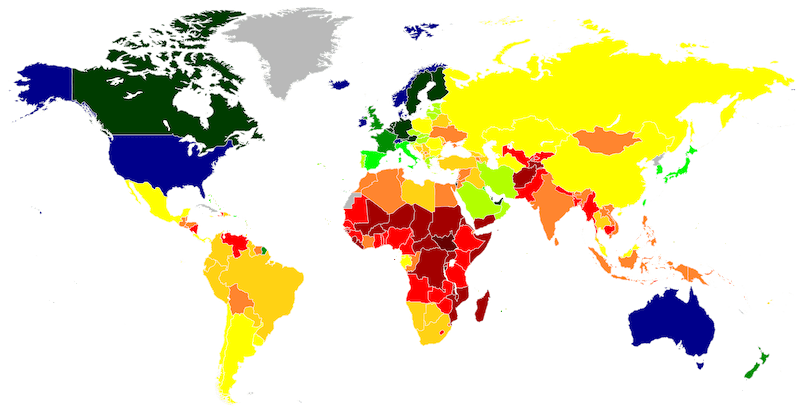
If your company is based in a country where the GDP per capita is significantly lower than the USA, we offer a discount on our pricing. This ensures fair pricing for companies worldwide.
FAIR PRICE GUARANTEETallyfy is secure, proven and enterprise-grade
API & Webhooks
Free SSO
Middleware
BI & Data Export
Events & Triggers
AI & Automation
Security
Documents
Analytics & Metrics
Email Integration
Legal & Enterprise
Adding Tallyfy alongside Power Automate
Most teams are running workflows in under a week
Identify which processes involve human work vs. pure data automation
Keep Power Automate for Microsoft ecosystem automation that works well
Set up Tallyfy for human workflow tracking
Connect via webhooks where handoffs are needed between systems
Train your team on the simple Tallyfy interface
Frequently Asked Questions
What is Power Automate and what is it used for?
Why don't I need middleware like Power Automate anymore?
How much does Power Automate actually cost?
What are the common problems with Power Automate?
What is the Power Automate 2,000 request limit and why does it matter?
Does Power Automate work well outside the Microsoft ecosystem?
Does Power Automate have a discount for different countries?
What is the difference between cloud flows and desktop flows?
Why are Power Automate error messages so vague?
How does Tallyfy compare to Power Automate for tracking work?
What integrations does Tallyfy offer instead of middleware?
Does Tallyfy offer free Single Sign On?
What if I already use Power Automate and want to switch?
Is Tallyfy secure and compliant for enterprise use?
References and Citations
- [1] Power Automate review on G2 - Error messages concerns (January 2026)
- [2] Power Automate review analysis on Toksta - GUI issues (January 2026)
- [3] Power Automate review on Capterra - Premium connector costs (January 2026)
- [4] Power Automate API limits analysis on Cloud Decoded (January 2026)
- [5] Power Automate review on DevHut - Support concerns (January 2026)
- [6] Power Automate analysis on Activepieces - Ecosystem lock-in (January 2026)
- [7] Power Automate review on G2 - Forms and Excel sync issues (January 2026)
- [8] Power Automate review on G2 - Performance slowdowns (January 2026)
- [9] Power Automate review on Capterra - Large task limitations (January 2026)
- [10] Power Automate review on G2 - Version control issues (January 2026)
- [11] Power Automate review on TrustRadius - Third-party limitations (January 2026)
- [12] Power Automate pricing analysis on Superblocks - Premium connectors (January 2026)
- [13] Microsoft Power Automate documentation - Throttling limits (January 2026)
- [14] Power Automate review on Capterra - Dynamic block issues (January 2026)
7 alternatives to Power Automate
Explore other alternatives to Power Automate
Zapier
App integration platform, not workflow management
- Gets expensive fast
- Task limits
- Not real workflows
Make
Visual automation platform for app integrations
- Complex visual interface
- Steep learning curve
- Integration-only
n8n
Open-source workflow automation tool
- Developer-only tool
- Self-hosting complexity
- Limited support
IFTTT
Simple consumer automation platform
- Consumer-grade only
- Very basic
- No business processes
Workato
Enterprise automation and integration platform
- Enterprise pricing
- Complex setup
- High implementation cost
MuleSoft
Enterprise integration platform from Salesforce
- Salesforce dependency
- Extreme complexity
- Developer-required
Tray.io
General automation platform for enterprises
- Complex interface
- Enterprise pricing
- Steep learning curve
Tallyfy is a far better alternative to Power Automate
Ready to switch from Power Automate?
See how Tallyfy can transform your workflow management
Schedule a Demo
Ready to switch to a better workflow solution?
See why teams choose Tallyfy over the competition
DISCLAIMER OF AFFILIATION, ACCURACY & LIABILITY
This page is an independent, good-faith comparative review prepared by Tallyfy, Inc. ("Tallyfy") and is based on publicly available information, third-party reviews, and vendor materials current as of March 2026. The content is offered "AS IS" for general informational purposes only and does not constitute professional, technical, or legal advice.
- • No Affiliation. Tallyfy is not affiliated with, endorsed by, or sponsored by Microsoft Corporation. "Power Automate" and related logos are trademarks or registered trademarks of Microsoft Corporation; all such marks appear solely for nominative, comparative reference permitted under the Lanham Act and the doctrine of nominative fair use.
- • Dynamic Information. Features, service levels, and pricing change frequently and may have changed since the compilation date. Users should verify current offerings directly with each vendor before making purchasing decisions.
- • Opinion & First-Amendment Protection. All statements constitute Tallyfy's opinion or commentary, which is protected speech when truthful and non-misleading.
- • No Warranties; Limitation of Liability. Tallyfy disclaims all warranties-express or implied-including accuracy, completeness, merchantability, and fitness for a particular purpose, and will not be liable for any loss or damage arising from reliance on this content.
- • Overall Website Terms. Your use of this website is subject to our terms and conditions.