
Summary
- Pipefy to Tallyfy is a Kanban-to-sequential change, not a data rescue - Pipefy is phases you drag cards through, and Tallyfy is one ordered flow that moves itself. The real work is turning each phase into a short run of steps with an approval that can actually hold a card back.
- Card data exports fine, database tables are the hard part - Pipefy reports export to a spreadsheet (capped at 30,000 lines), and the GraphQL API reads pipes, cards, and phases. Pipefy’s database tables are the piece with no Tallyfy equivalent, and they need a separate plan.
- The mapping is clean once you accept the shape change - a Pipe becomes a Tallyfy blueprint, each Phase becomes three steps, a Card becomes a running process, and automations get rebuilt as rules.
- Plan for weeks, and scope your database tables first - a few simple pipes can move in a couple of weeks, table-heavy setups take much longer. Book a 30-minute migration walkthrough and we’ll map your pipes honestly.
Moving from Pipefy to Tallyfy has a short version: your card data comes across without much drama, and the real work is changing the shape of the process. Pipefy is a Kanban tool. You build a pipe, give it phases, and drag cards from one phase to the next. Tallyfy runs the same work as a single ordered sequence that moves on its own, with approvals that can genuinely stop a card from jumping ahead before it’s ready. That switch, from a board you push cards across to a process that holds its own order, is the entire job. It’s the thing underneath most workflow software moves, and it pays to understand before you export a single pipe.
Workflow Automation Software Made Easy & Simple
Why teams move off Pipefy
Credit where it’s due first. Pipefy does Kanban-style process management well, and finance and procurement teams in particular have run serious volume through it for years. If your work fits a board with phases, it’s a capable tool, and a migration guide that pretends otherwise isn’t honest.
The pressure builds when the board stops matching the work.
A Pipefy phase is a column. A card sits in it until someone drags it onward, and nothing about that column insists the work was actually done. Cards land in an “Approved” phase without anyone approving anything, because moving the card is the approval. For a small team watching its own board, that’s fine. When a process must run identically every time, with sign-offs that can’t be skipped, that looseness becomes the problem.
So what pulls teams toward Tallyfy?
Usually it’s direction. They want a process that enforces its own order rather than trusting where a card sits, an AI-native foundation instead of automations bolted onto a board, and a pricing and ownership fit that holds up as they grow. The difference between BPM and plain workflow is worth reading on that point, because Pipefy sells itself as BPM while running like a task board, and the gap between those two is exactly what teams feel when they outgrow it.
What Pipefy export actually gives you
Start with the export, because it sets the plan. Pipefy is API-first: its GraphQL API reads your pipes, cards, and phases programmatically, which is the complete machine-readable path if you want to pull everything out cleanly. For a lighter touch, you can export a pipe report as a spreadsheet straight from the interface, emailed to you and ready to open in Excel, Google Sheets, or a BI tool.
There’s one limit worth knowing before you rely on it. A Pipefy report only exports the first 30,000 lines, so if a pipe holds more cards than that, the spreadsheet quietly stops at the cap. For most single pipes that’s plenty, but a high-volume pipe needs the API route instead.
Turns out the catch that actually shapes the timeline isn’t the card data.
Pipefy database tables are a separate, harder export. Tables are Pipefy’s relational store, the place teams keep vendors, contracts, products, anything a card looks up. They don’t come out the same way cards do, and Tallyfy has nothing that maps to them directly. If your pipes lean on database tables, that’s the painful part of the migration that needs real thought, not the card export. We’ll come back to it, because it’s the single most important thing to scope before you start.
How Pipefy concepts map to Tallyfy
This is the reassuring part, because there’s a documented Pipefy-to-Tallyfy mapping to work from, and the pipe-level concepts line up cleanly. The card-level data is easy. Phases are where the rethink lives.
| In Pipefy | In Tallyfy | What actually changes |
|---|---|---|
| Organization | Organization | Direct match |
| Pipe | Blueprint | Your reusable process definition |
| Phase | Three sequential steps | Entry, then the work, then an exit |
| Card | Process (run) | One running instance of the pipe |
| Card template | Kick-off form | What you collect to start a process |
| Field | Form field (capture) | Captured data on a step |
| Label | Tag | Card categorization carries over |
| Automation | Rule (IF-THEN) | Rebuilt by hand, same logic |
| Database table | External storage | No equivalent, the one real gap |
The core shift here is Kanban to sequential, and it’s worth a slow look. In Pipefy, a phase is a column, and you drag a card into it and out the far side. In Tallyfy, that same phase becomes a short run of three steps: an entry where the card lands, the work step, then an exit that checks it’s done before the next phase begins. The exit step is usually an approval that blocks the next step, which a Kanban column never had, so the process can refuse to advance instead of hoping nobody dragged a card too soon.

Picture an accounts-payable pipe, since that’s classic Pipefy territory. You’ve got phases for invoice received, coding and matching, manager approval, and scheduled for payment, and each invoice is a card you drag rightward as it clears each stage. Rebuild it in Tallyfy and the pipe becomes one accounts-payable blueprint.
Invoice received becomes the kickoff that captures the invoice details. Coding and matching becomes a work step. The manager-approval phase, which on the board was just a column you trusted, becomes a real sign-off that the invoice can’t pass until it’s granted. Scheduled for payment becomes the final step. Same flow, but now the process insists on the approval rather than reading meaning into where a card happens to sit.
The field types come across cleanly too. Short and long text, number, and date map straight over, currency becomes a number, a connection field becomes a stored reference, a statement becomes read-only instruction text, and a formula field arrives as a fixed value, since Tallyfy stores the result rather than recomputing it. One honest cost of the shape change: a pipe with five phases doesn’t become five steps. It basically lands closer to fifteen, because each phase expands into its entry, work, and exit. The data is small. The rethink is the work.
A realistic migration timeline
A handful of simple pipes with no database tables can genuinely move in two to three weeks. A finance team running table-heavy pipes with deep automation should plan for considerably longer, and the database tables are why.
Export and audit fill the first week, and the audit is the half that matters more. Pull your pipes and ask one question of each: is this a real recurring process, or a board someone set up once and never reused? The recurring ones, the AP flow, the procurement intake, the onboarding pipe, are your candidates. While you’re there, list every pipe that depends on a database table, because that list decides how long this takes.
Week two is the rebuild. Recreate your top two or three pipes as Tallyfy blueprints, breaking each phase into an entry step, a work step, and an exit step, and deciding which exits are real approvals. This is also where automations get rebuilt as conditional rules, which is the same IF-THEN logic expressed differently, so it needs recreating and testing rather than copying.
Week three onward is the database-table question and the parallel run. For pipes that lean on tables, decide where that data lives now, an external database the process references, or a rethink of whether it needed to be relational at all. Then run one team on Tallyfy beside Pipefy, confirm the rules behave, and switch over once they do.
Why not just rebuild the phases one for one and call it finished?
Because the phases were never the process. They were columns to park cards in. Turning them into a sequence with real gates is the reason you’re moving, and a database-driven pipe that fights that shape is exactly the one to question before you commit to it.
What breaks, and what Tallyfy won’t replace
Let me name the things that don’t carry. Automations get rebuilt as rules, not imported. Phase-specific forms collapse into the steps that need them. Card-cloning with updates and public-portal features don’t transfer. And the visual Kanban order, the left-to-right position that some teams read as priority, means nothing after the conversion, so anything it carried has to become an actual field.
Now the part to weigh carefully, because it’s the reason some Pipefy setups shouldn’t migrate wholesale at all.
Database tables. They’re Pipefy’s relational data store, and Tallyfy has no direct match, so that data needs an external home and a way to feed it into your processes. The Tallyfy team’s own mapping is blunt about this: a table-heavy pipe can multiply the migration effort many times over, because you’re not just rebuilding a process, you’re standing up a separate, messy data layer beside it. If your pipes are really database applications with a workflow attached, be honest with yourself about that before you start. One thing that catches teams off guard, though, is how little they miss the Kanban board itself once the process runs on its own. The board felt essential right up until a single live view of every running process replaced it, and then it didn’t.
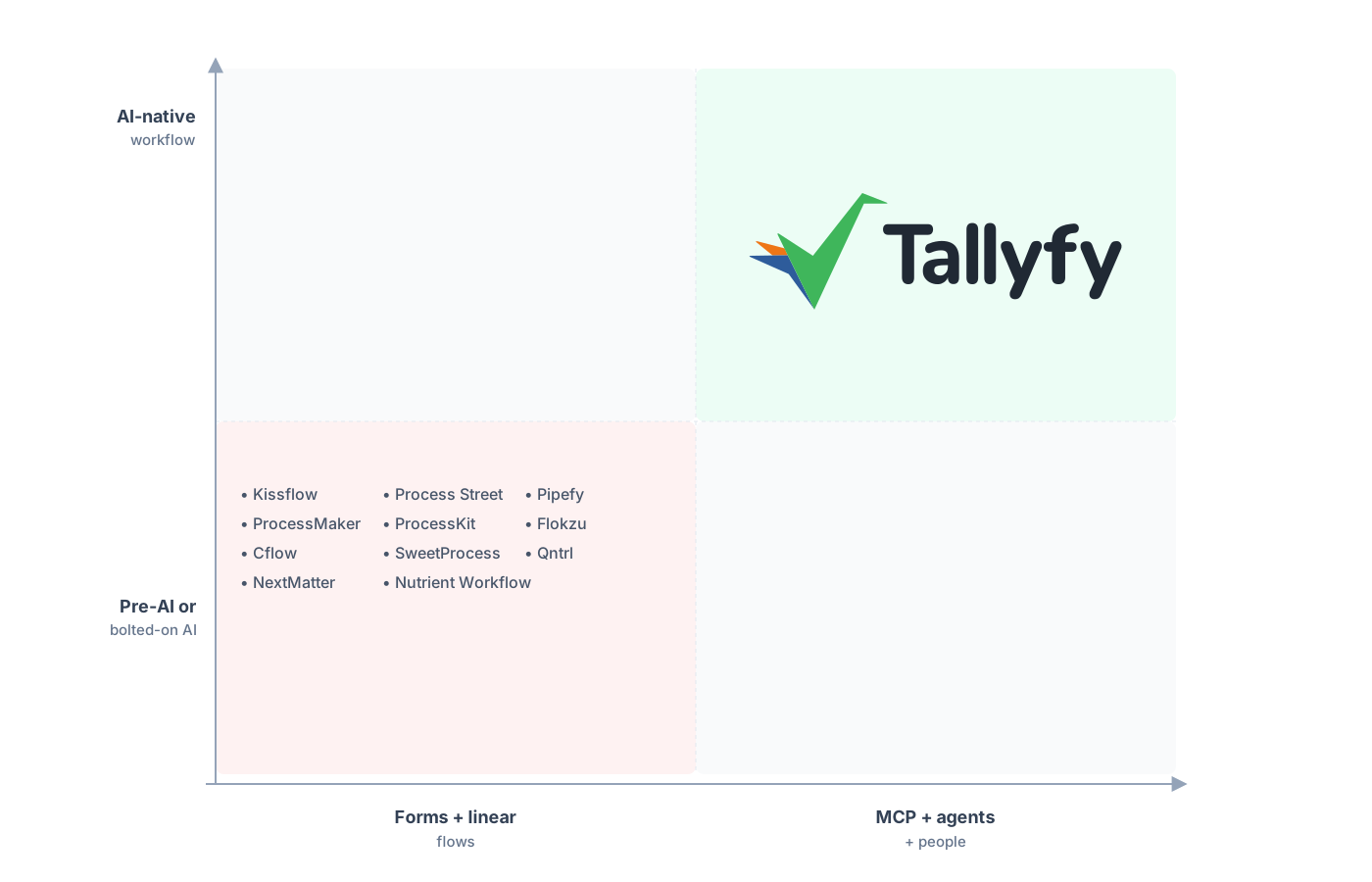
Built AI-native, with the process enforcing its own order instead of a board.
The shift teams settle into fastest is reading process by status instead of by board geometry. On a Pipefy board you scan columns to guess where things stand. In Tallyfy every run of the process sits on a named step, so instead of counting cards in a column you just see which couple of runs are stuck, and exactly where. If you’re stacking the move up against keeping a board, the honest comparison is less about features and more about whether a board can run a process, which is exactly what Kanban boards versus structured views digs into.
Common questions about migrating from Pipefy
How long does a real migration from Pipefy take?
Can I export my cards, automations, and database tables?
What happens to my Kanban board view?
Why does a five-phase pipe become so many steps?
How does the pricing compare?
Sizing up the decision before you commit? The Pipefy alternative comparison handles the why. Here, it’s all how: the hands-on side of the move.
Once you’ve decided to map it out, a short call moves fastest. We’ll look at your busiest pipes, confirm how cleanly they map, and flag whether any database tables need their own plan.
Book a 30-minute migration walkthrough and bring the two or three pipes your team runs most. Your real pipes on the table will show whether the fit is there far quicker than any demo.
