Upgrade from Google Forms
Like Microsoft Forms, Google Forms data ends up scattered everywhere. Tallyfy runs the workflow after submission.
- Design - We invented Workflow Made Easy ®
- Far Better - Forms alone don't run workflows
- Pricing - Minimum purchase is 1 full member
- Support - Get expert 1:1 help free - for life
- Structured for AI - AI agents can't act on data stuck in a spreadsheet - they need workflows
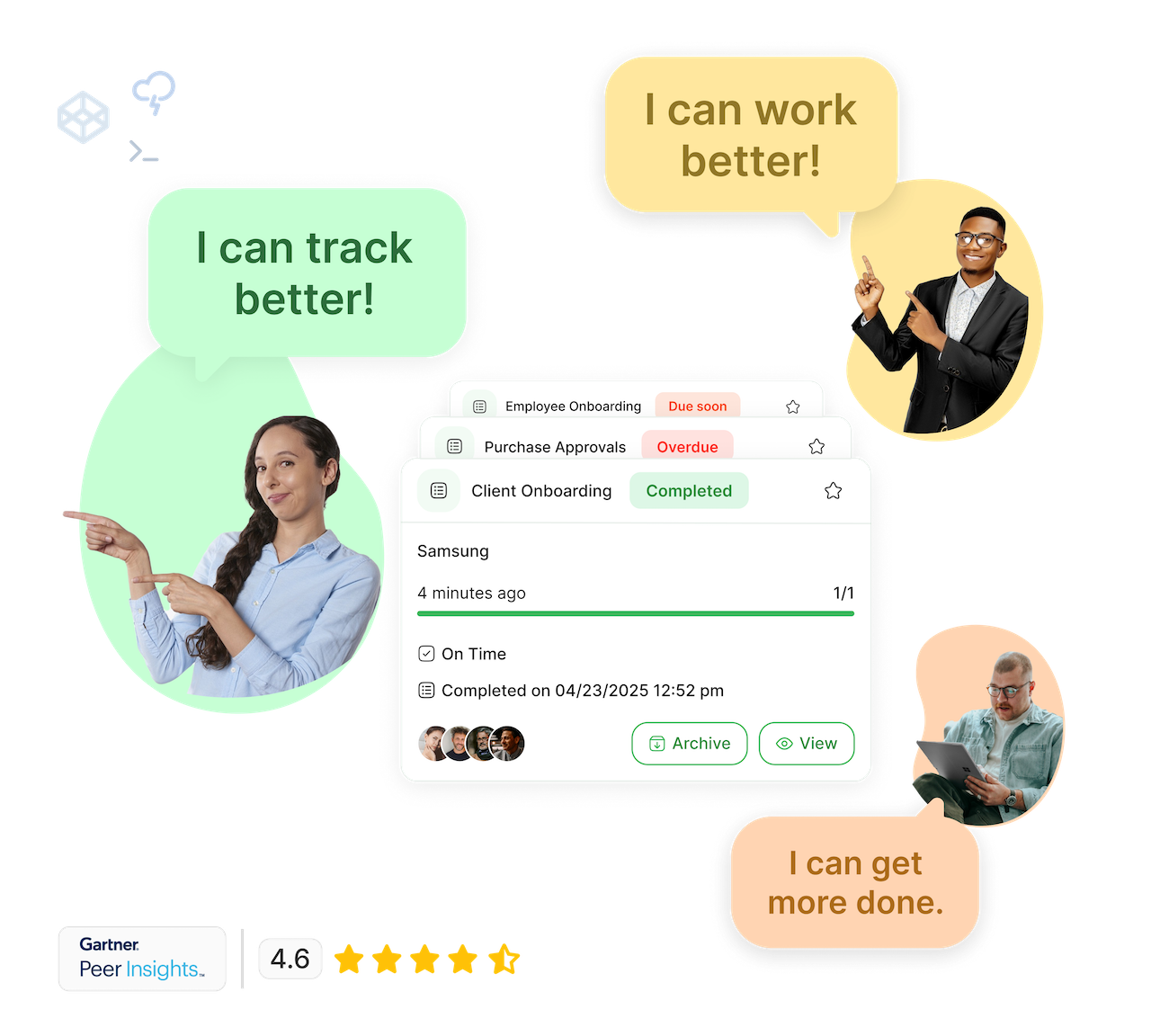
People ❤️ Tallyfy
Simple for everyone. Robust for champs.
"We can finally delegate work with confidence and focus on growing the business.

"Tallyfy has been transformative for us. It's reduced manual errors, sped up processes like onboarding, and helped us document workflows that are critical as we grow. The ability to track tasks and aggregate them in one place saves us so much time and ensures that nothing falls through the cracks.

"A paper-based approval for critical purchases could take a couple of days before if someone was waiting for a director to be available for a signature. Now approvals are often completed in minutes.
"Tallyfy is intuitive, fun and visually appealing. We can quickly gather every detail we need from our client in order to finish it on time. All the documents, specific details and comments are in one place.

"It has become a regular thing that people say 'put that in Tallyfy'. They know it by name. It has become the executive approval tool for our company. We have bi-weekly Tallyfy calls where we review what needs approval and what is pending - it keeps everyone aligned.

"It used to take us two days to run monthly client campaigns, now, with the help of Tallyfy, we complete them in just a few hours!

"Tallyfy is a very reliable way to delegate and track tasks with confidence. It has taken the guesswork out of the equation and has helped our team focus on delivering a service within deadlines. Thank you for making my life much easier!

"Our clients and team sail through the Tallyfy process - there is no need for clients to log in, there is one link for everything they need to do, everything saves in real-time - it all works incredibly well! I can't imagine scaling our agency without Tallyfy.

"Tallyfy has revolutionized how we manage our marketing projects at West Community Credit Union. It allows us to quickly launch tailored campaigns and track every moving part, ensuring nothing falls through the cracks. The ease of creating flexible, repeatable processes has saved us significant time and improved team collaboration.

"Tallyfy transformed how we manage client onboarding and policy renewals. It eliminated inefficiencies, reduced meeting times from hours to minutes, and helped us avoid costly penalties by automating key processes. We now have full visibility over tasks, and I no longer need to chase down updates - it's all right there.

"With Tallyfy, we have seen clarity in our processes as well as any bottlenecks. Tallyfy would be a good fit for any company that has a design, approval and implementation process that needs to have a quick turn around and that is growing fast.

"Tallyfy has helped our team streamline the efficiency of our processes. We now have smooth processes from beginning to end - without any steps being forgotten or skipped.
"If you want to be efficient and scale your business then Tallyfy is the way go. There is no question about it.

"Routing multiple documents is far quicker and there's immediate accountability and oversight. After switching to Tallyfy, routing documents and layouts went from taking over a week to taking just 2-3 days.
"We can finally delegate work with confidence and focus on growing the business.
"Tallyfy has been transformative for us. It's reduced manual errors, sped up processes like onboarding, and helped us document workflows that are critical as we grow. The ability to track tasks and aggregate them in one place saves us so much time and ensures that nothing falls through the cracks.
"A paper-based approval for critical purchases could take a couple of days before if someone was waiting for a director to be available for a signature. Now approvals are often completed in minutes.
"Tallyfy is intuitive, fun and visually appealing. We can quickly gather every detail we need from our client in order to finish it on time. All the documents, specific details and comments are in one place.
"It has become a regular thing that people say 'put that in Tallyfy'. They know it by name. It has become the executive approval tool for our company. We have bi-weekly Tallyfy calls where we review what needs approval and what is pending - it keeps everyone aligned.
"It used to take us two days to run monthly client campaigns, now, with the help of Tallyfy, we complete them in just a few hours!
"Tallyfy is a very reliable way to delegate and track tasks with confidence. It has taken the guesswork out of the equation and has helped our team focus on delivering a service within deadlines. Thank you for making my life much easier!
"Our clients and team sail through the Tallyfy process - there is no need for clients to log in, there is one link for everything they need to do, everything saves in real-time - it all works incredibly well! I can't imagine scaling our agency without Tallyfy.
"Tallyfy has revolutionized how we manage our marketing projects at West Community Credit Union. It allows us to quickly launch tailored campaigns and track every moving part, ensuring nothing falls through the cracks. The ease of creating flexible, repeatable processes has saved us significant time and improved team collaboration.
"Tallyfy transformed how we manage client onboarding and policy renewals. It eliminated inefficiencies, reduced meeting times from hours to minutes, and helped us avoid costly penalties by automating key processes. We now have full visibility over tasks, and I no longer need to chase down updates - it's all right there.
"With Tallyfy, we have seen clarity in our processes as well as any bottlenecks. Tallyfy would be a good fit for any company that has a design, approval and implementation process that needs to have a quick turn around and that is growing fast.
"Tallyfy has helped our team streamline the efficiency of our processes. We now have smooth processes from beginning to end - without any steps being forgotten or skipped.
"If you want to be efficient and scale your business then Tallyfy is the way go. There is no question about it.
"Routing multiple documents is far quicker and there's immediate accountability and oversight. After switching to Tallyfy, routing documents and layouts went from taking over a week to taking just 2-3 days.
Tallyfy vs. Google Forms

AI readiness comparison
How Google Forms and Tallyfy compare on AI-native capabilities
Forms collect data but don't route it. AI agents need the workflow that follows the form, not just the form itself. Tallyfy has a live MCP server with 40+ tools that connects to ChatGPT, Claude, Google Gemini, and Microsoft Copilot Studio.
Which tool is right for you?
Honest comparison to help you make the right choice
Tallyfy is best for
- Teams tired of form data scattered in spreadsheets with no workflow to process it
- Operations requiring automated task assignment and follow-up workflows
- Organizations needing accountability for who handled each submission
- Teams wanting forms that trigger multi-step processes automatically
Google Forms may be better for
- Quick one-off surveys with no follow-up actions needed
- Simple data collection where responses just go to a spreadsheet
- Teams already deep in Google Workspace with basic form needs
Here's why people don't like Google Forms
This is third party content sourced from the public web. You can verify this content if you wish. See our disclaimer and citations section below.
" There are no templates for questionnaires and surveys. No branching and no logic skipping. ... It's quite annoying to have to back up your files into drive, doing Google Forms on mobile is awful. Limited software integration no automatic backup and storage. Limited collaborative tools no offline support...[1] "
" I do not like the lack of aesthetic templates available. How the questions are displayed at times can lack professionalism for businesses who uses their platform....[2] "
" I wish there were better options for exporting the results into a separate document....[3] "
" The feature set here is relatively basic. I wish for more question types and stylistic modifications. And because it is so ubiquitous, it looks like everybody's free form builder. It doesn't boost your brand image.[4] "
" Sometimes it can be a bit tricky to customize it fully to your need and it can give away a bit of lo-fi aura to potential respondents if you are a bigger organization since there are so many personal forms made with this tool and the users are used to get this form from their friends or family, or small organizations, and can expect more custom solution from a bigger organization.[5] "
" The software is designed to "take" only. There is no option to give back ...[6] "
" The Google Forms 'quiz' option has added countless hours to my already busy schedule because it's the opposite of user-friendly. I would much prefer if there was no 'quiz' option at all so that we are not fooled into using an incomplete product.[7] "
" It is not a very good product with respect to the diverse requirements and experience was good but limited to basic implementations with ES type. Lack of API call in es type, bad user experience once deployed, session management is not accurate.[8] "
" Google Forms is terrible for anything complex. The conditional logic is basic at best, and trying to create anything that resembles a professional survey is frustrating. You're better off with literally any other form builder.[9] "
" While free is nice, Google Forms feels incredibly limited when you need to do anything beyond the most basic data collection. No real customization options and the responses just sit there - you have to manually do everything else.[10] "
" Clients complain about forms closing before they can submit if the user clicks any links inside the form. That can be very frustrating and lead to people signing up twice, or not having their information recorded at all.[11] "
" It's cumbersome for respondents who don't have or aren't allowed to use a Google Account. Hospital IT departments blocked access, limiting external survey distribution. The UI also feels tacky compared to professional tools like Qualtrics.[12] "
" The only thing that it is not really suited well for is if you want respondents to be able to see the data and responses that you are receiving from the rest of the respondents. There is no way for users to make it viewable who has signed up for various things.[13] "
- Limited to 30GB storage for file uploads
- Part of Google Workspace
- Part of Google Workspace
- Part of Google Workspace
Tallyfy might not be right for you if...
Tallyfy isn't for everyone. Here's when it may not fit:
- Not free - Tallyfy is a paid product unlike basic Google Forms
- Overkill for simple surveys that do not need follow-up workflows
- Not designed for anonymous public surveys at massive scale
- Requires workflow thinking - if you just need spreadsheet data, Google Forms may suffice
Forms that trigger workflows
Capture data, then act on it automatically
Can Google Forms do enough?
Are you hearing this at work? That's busywork
Enter between 1 and 150,000
Enter between 0.5 and 40
Enter between $10 and $1,000
Based on $30/hr x 4 hrs/wk
Your loss and waste is:
every week
What you are losing
Cash burned on busywork
per week in wasted wages
What you could have gained
160 extra hours could create:
per week in real and compounding value
Total cumulative impact over time (real cost + missed opportunities)
You are bleeding cash, annoying every employee and killing dreams.
It's a no-brainer
Tallyfy does not charge for basic services
Need help? Unlike costly "professional services" for Google Forms - Tallyfy guarantees free 25-minute screen-sharing calls with workflow experts for life.
SCHEDULE A CALL
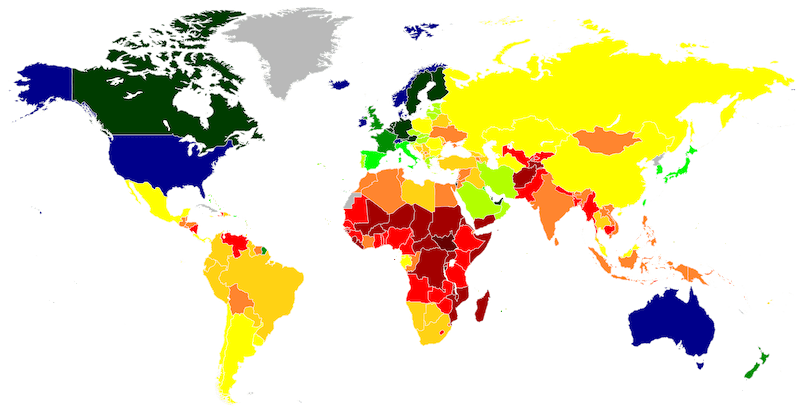
Fair Price Guarantee
If your company is based in a country where the GDP per capita is significantly lower than the USA, we offer a discount on our pricing. This ensures fair pricing for companies worldwide.
FAIR PRICE GUARANTEETallyfy is secure, proven and enterprise-grade
API & Webhooks
Free SSO
Middleware
BI & Data Export
Events & Triggers
AI & Automation
Security
Documents
Analytics & Metrics
Email Integration
Legal & Enterprise
Upgrading from Google Forms to Tallyfy
Most teams set up their first workflow-connected form in under an hour
Automated Migration Tool Available
We provide an open-source migration script specifically for Google Forms users.
View Google Forms Migrator on GitHubExport your Google Forms questions and structure
Share your forms with our team to identify workflow opportunities
We recreate your forms with connected workflow automation
Configure task assignments and automation rules
Start using forms that trigger real work, not just spreadsheet rows
Frequently Asked Questions
What is Google Forms used for?
Google Forms is a basic form builder that lets you create surveys and collect responses. While it's free and straightforward to use, it typically stops at form submission - leaving you wondering what happens next. It's often like submitting your request into a void and hoping someone addresses it. See how Tallyfy launches complete workflows instead of just collecting responses.
Why does Google Forms data end up scattered everywhere?
Google Forms has the same problem as Microsoft Forms - submissions go into a spreadsheet with no workflow to process them. Your data ends up scattered across multiple sheets, email threads, and manual follow-ups. There is no built-in system to route submissions to the right people, track progress, or ensure follow-through. Tallyfy solves this by connecting forms directly to workflows that automatically assign tasks and track every step until completion.
What exactly is Tallyfy and how is it different?
Tallyfy goes far beyond simple form building - it's a complete system that tracks every step in your workflow automatically. Instead of just collecting form responses, it makes sure every submission triggers the right actions, involving the right people at the right time. This typically saves around 2 hours per person daily, while keeping everything organized and trackable.
Why are standalone forms like Google Forms potentially problematic?
Forms are typically just the beginning of any process - not the end. When someone submits a Google Form, there's usually no automatic tracking of what happens next. This often creates a "submit and pray" situation where follow-up tasks can fall through the cracks. Tallyfy fixes this by connecting forms directly to automated workflows that help ensure nothing gets lost.
Does Google Forms offer country-specific pricing?
Google Forms doesn't provide country-specific pricing adjustments. Tallyfy offers thoughtful GDP-based pricing with lifetime discounts for certain countries, making it accessible worldwide regardless of local purchasing power.
How does AI integration differ between these alternatives?
Google Forms doesn't offer extensive AI capabilities. Tallyfy incorporates AI thoughtfully where it matters most. This includes automatic SOP migration, computer-use AI for mouse and keyboard automation, and practical workflow improvements - not just generic chatbot responses that add little value.
How does process improvement work in each system?
Google Forms doesn't offer built-in process improvement capabilities. Tallyfy features an elegant system where users can leave comments that go directly to process owners, creating a continuous improvement cycle that's simple yet effective.
What happens after form submission in each tool?
With Google Forms, submissions typically land in a spreadsheet - that's often it. Tallyfy changes this by automatically triggering the next steps, assigning tasks, and tracking progress through completion. It's the difference between hoping something happens and knowing it will.
How can I see real customer reviews of Tallyfy?
You can check out our customer success stories and reviews at Tallyfy's customer stories page. These showcase real-world examples of how organizations have transformed their workflows by moving beyond simple forms to tracked processes.
Does Tallyfy offer a free trial?
Yes, Tallyfy offers a flexible trial period customized to your needs. To get started with your trial, schedule a demo where we will set up your instance and ensure you are ready to succeed.
How do I get started with Tallyfy?
Ready to move beyond basic forms? Book a demo to see how Tallyfy can transform your workflows from "submit and pray" to "submit and track."
Why do organizations with complex processes struggle with free form tools?
University administration teams and government departments often start with free tools like Google Forms for intake requests, then discover they need multi-party coordination that forms cannot provide. One university team needed to coordinate travel requests between travelers, approvers, fund managers, and multiple compliance departments - Google Forms could collect the initial request but offered no way to track the approval chain or ensure the right people signed off at each stage.
What is the hidden cost of free form builders for operations teams?
Free form tools create a hidden cost through manual coordination time. Property management teams, nonprofit organizations, and professional services firms consistently report spending hours chasing form responses through email, manually routing documents, and following up on stalled requests. One property management operation discovered they needed mobile-accessible workflows that field staff could complete on-site - something spreadsheet-based form responses could never provide.
References and Citations
- [1] Google Forms review on Capterra (February 2025)
- [2] Google Forms review on Capterra (February 2025)
- [3] Google Forms review on Capterra (February 2025)
- [4] Google Forms review on Capterra (February 2025)
- [5] Google Forms review on Capterra (February 2025)
- [6] Medium article about Google Forms limitations (February 2025)
- [7] Reddit discussion about Google Forms (February 2025)
- [8] Google Forms review on Gartner (February 2025)
- [9] Reddit discussion about form builders (February 2025)
- [10] Google Forms review on Product Hunt (February 2025)
- [11] Google Forms problems on Jotform Blog (January 2025)
- [12] Google Forms review on TrustRadius (January 2025)
- [13] Google Forms review on SoftwareReviews (January 2025)
4 alternatives to Google Forms
Explore other alternatives to Google Forms
Jotform
Online form builder without workflow automation
- Forms only, not processes
- No workflow tracking
- Limited automation
Typeform
Attractive forms that do not solve workflow problems
- Style over substance
- Expensive for volume
- No process capability
Microsoft Forms
Simple forms that create data management nightmares
- Minimal features
- Microsoft ecosystem needed
- No processes
Cognito Forms
Form builder with basic workflow features
- Forms-only limitation
- Small vendor
- Basic capabilities
Tallyfy is a far better alternative to Google Forms
Ready to switch from Google Forms?
See how Tallyfy can transform your workflow management
Schedule a Demo
Ready to switch to a better workflow solution?
See why teams choose Tallyfy over the competition
DISCLAIMER OF AFFILIATION, ACCURACY & LIABILITY
This page is an independent, good-faith comparative review prepared by Tallyfy, Inc. ("Tallyfy") and is based on publicly available information, third-party reviews, and vendor materials current as of March 2026. The content is offered "AS IS" for general informational purposes only and does not constitute professional, technical, or legal advice.
- • No Affiliation. Tallyfy is not affiliated with, endorsed by, or sponsored by Google LLC. "Google Forms" and related logos are trademarks or registered trademarks of Google LLC; all such marks appear solely for nominative, comparative reference permitted under the Lanham Act and the doctrine of nominative fair use.
- • Dynamic Information. Features, service levels, and pricing change frequently and may have changed since the compilation date. Users should verify current offerings directly with each vendor before making purchasing decisions.
- • Opinion & First-Amendment Protection. All statements constitute Tallyfy's opinion or commentary, which is protected speech when truthful and non-misleading.
- • No Warranties; Limitation of Liability. Tallyfy disclaims all warranties-express or implied-including accuracy, completeness, merchantability, and fitness for a particular purpose, and will not be liable for any loss or damage arising from reliance on this content.
- • Overall Website Terms. Your use of this website is subject to our terms and conditions.