
Summary
- A full Pega migration isn’t the goal, and chasing one wastes your effort - Pega is a model-driven platform for case management and decisioning, built for big enterprises in finance, insurance, and government. None of that engine moves to Tallyfy. What does move is one sliver: the human approvals that got modeled in Pega but never needed it.
- You can package the application, but only to move it inside Pega - a product rule exports as a RAP archive, short for Rule-Admin-Product, zipped for another Pega system. Deployment Manager then promotes it across your own environments. Nothing comes out in a shape another vendor could load, so this is a re-author.
- Tallyfy complements Pega, it doesn’t replace it - keep Pega for case management, the rules engine, and Customer Decision Hub. Move the lightweight sign-offs to a tool a business user can change without a certified developer.
- Scope it to one approval first, then run both side by side - pick a single human workflow, rebuild it, parallel-run it. Book a 30-minute migration walkthrough and we’ll help you draw the line.
Migrating from Pega to Tallyfy starts with a hard truth most migration guides dodge: you can’t really migrate Pega, and for most of it you shouldn’t want to. Pega is a model-driven platform for case management and decisioning, the kind of system a bank runs claims on or an insurer runs underwriting on. Tallyfy doesn’t replace that engine, and trying would wreck the project before it began. So the honest version of this guide is deliberately small. It’s about the slice of Pega that’s just human approvals and sign-offs, the work that ended up on an enterprise platform because that’s where the license already sat.
That slice is real, and it’s usually larger than people guess. A credit-line increase waiting on a manager’s yes. A vendor exception that needs a director. The little review-and-approve flows that got modeled in Pega next to the serious case types. Those lift out cleanly.
Anything wired into the decisioning engine, the rules, or a genuine case lifecycle stays exactly where it is. Telling one from the other is the entire job, and it’s the same judgment call you face in any honest shortlisting workflow software exercise.
Why teams move off Pega
Pega is a powerful platform, and it’s only fair to say that before talking about leaving any corner of it. For model-driven case management at enterprise scale, with decisioning and next-best-action built in, few tools match it. That said, the organizations that genuinely need that depth usually aren’t the ones reading a migration guide. The friction lives somewhere else.
Approvals Made Easy
It shows up at the edges, where the platform meets ordinary work. Someone in finance or operations has a three-step sign-off to run, and the only workflow tool with a seat already paid for is Pega. So the approval process gets modeled there too. Now a plain yes-or-no lives inside a system that needs a Pega-certified developer to change, priced and shaped for case management it will never touch.
What nobody warns you about leaving a platform this large is how much of what’s modeled in it isn’t really case work. Plenty of those flows are really human approvals in expensive clothing: a messy form, a couple of sign-offs, a notification at the end. They don’t need a rules engine. Their natural home is somewhere the people who run them can edit a step directly, without the file-a-change-request-and-wait-a-sprint loop.
So what’s the real aim in moving?
To get the plain human approvals out from under the engine, so the people who own them can run and adjust them without a developer in the loop. Nothing grander than that.
What a Pega export actually gives you
Here’s the detail that decides how the move really works: Pega lets you package an application, but the package is built to stay inside Pega. That distinction shapes everything that follows.
When you bundle an application to migrate it, you build a product rule. Pega packages that as a RAP archive, short for Rule-Admin-Product, a ZIP or JAR file holding the rulesets, data, and objects that make up the app. It’s a real export, and it’s the standard way Pega applications travel. The catch is where they travel to. Deployment Manager promotes that archive across your own environments, development to testing to production, along what Pega calls a Route To Live. That’s a deployment pipeline, not a portability path.
So nothing leaves Pega in a form another vendor’s tool can read. A RAP file is Pega-shaped, and only another Pega system reads it, the way a file saved by one program rarely opens in a different one. Which makes the move a re-author: you read the case type and its flow to see the human steps, then build those by hand in Tallyfy. For a developer-grade case type that’s serious work, which is the whole reason to keep it in Pega. For a plain approval it’s quick, because once you set the platform aside there wasn’t much underneath.
There’s an upside folded into that, though. The flow you open to understand an approval is, in effect, the spec. It spells out each human step, who signs off, and the order things run in, which is exactly what you need to build the same thing again. You’re not prying open a black box. You’re reading a model and recreating the people-part of it somewhere the people can own it.
How Pega concepts map to Tallyfy
On the human-approval slice, the mapping runs direct, since those flows were only ever people and steps. The skill is keeping the orange parts out of the move.

| Pega element | Tallyfy concept | Notes |
|---|---|---|
| Case type (human subset) | Blueprint | Only the human-approval flows |
| Stage | Step Group | A phase of the flow |
| Flow action / form | Kick-off form | How a request starts |
| Assignment | Step | A single unit of work |
| Approval flow action | Approval step | The sign-off |
| Work group / operator | Group | Who picks up the task |
| Decisioning / Decision Hub | Out of scope | Stays in Pega |
| Rules engine | Out of scope | No home in Tallyfy |
| App Studio app layer | Out of scope | Platform-bound |
Walk through a real one. Picture a customer dispute review in Pega: an agent opens a case, a flow action captures the dispute details, it routes to a supervisor for a sign-off, and once approved the case moves toward resolution. In Tallyfy the human spine of that becomes a blueprint where the form that opens the request captures the same details, an approval step routes to the supervisor, and a final step records the outcome. The shape is identical. What you leave behind is the case itself, the decisioning that scores the dispute and the rules that drive next-best-action, because that’s Pega’s job, not Tallyfy’s.
Now the reverse case. A dispute case that pulls a risk score from the decisioning engine, applies a dozen business rules, and writes to a system of record isn’t a candidate. There’s nothing you can cleanly pull out as a human workflow, and the decisioning is the entire point. A regulated loan approval workflow with scoring and compliance logic sits in the same bucket. Those stay in Pega.
A realistic migration timeline
Give it a few weeks, and spend the first one drawing a line rather than building anything.
Week one is a sorting pass. Walk your Pega case types and split them in two: the ones that are genuinely human approvals, and the ones that are really applications with a sign-off bolted on. That first set is the migration. The rest stays exactly where it is, and holding that boundary firmly is what keeps the move small and honest.
Week two is the first rebuild. Read the case type and its flow, then recreate that same sequence as a Tallyfy blueprint by hand, since nothing imports. Pick one high-volume sign-off, get the form fields, the approval chain, and the routing right, and resist the urge to do five at once.
Then run the two in parallel. Leave the Pega version handling its work while the rebuilt one takes real requests on a single team, so the owners can watch it hold up before anything gets switched off. Since you’re moving simple approvals and leaving the platform intact, this stays a contained project, not a migration of everything Pega does.
From there it’s a gradual roll-out, not a day where everything flips at once. As soon as a team trusts the rebuilt approval, new requests open in Tallyfy, the in-flight Pega cases close out on their own, and you pick up the next item on the triage list. Pega keeps running its case work throughout, so the platform is never at risk while you lift the approvals off it one at a time.
What Tallyfy won’t replace
Of everything on this page, one boundary matters most: Tallyfy is not a case-management or decisioning platform, and it isn’t pretending to be.
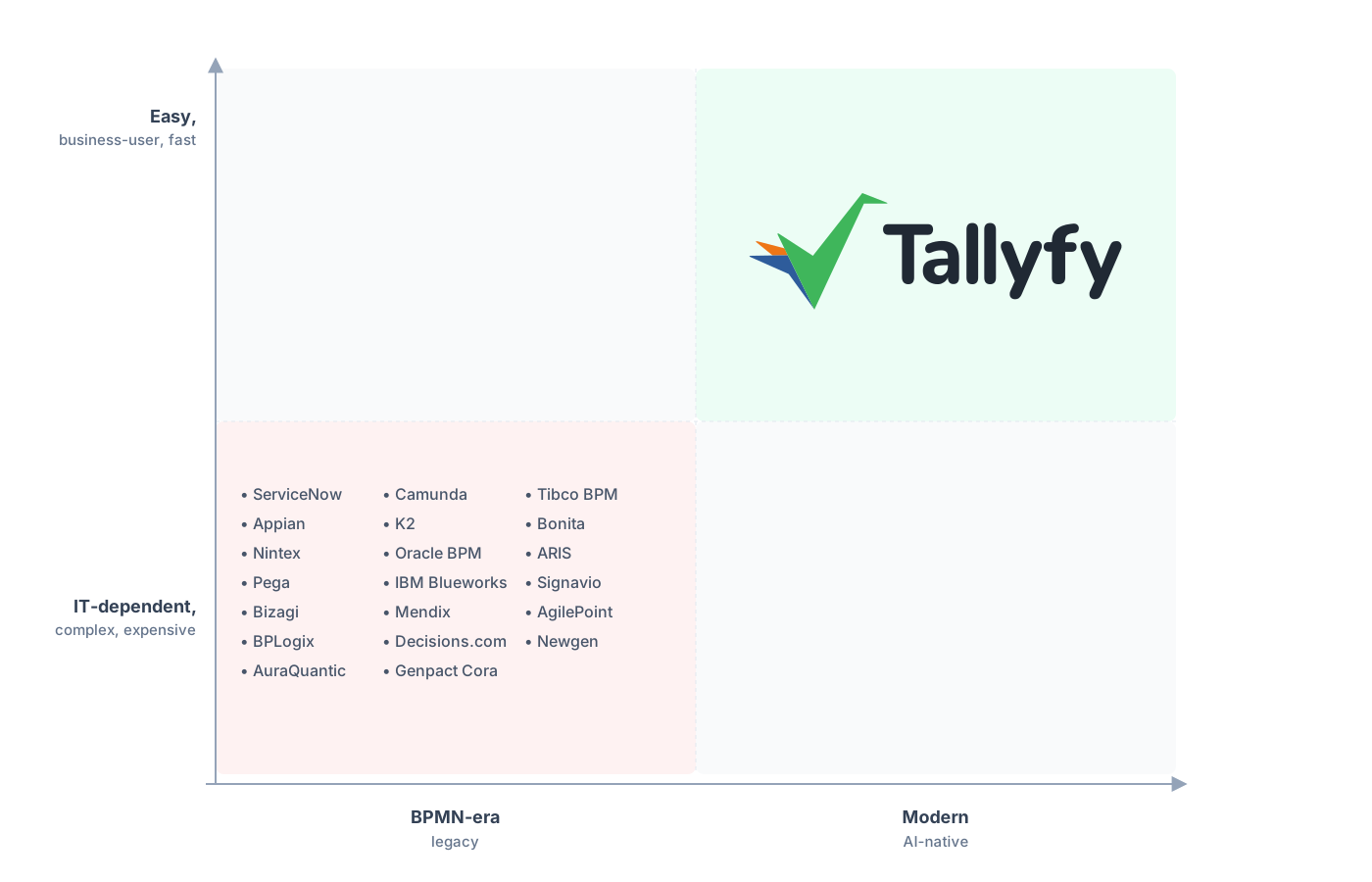
A heavyweight platform turns every process into something only developers can touch. Tallyfy gives it back to the people who actually run it.
Tallyfy doesn’t do model-driven case management. It has no decisioning engine, no Customer Decision Hub, no next-best-action scoring, no rules engine, and none of the App Studio machinery Pega is built around. It won’t run the integrations that tie Pega into your core systems, and it won’t host the case applications your team built. If any of that is in play, Pega stays, and that’s not a close decision. That’s the heart of what Pega does, and it isn’t what Tallyfy is for.
The layer Tallyfy owns is the human one: forms, approvals that gate the next step, sequential steps, and rules a business user can adjust without a developer. That’s why it sits beside Pega rather than competing with it. Run your case management and decisioning on Pega. Run the cross-team sign-offs that never needed an engine on Tallyfy. Make one tool carry both jobs and you land right back where you started: simple approvals stuck inside enterprise software.
Common questions about migrating from Pega
Can I move my whole Pega setup to Tallyfy?
Can I export my Pega applications to another tool?
Which Pega workflows are worth moving?
How long does a scoped Pega migration take?
How does the pricing compare?
Not committed yet, just weighing the options? Our Pega alternative comparison lays out the full argument for pulling your approvals off a case-management platform. That page covers the why; this one is the how, without breaking the case work you keep.
Once you’re ready to scope it, start with a quick call: we read your case types together, separate the human approvals from the genuine case work, and confirm which ones rebuild cleanly in Tallyfy.
Book a 30-minute migration walkthrough and bring the sign-offs your team runs by hand. Those are the cases where the platform line is easiest to draw.
